Dock Slides

Your best deck.
Built for every buyer.

Give reps a faster way to create on-brand presentations with AI.

Revenue teams love Dock

CursorNumericZipTransfrPostscript

Approved slide templates

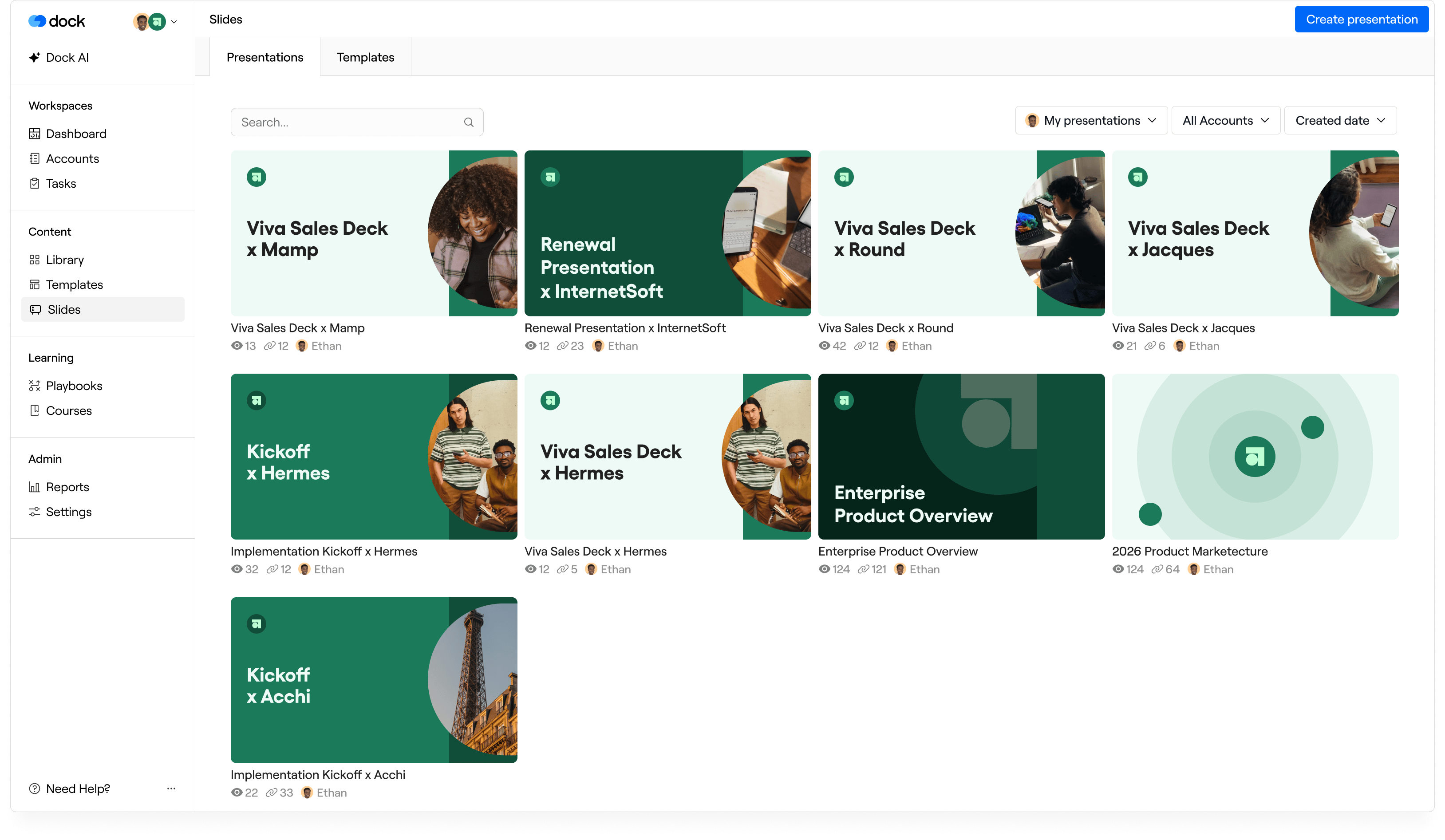
One source for
your team’s best slides

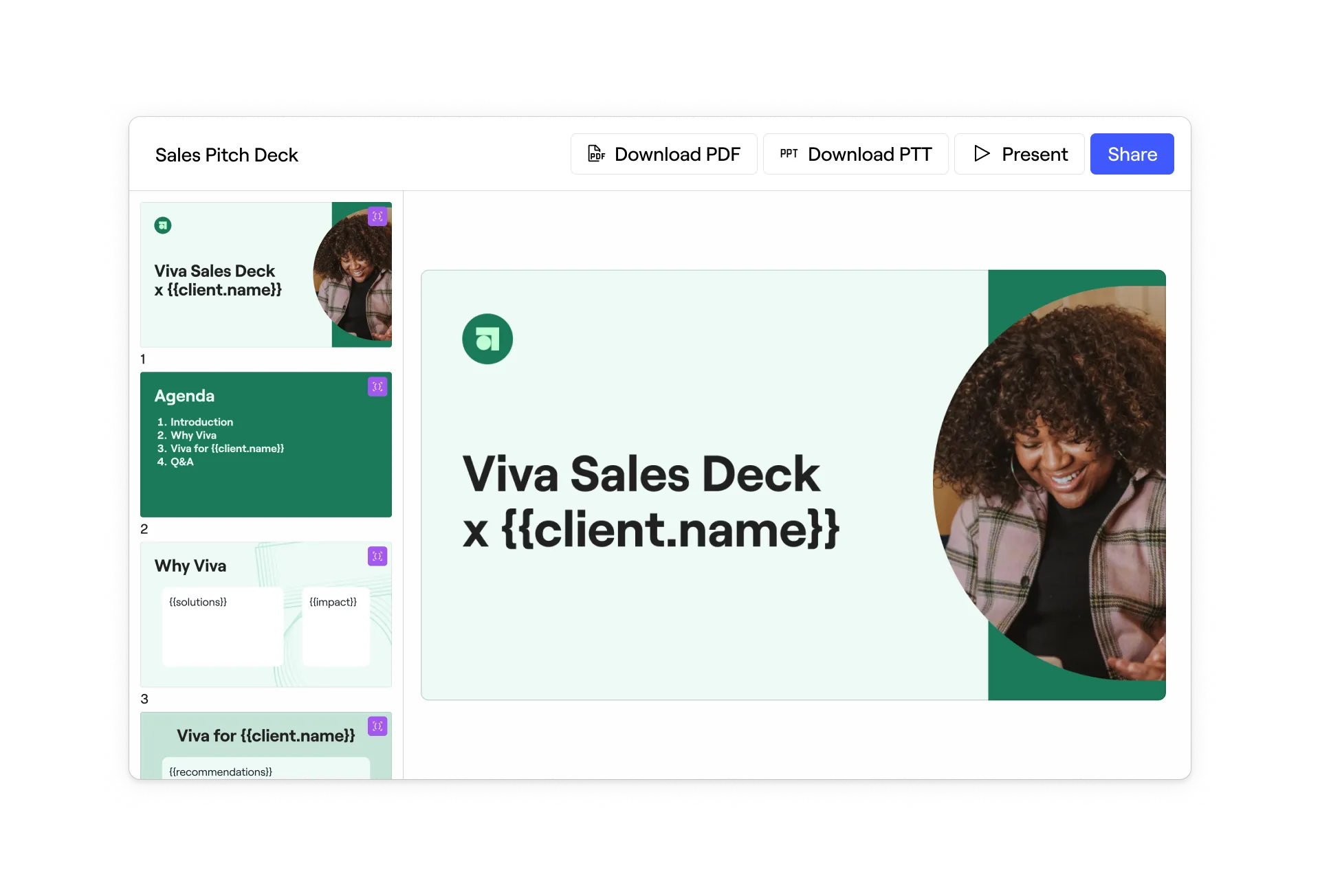
Give your team a clear starting point. Keep the design consistent while making room for the details that matter.

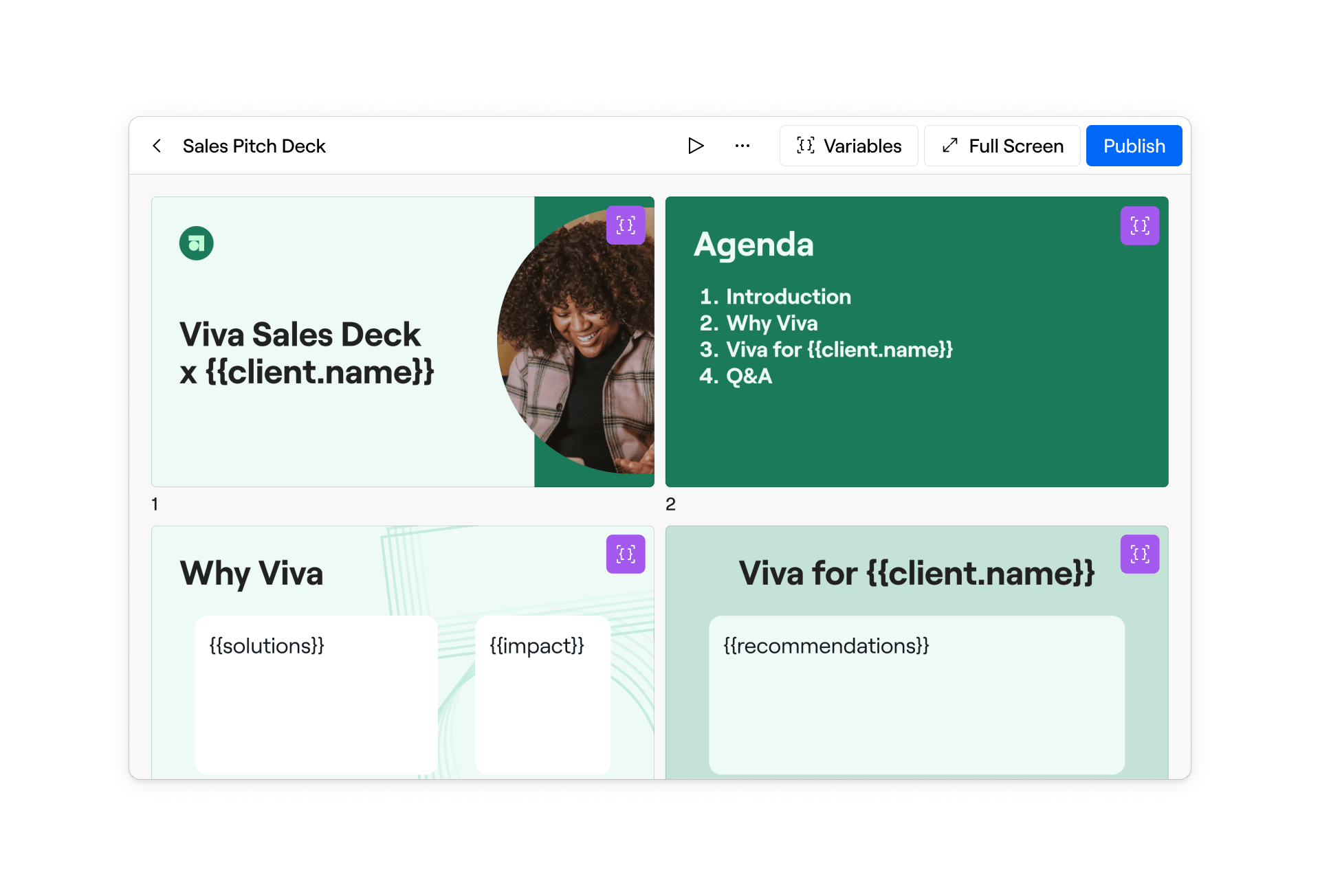
Keep your story intact

Define the text and images reps can change. Keep the rest of your template protected.

Keep every deck current

Resync a template to update the presentations linked to it.

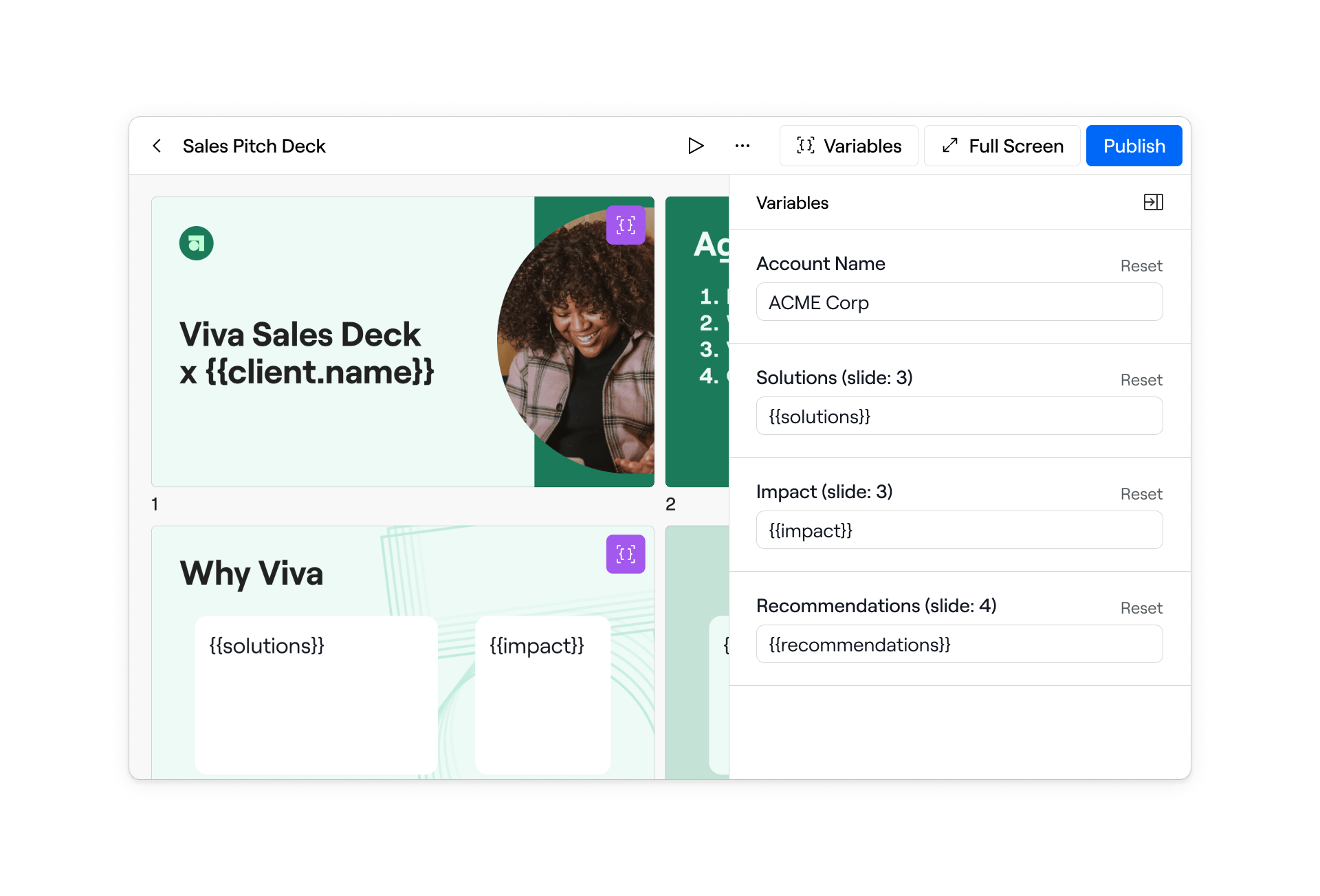
Make it personal

Bring in the account details, discovery notes, and context that make each pitch relevant.

A faster way to prepare

From template to
client-ready in minutes

Pick a template, connect the account, and make it relevant. Your next presentation starts with your best work.

Put the story in order

Arrange slides around the conversation you want to have.

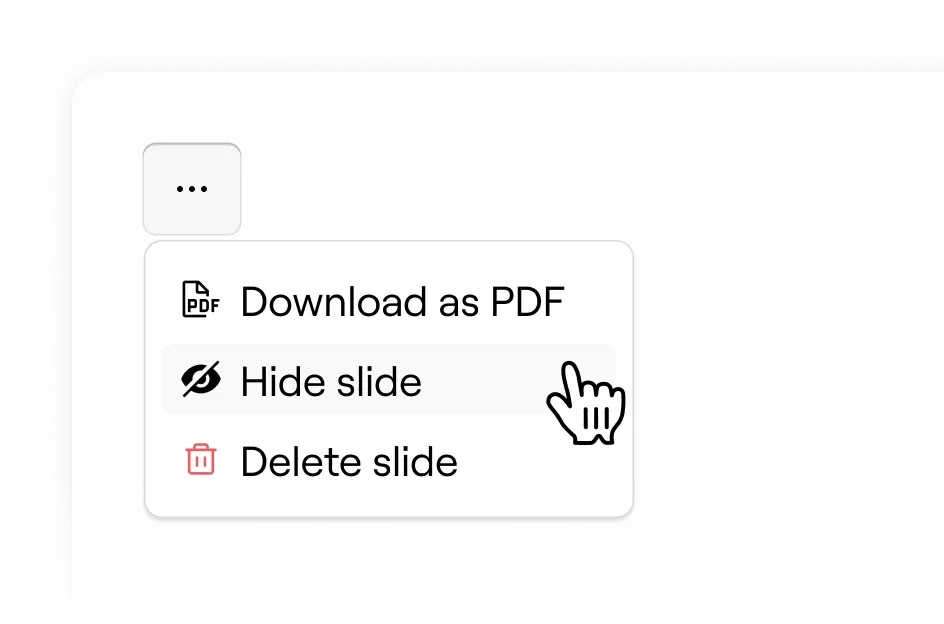
Keep what matters

Hide or remove slides that are not relevant to the buyer.

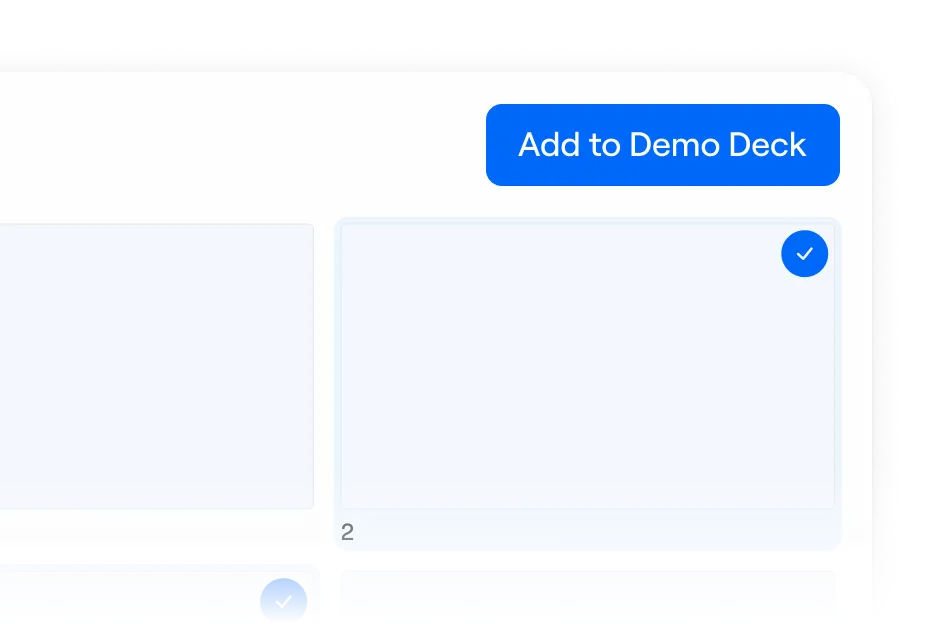
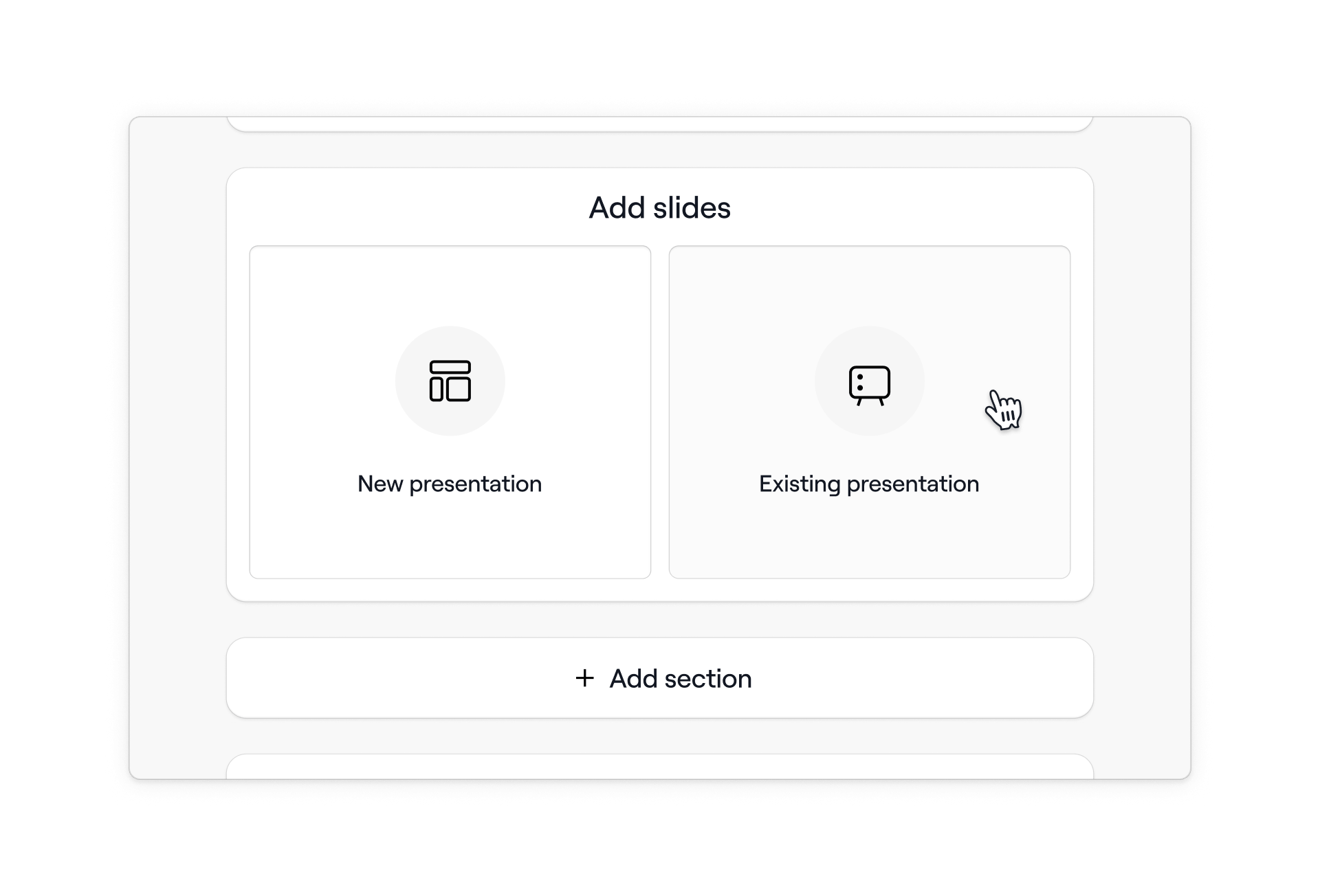
Bring in the right proof

Add approved slides from other templates, like customer stories or product deep dives.

Share it your way

Ready for the conversation.
Easy to pass along.

Keep your presentation connected to the deal, wherever your buyer needs it.

Send one link

Share a trackable presentation link so buyers always have a place to return to.

Add it to a sales room

Bring the deck into a Dock workspace with your proposal, resources, and shared plan.

Take it with you

Export your presentation as a PDF or PowerPoint when you need a file.

Presentation insights

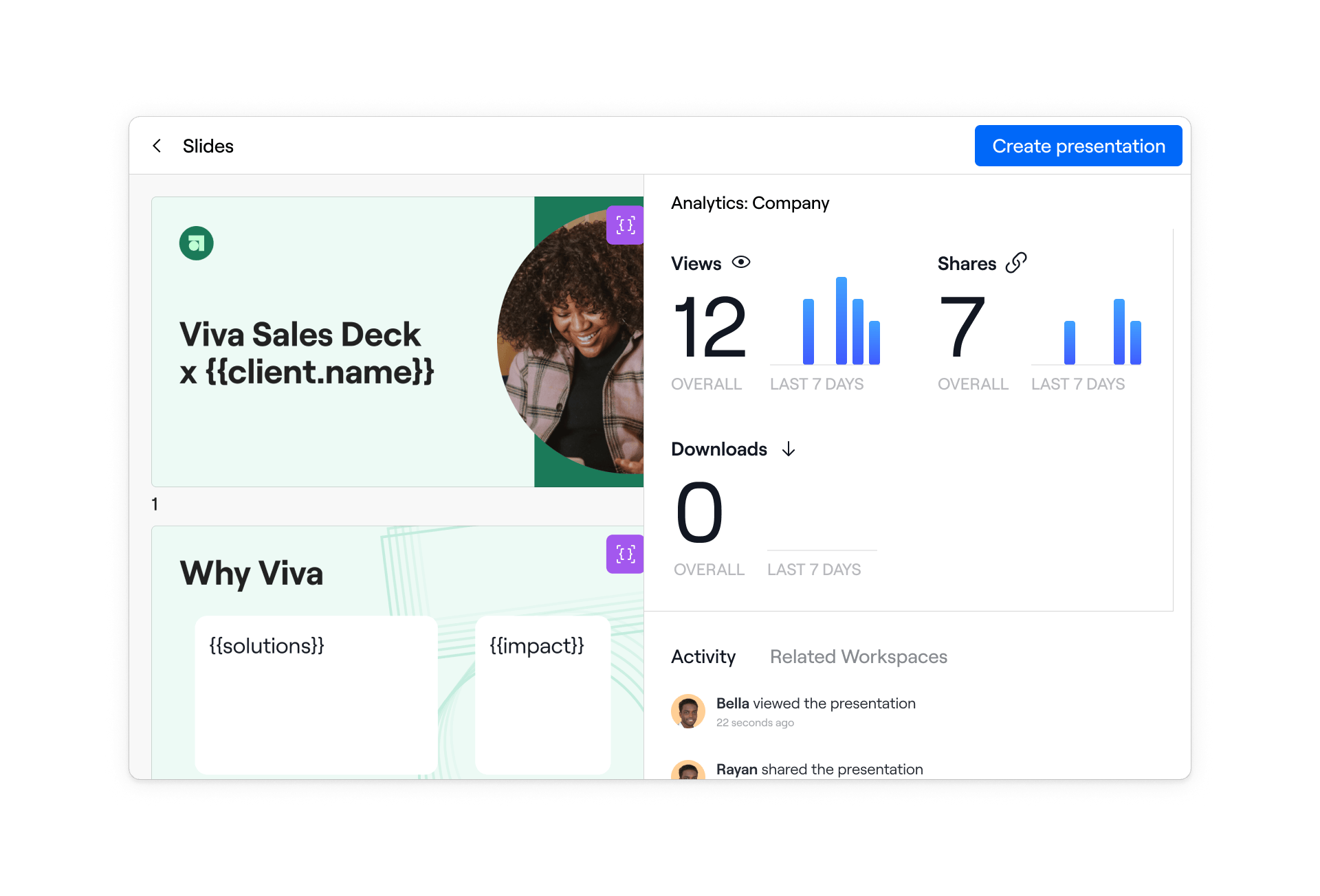
See what gets shared.
Know what gets attention.

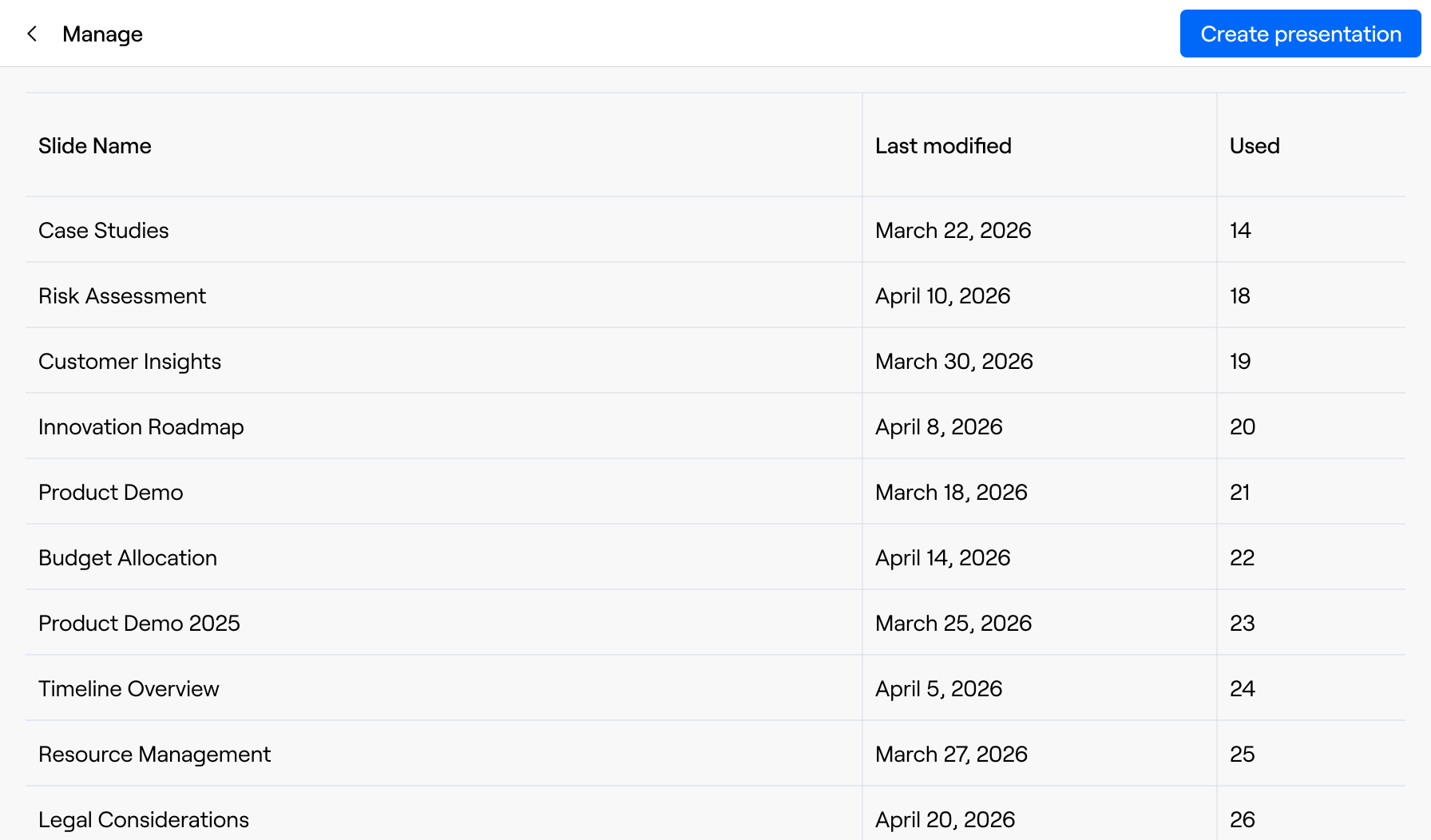
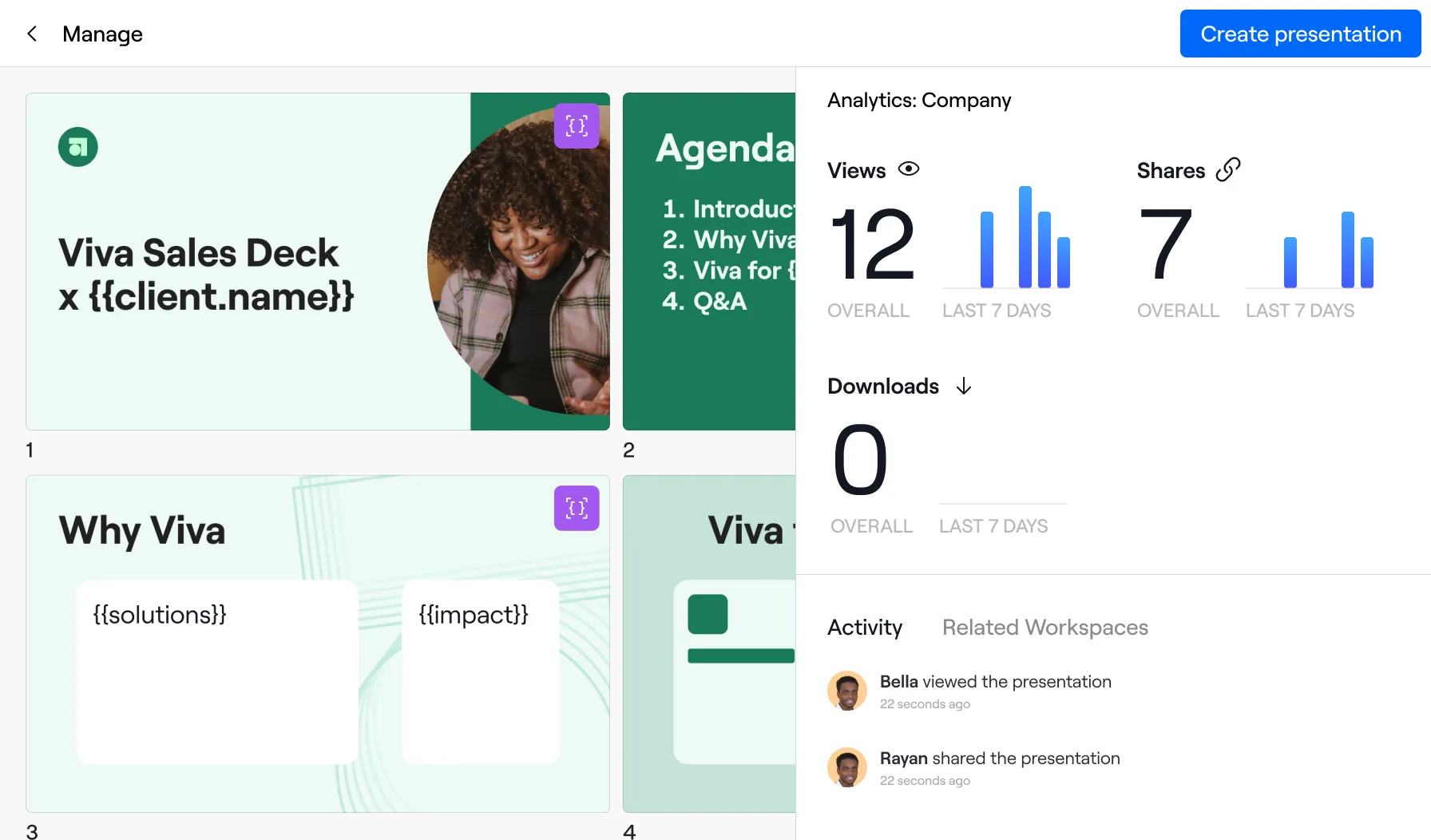
Understand which templates your team uses and how buyers engage with each presentation.

Part of the bigger picture

Keep the deck
with the rest of the deal

Bring the right presentation, content, and next steps into one connected buyer experience.

Frequently asked questions

Need more information?

Contact our sales team
What is Dock Slides?

Dock Slides helps Sales and Customer Success teams create personalized presentations from approved templates. Marketing and Enablement control the template while reps tailor the details for each customer.

Can I use our existing presentations?

Yes. Bring in presentations from PowerPoint, Google Slides, or PDF and make them available as templates for your team.

What can reps personalize?

Your team defines the editable text and image fields. Reps fill in those fields for the account, while the rest of the template stays protected.

Can I update presentations after a template changes?

Yes. Resync the template to update its linked presentations, so your team can keep using the current version.

How can I share a presentation?

Share a presentation link, add it to a Dock workspace, or download it as a PDF or PowerPoint.

Can I see how buyers engage with a presentation?

Yes. Review views, shares, downloads, and time spent on slides. You can also see which templates your team uses to create presentations.

Want a deeper tour of Dock?

Book a demo with our team
for a personalized demo.

Request Demo