Product
Sales
Sales Deal Rooms
Sales Order Forms
Customer success
Customer Onboarding
Client Portals
Content
Content Management
Slides
Learning
Learning Management
Playbooks
Roleplay
AI
Dock AI
AI Agents
Buyer AI Chat
Dock MCP
Integrations
Salesforce
HubSpot
Chrome Extension
API
All integrations
Pricing
Customers
Resources
Dock
Product Updates
Templates
Grow & Tell
Podcast
Newsletter
Learn
The Revenue Lab Blog
Webinars & Events
The Revenue Archives
Topics
Sales
Customer Success
Marketing
Enablement
Log in
Request Demo
Start for free
Menu
Dock Chrome Extension
Use Dock without
opening a new tab
The Dock Chrome extension puts your content, workspaces, and AI assistant only one click away in Gmail, LinkedIn, your CRM, or anywhere else you work.
Get the Chrome Extension
→
Grab any Dock link in a few clicks
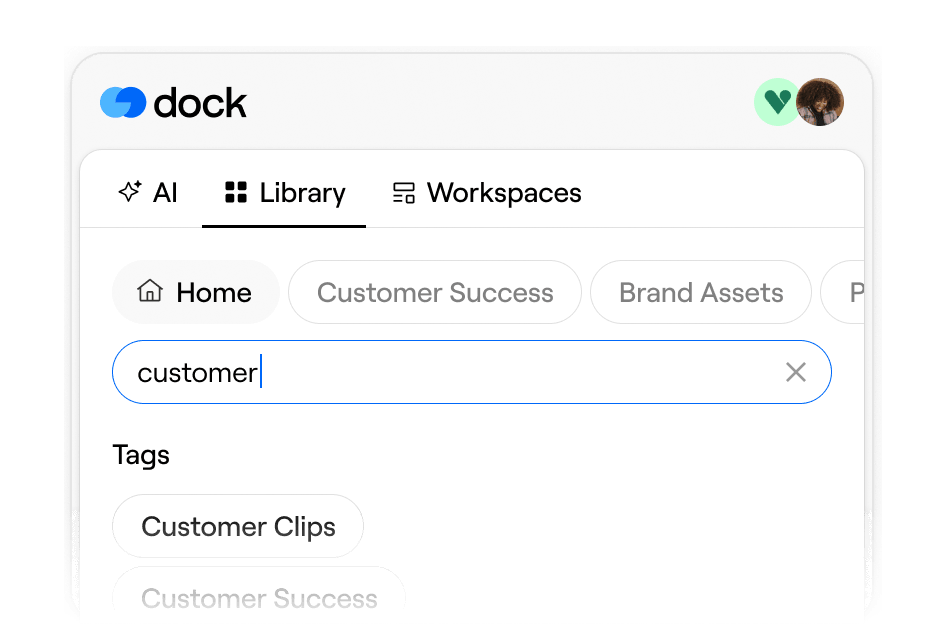
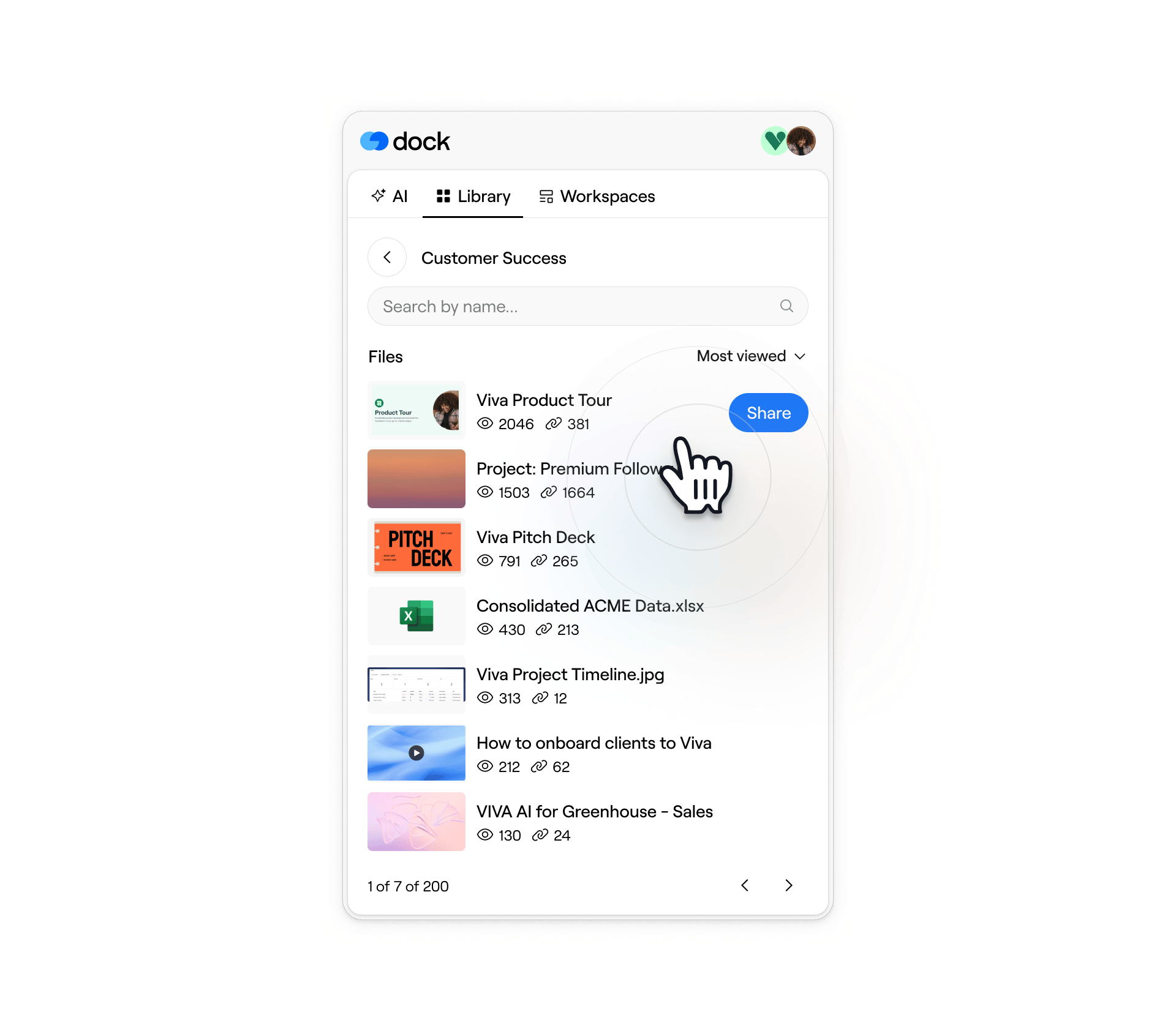
Library assets
Search your Dock Library by file name or tag, sort by most viewed or most shared, and copy the share link without leaving your current tab.
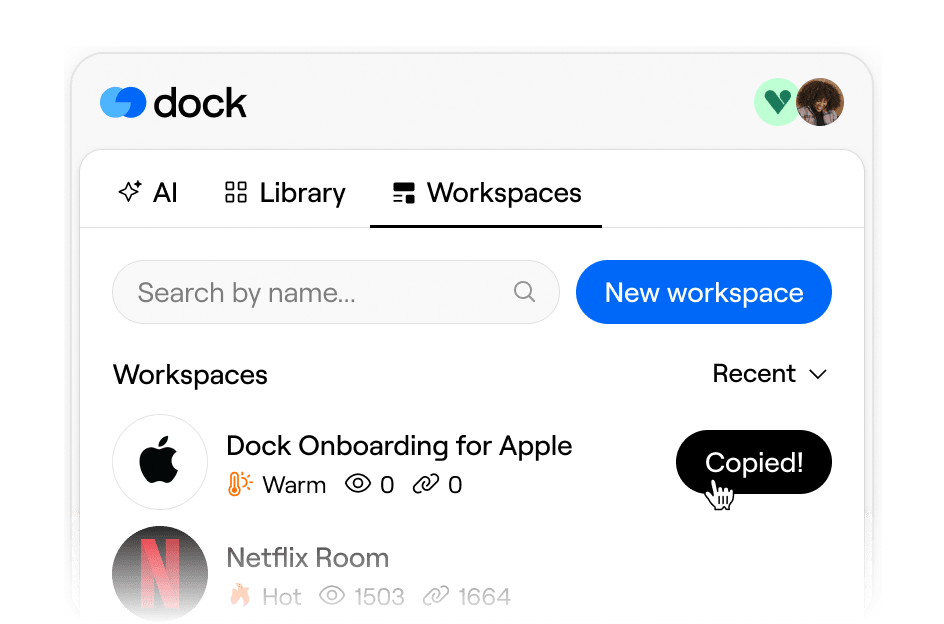
Dock workspaces
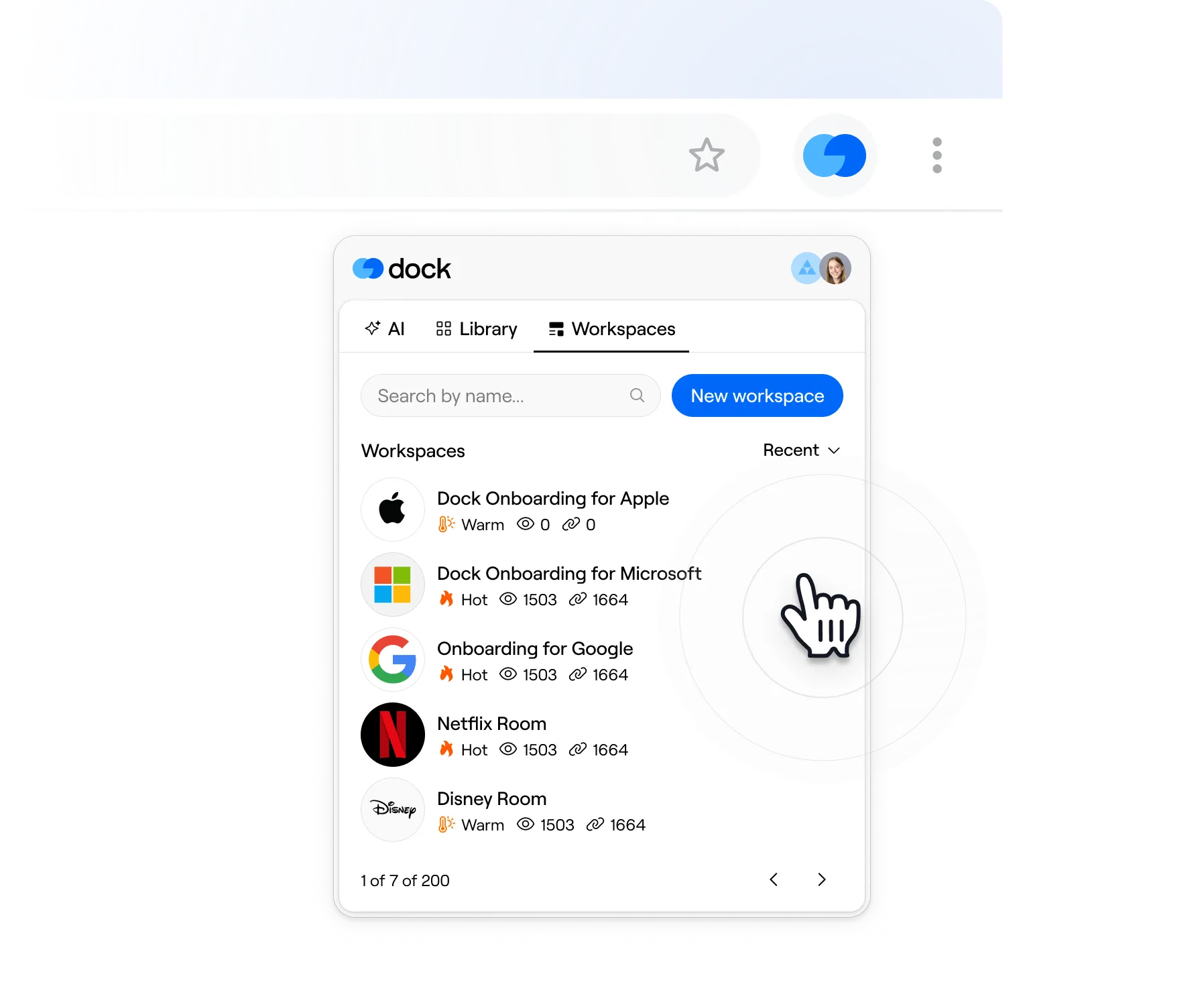
Create a new client workspace from a template or grab a link to an existing workspace—right from the extension.
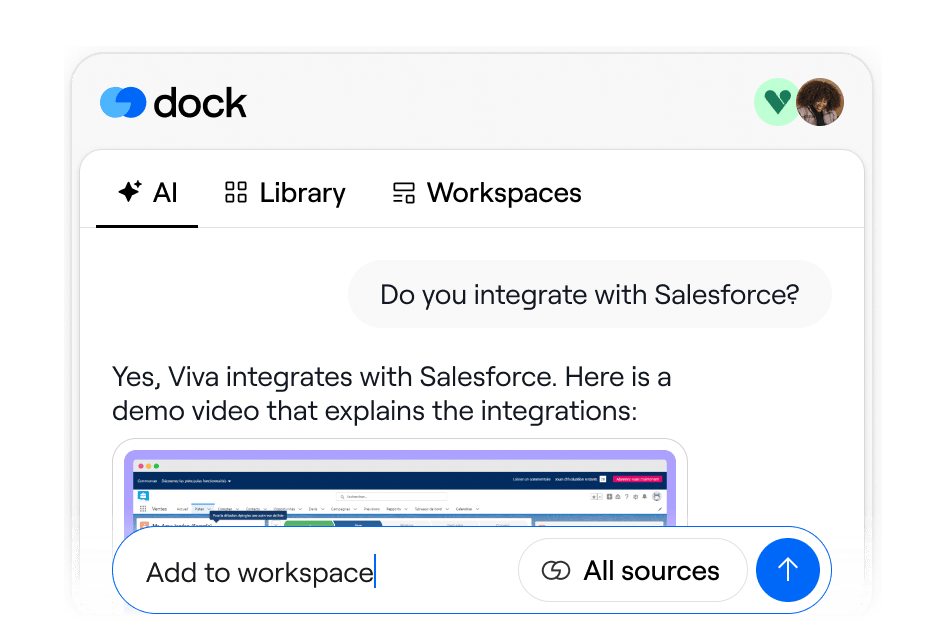
Dock AI assistant
Get the full Dock AI assistant experience. Ask product questions, draft follow-up emails, summarize calls, and more.
Get started in 3 quick steps
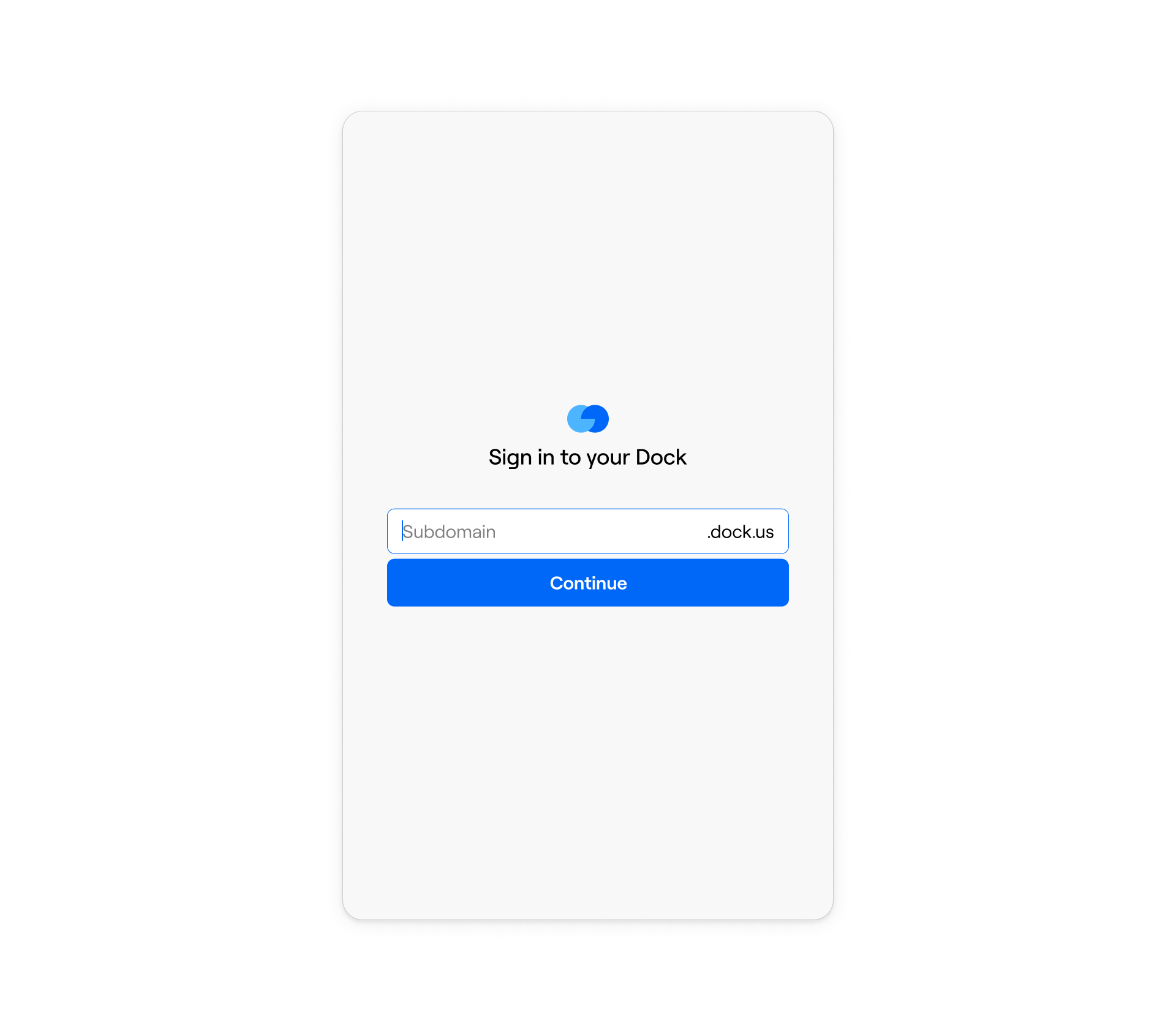
1. Download the extension
Add the extension to Chrome
and sign in with your Dock account.
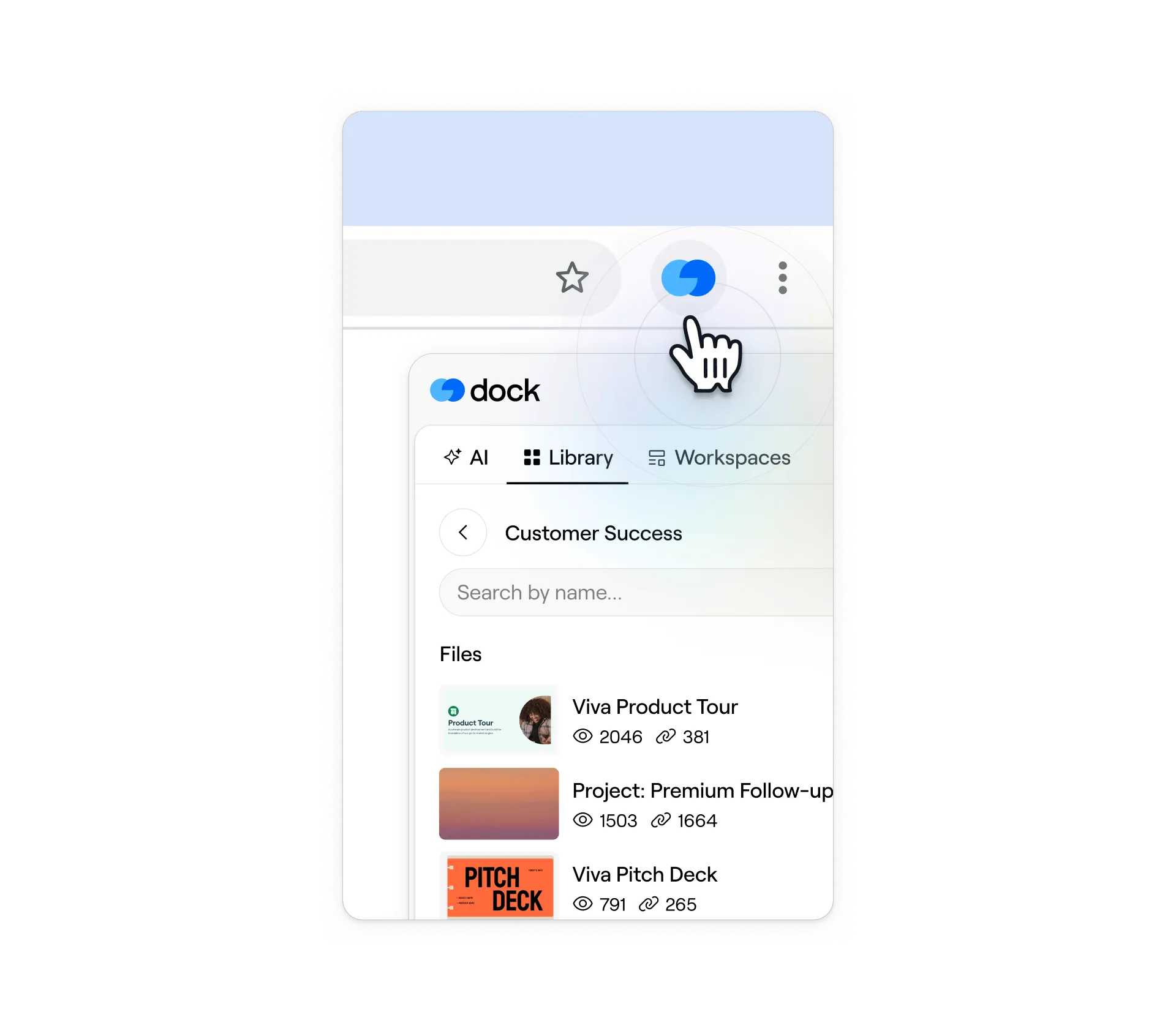
2. Click the Dock icon
Access the extension from your browser toolbar any time you need an asset link or want to create a workspace.
3. Grab what you need and go
Copy an asset link, create a deal room, or ask Dock AI—then get back to the deal.
Want to demo Dock?
Book a demo with our team for a personalized tour.
Request Demo