
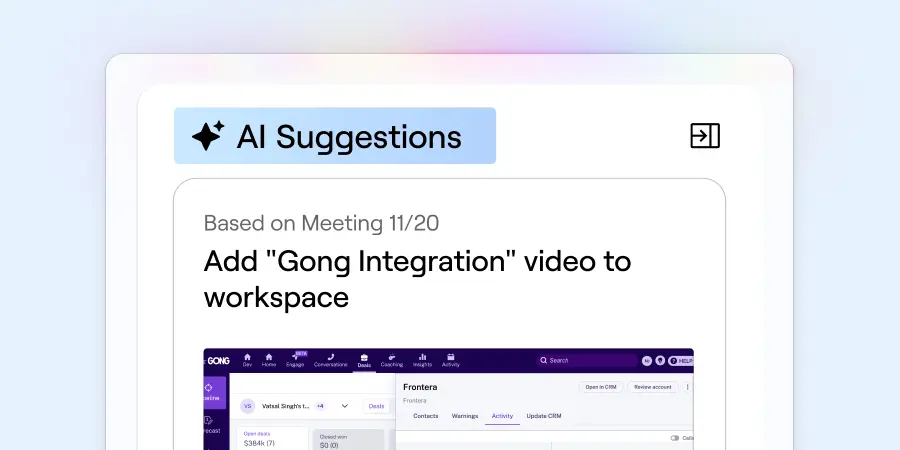
Get AI-powered suggestions that keep your Dock workspaces up to date after every customer call.
Dock AI now suggests updates to a client's workspace—whether it's a sales deal room, onboarding hub, or client portal—based on recent calls.
Think of it as a post-call assistant that catches the things your reps would otherwise forget to update (or never get around to). After a call, Dock AI can suggest:
- Library content to share based on what was discussed
- Follow-up tasks to add to your action plan
- Contact cards for new stakeholders mentioned on the call
The result: Your buyer gets follow-up that feels more personalized and white-glove, with minimal extra effort from your team.
How Dock AI suggestions work
When a customer call is recorded and synced to Dock, Dock AI reviews the conversation and generates suggested updates for the workspace tied to that account.
AI suggestions are currently supported for HubSpot Meetings, Gong, Fathom, and Chorus.
If there are any suggestions generated, you'll see an "AI suggestions" button in the top right corner of the workspace editor. From there, you can accept or reject each suggestion.
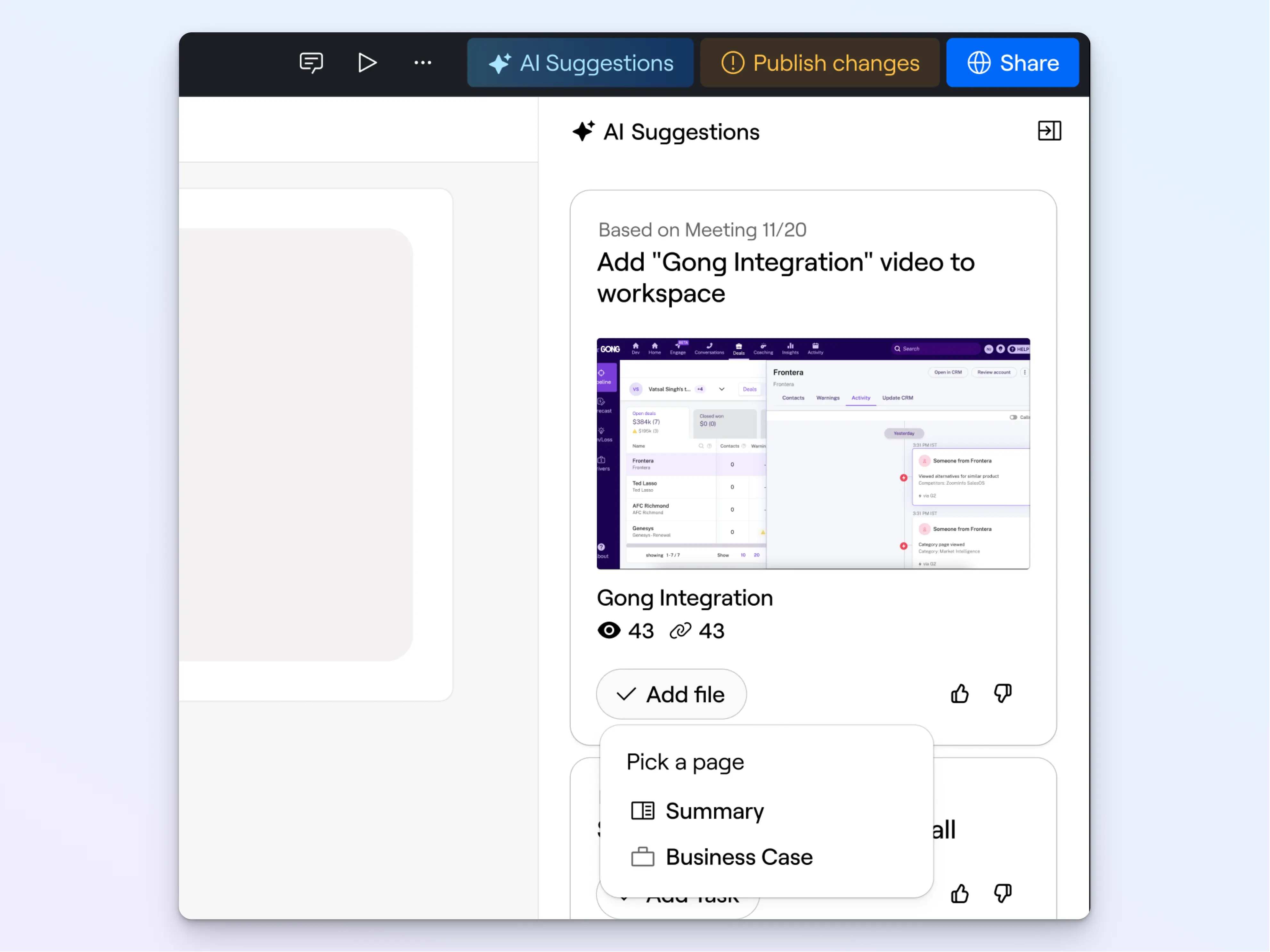
As of now, Dock AI can suggest three types of updates:
1. Recommend relevant content from your Library
Dock AI looks at what was discussed during recent calls and suggests Library content to add to the workspace.
This saves reps from digging through your Library after every call to figure out what to share next—the right content just surfaces automatically.
Plus, it creates a natural follow-up touchpoint that draws your customer back to the workspace after your call. ("You asked about X, so I added it!")
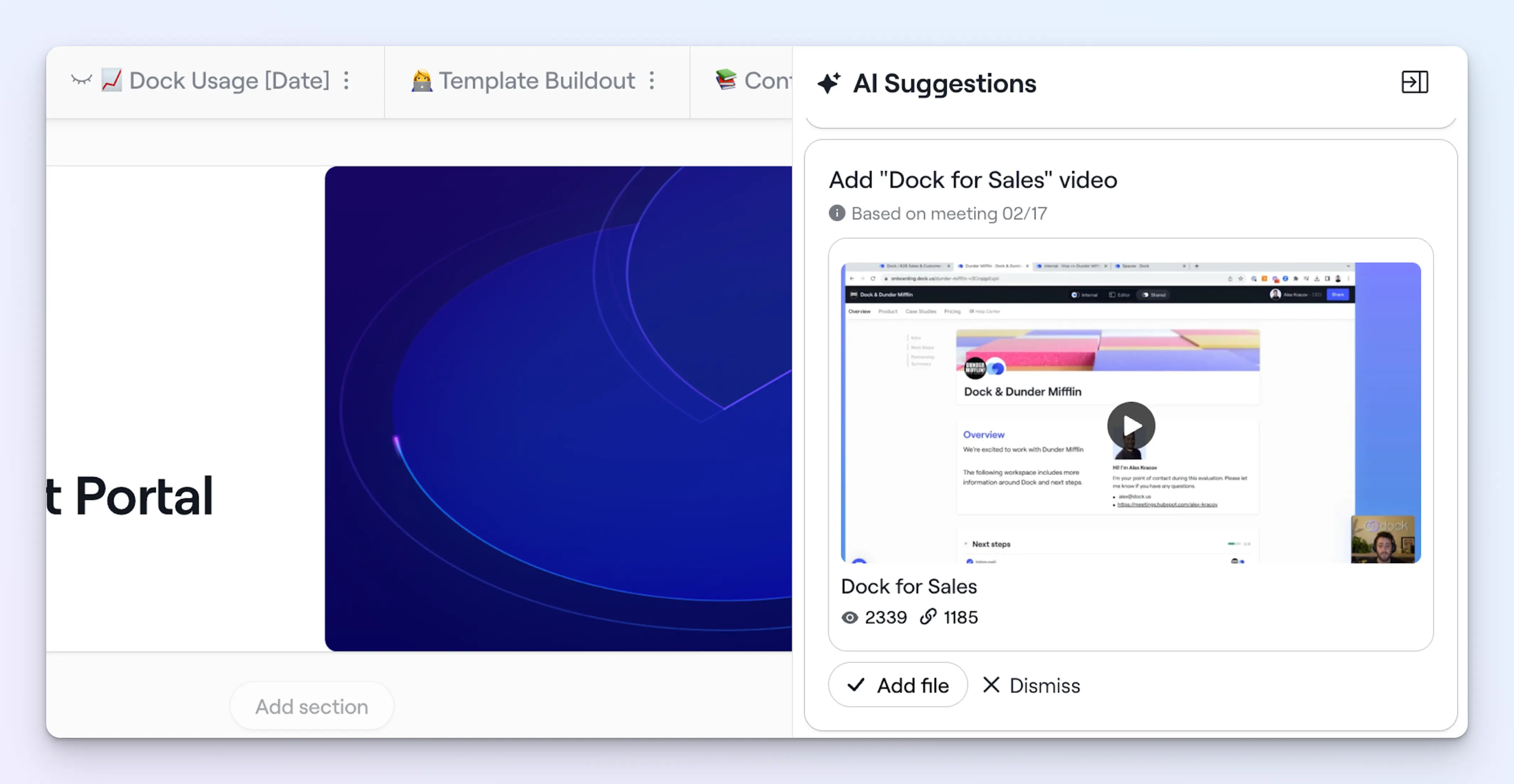
✨ Example: When a prospect told us they wanted to use Dock for sales, Dock AI suggested adding the relevant demo video.
2. Suggest follow-up tasks
Dock AI picks up on action items mentioned during the call and suggests tasks to add to your workspace's mutual action plan—if they're not already covered.
No more forgotten follow-ups buried in call summaries that nobody reads again.
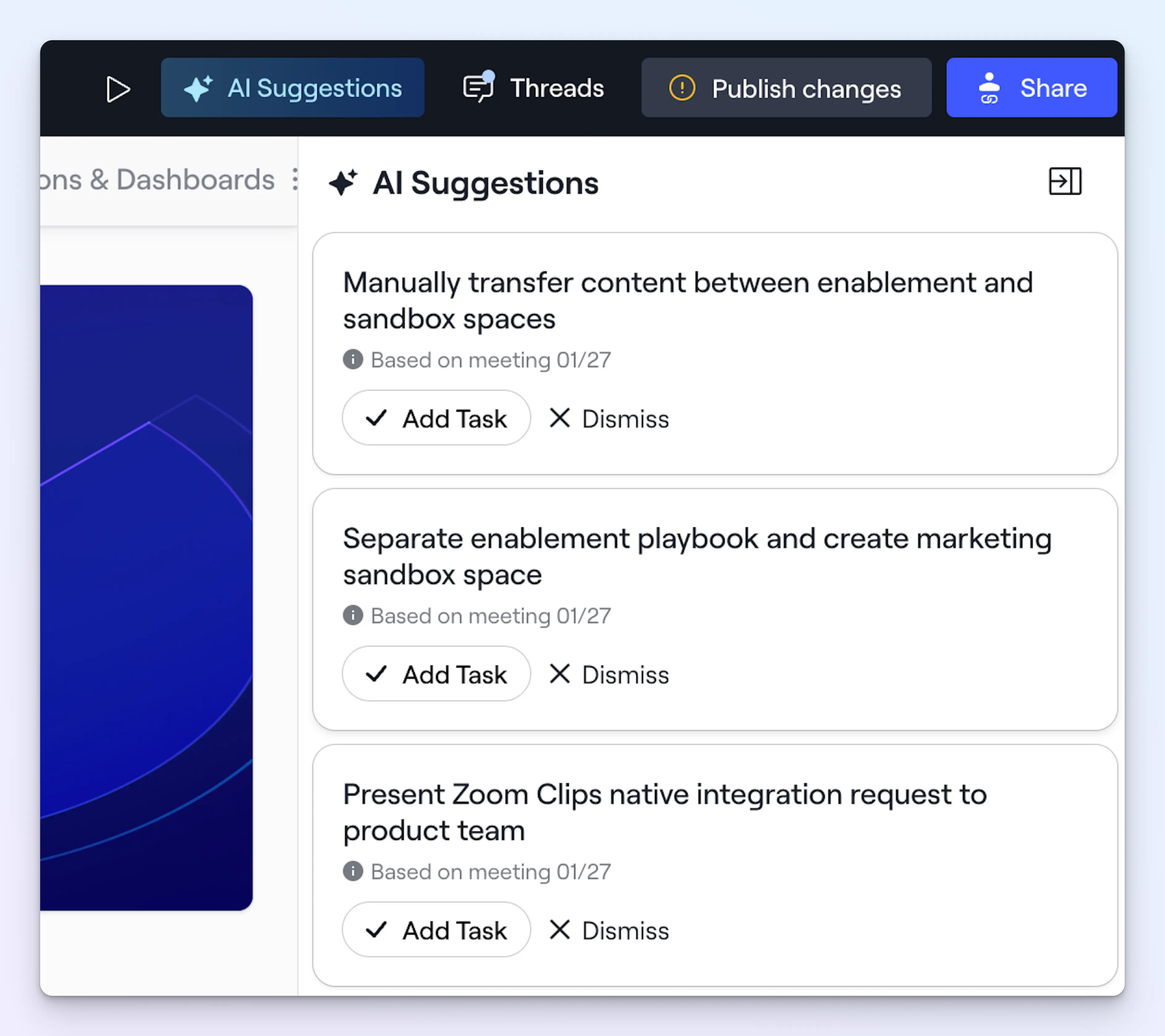
✨ Example: During an onboarding call, our CS team flagged a bunch of remaining steps for one of our customers. Dock AI suggested adding them as tasks to the success plan.
3. Add new contact cards
When new stakeholders come up in conversation, Dock AI suggests adding their contact cards to the workspace—keeping your key contacts up to date without manual data entry.
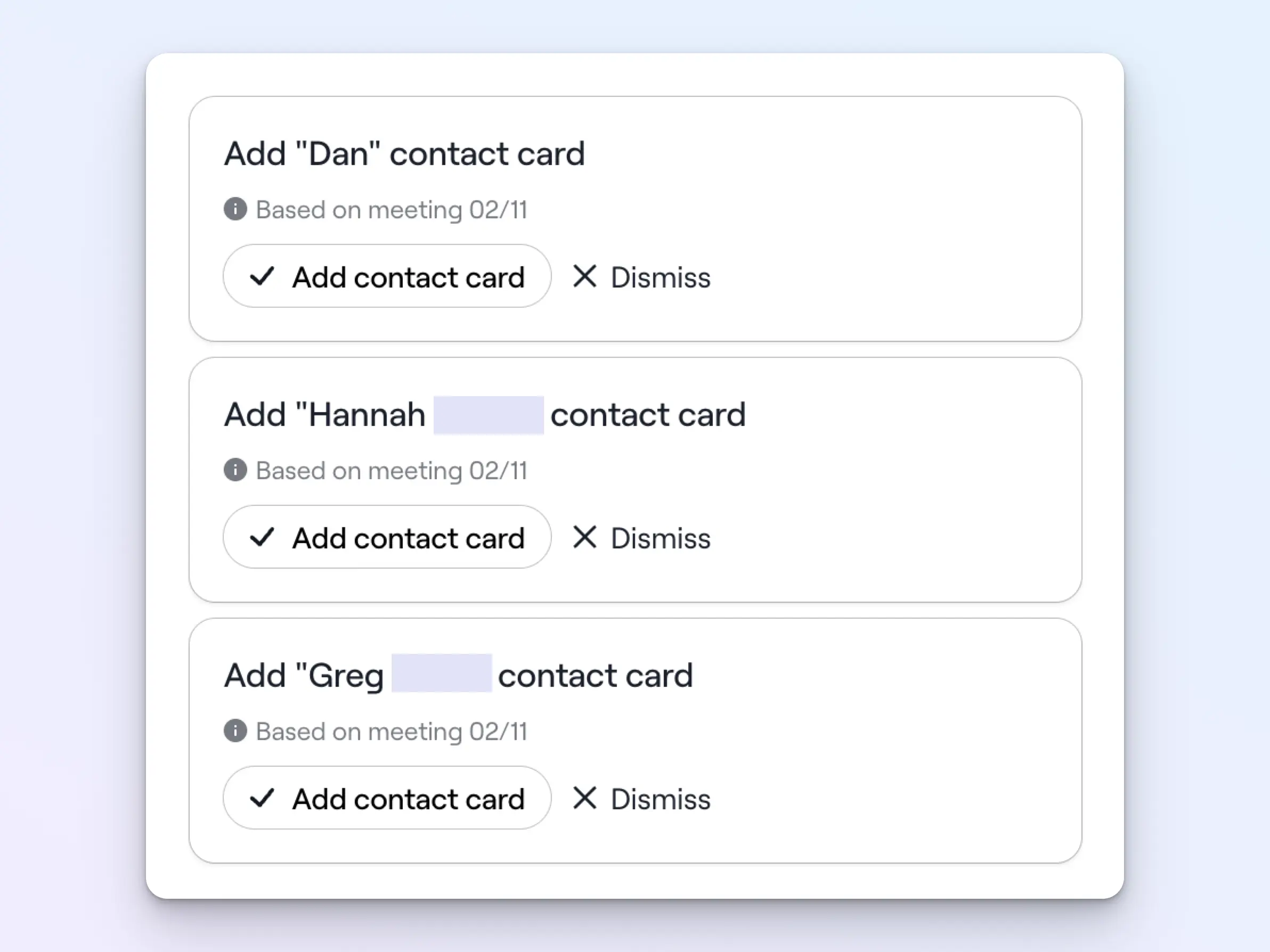
✨ Example: When your champion mentions that their VP of Operations, Bob, needs to be involved in the evaluation, Dock AI suggests adding a contact card for Bob.
Get started with AI suggestions
AI suggestions are live for all Dock customers. To start receiving suggestions, make sure you have a supported call-recording tool connected (Fathom, HubSpot Meetings, Gong, or Chorus).
This is an early version of AI suggestions—we're already working on V2. Over time, we plan to integrate these suggestions more naturally into the workspace editor workflow.
As with all AI things, the suggestions won't be perfect every time, but every time you accept or reject one, you're helping us improve future recommendations. If you have feedback on what's working (or not), we'd love to hear it.
Need help getting set up? Learn how to integrate your call recorder in our Help Center, or contact support@dock.us.


Related Revenue Lab Articles



Templates for Sales, Onboarding,
Projects and Portals
Customize and share with clients


