
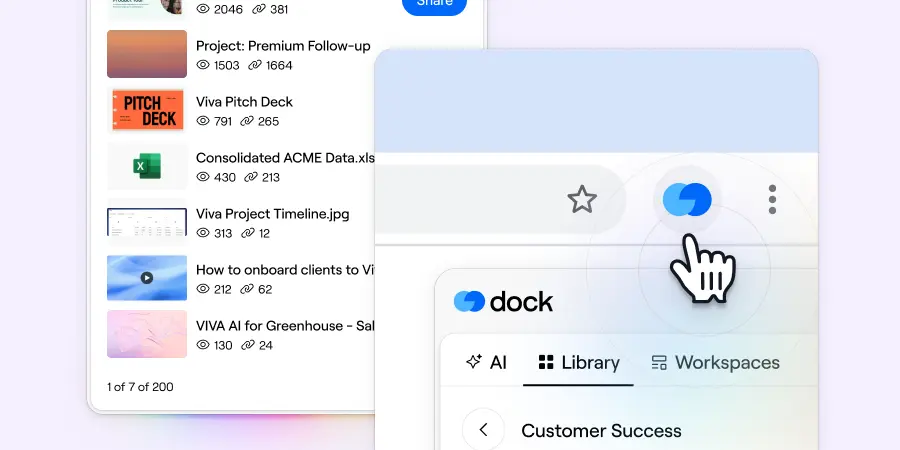
The new Dock Chrome Extension puts your sales content, workspaces, and AI assistant one click away—without opening a new tab.
Revenue teams already juggle too many tools. Opening yet another tab just to grab a link or create a workspace adds unnecessary friction to deals that are already moving fast.
Now you can search your Dock Library, create workspaces from templates, and chat with Dock AI—all without leaving your current browser tab.
Whether you're writing a follow-up email, updating the CRM, or sending a LinkedIn DM, everything you need from Dock is just one click away.
Here's what you can do with the Google Chrome Extension:
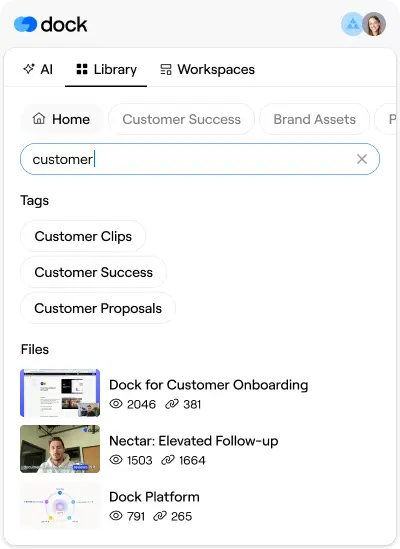
Find Library assets
The Chrome Extension lets you search your Library by file name or tag, sort by most viewed or most shared, and copy the share link to any asset.
This makes it easy to share sales collateral quickly without breaking your workflow.
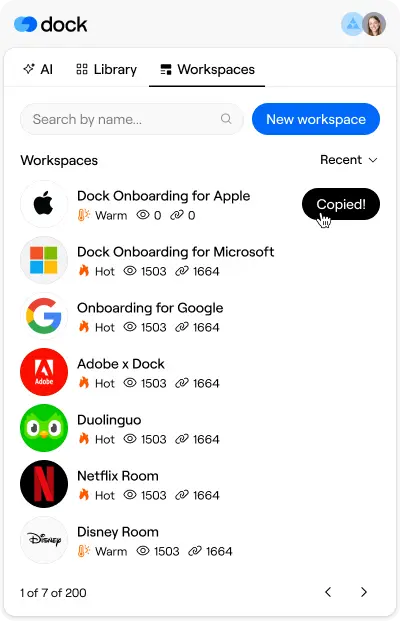
Find & create workspaces
Need to spin up a deal room while you're updating Salesforce? Or grab a link to an existing workspace while drafting a LinkedIn message? The extension handles both.
Create a new workspace from a template, or copy the link to an existing one—right from the extension. No need to navigate away while you're in the middle of following up with a client.
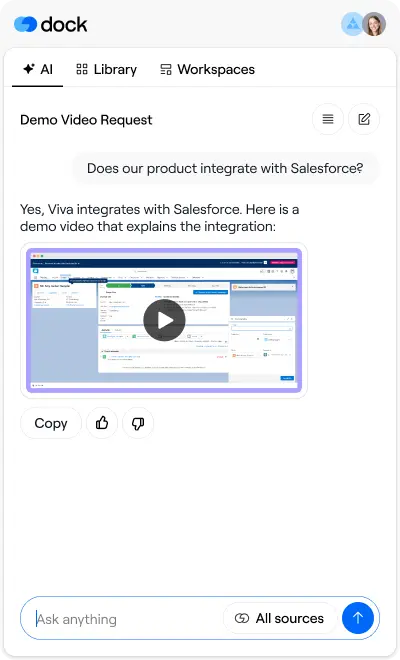
Chat with Dock AI
Access the full Dock AI assistant experience without opening another window. Draft follow-up emails, answer buyer questions, and summarize calls—all while staying focused on the task at hand.
Get instant answers to product questions, guidance on next steps, or help crafting the right message without leaving the conversation. Your AI assistant is always available, but never in the way.
Get the Dock Chrome Extension
To get started:
- Install the extension and log in with your Dock account
- Click the Dock icon in your browser toolbar anytime you need a link or want to create a workspace
- Copy an asset link, create a workspace, or ask Dock AI—then get back to the deal
The extension is designed to keep you in flow. Fewer tab switches mean faster responses, shorter sales cycles, and more time spent selling rather than hunting for the right file.
If you have any questions or feature requests, let us know at support@dock.us.
- Alex


Related Revenue Lab Articles
.webp)



Templates for Sales, Onboarding,
Projects and Portals
Customize and share with clients


