







 9
9 696
696




 Enterprise Template


 Champion
 CFO
CFO
 Slack
Slack Microsoft Teams
 Gong
Gong Google Drive
 SharePoint
 Notion
 Claude
 ChatGPT
 Gemini
 Copilot
 Dock MCP
 Confluence
 Calendly
 DocuSign
 Loom
Loom Miro
Miro Fathom
 Google Slides
 YouTube
 Vimeo
Vimeo Stripe
 PowerPoint
 Wistia

 Hot
Hot 214
214 38
38
 Cold
Cold


Content Lifecycle
Govern content from draft to retirement
Assign an approval status to every asset, then set rules to automatically retire stale assets—so reps and Dock AI only use approved content.

 deck.pptx
Adding next step…
Done. I’ve added a next step.

CFO viewed Business Case
CEO viewed Order Form



 Dock — Acme. Sales Room


 dock.us/workspace/acme-sales-room


Acme ↔ VIV/AI


acme.dock.us/workspace/editor/acme-deal-room


Acme ↔ VIV/AI


Internal

Editor

Shared

Ask AI

Threads
Share
Workspaces


Sections


Summary


Partnership Proposal for VIV/AI
Acme is excited to partner with VIV/AI to drive significant business results across your portfolio of products.
This workspace includes everything you need to know about Acme as you evaluate our enterprise system and onboard to the platform.
Table of Contents
Product Overview
Busine
Working...
Stop
Agent

Let’s build your workspace!
I will help you build, edit, and improve this workspace. Ask me to create sections, rewrite selected content, generate a table of contents, summarize the workspace, or turn notes into buyer-ready content.
Create Deal Room workspace

Add Summary page

Add Intro section

Rewrite selected block

I found the workspace structure and I’m using it to create the right section in the right place. I’ll add the Table of Contents to this page and link it to the relevant workspace sections.
Used 2 tools

Writing Intro Contents…
Ask the agent what to do next…


Acme ↔ VIV/AI
acme.dock.us/workspace/editor/acme-deal-room
Acme ↔ VIV/AI
Internal
Editor

Shared

Ask AI
Threads
Share
Workspaces
Acme. Deal Room
Sections

Intro
Next Steps
Meet Acme
Team
Call Recordings
Need Help?

Summary

Product Overview

Business Case

Case Studies

Pricing Proposal

Customer Success



Partnership Proposal for VIV/AI
Add section
Acme is excited to partner with VIV/AI to drive significant business results across your portfolio of products.
This workspace includes everything you need to know about Acme as you evaluate our enterprise system and onboard to the platform.
Table of Contents
→ Product Overview
→ Business Case
→ Case Studies
→ Pricing Proposal
→ Customer Success
Add section
Next steps

1/5

Platform demo


Intro call

Schedule time
To-do

Proof of Concept (2 weeks)
To-do


Procurement (Terms, Legal, & Security)
To-do

Kickoff Implementation
To-do

Agent

All done! I’ve added all the sections to your Deal Room workspace — Summary, Intro, Table of Contents, and linked everything together. Your workspace is ready to go.
All done! I’ve added all the sections to your Deal Room workspace — Summary, Intro, Table of Contents, and linked everything together. Your workspace is ready to go.
Create Deal Room workspace

Add Summary page

All done! I’ve added all the sections to your Deal Room workspace — Summary, Intro, Table of Contents, and linked everything together. Your workspace is ready to go.
Create Deal Room workspace
Add Summary page
Add Intro section
Rewrite selected block
Done! I’ve finished setting up your Deal Room workspace. All sections are in place — Summary, Intro, and Table of Contents have been created and linked to the relevant workspace sections.
Used 2 tools
Workspace setup complete
Ask the agent what to do next…
↑
Acme ↔ VIV/AI
acme.dock.us/workspace/editor/acme-deal-room
Acme ↔ VIV/AI
Internal
Editor

Shared
Ask AI
Threads
Share
Workspaces
Sections
Summary
Product Overview
Business Case
Case Studies
Pricing Proposal
Customer Success

Partnership Proposal for VIV/AI
Add section
Intro

AI suggestion
Acme is excited to partner with VIV/AI to drive significant business results across your portfolio of products.
This workspace includes everything you need to know about Acme as you evaluate our enterprise system and onboard to the platform.
Table of Contents
→ Product Overview
→ Business Case
→ Case Studies
→ Pricing Proposal
→ Customer Success
Add section
Next steps
AI suggestion
Next steps
1/5
Platform demo
Intro call
Schedule time
To-do
Proof of Concept (2 weeks)
To-do


Procurement (Terms, Legal, & Security)
To-do
Kickoff Implementation
To-do



Add section
Your Acme team
AI suggestion
Your Acme team






Working with the Acme team has been seamless. They truly understand our needs and always make us feel supported.
Luc Chaissac
CEO, Bag-Ett Corp.
Meetings
AI suggestion
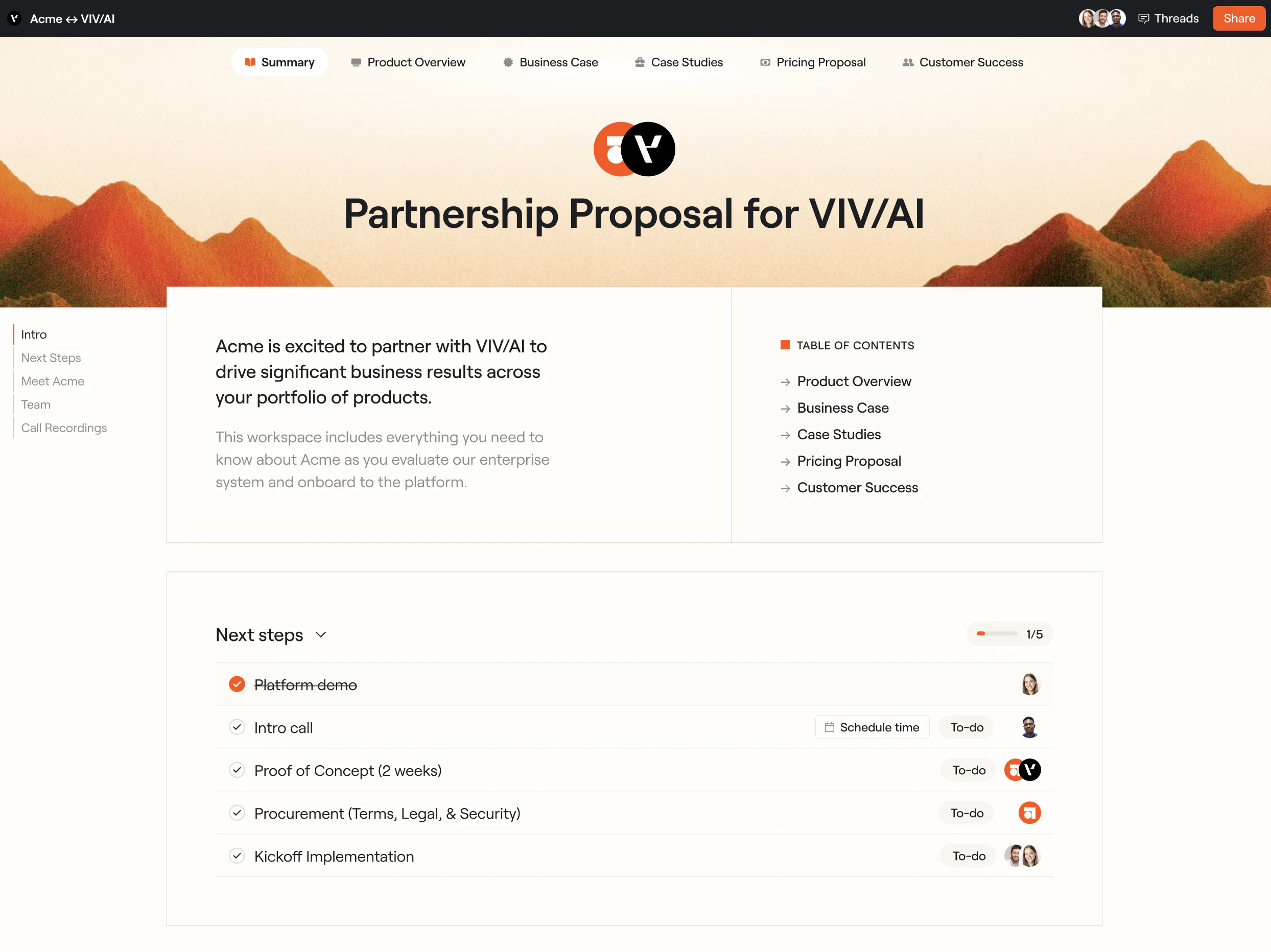
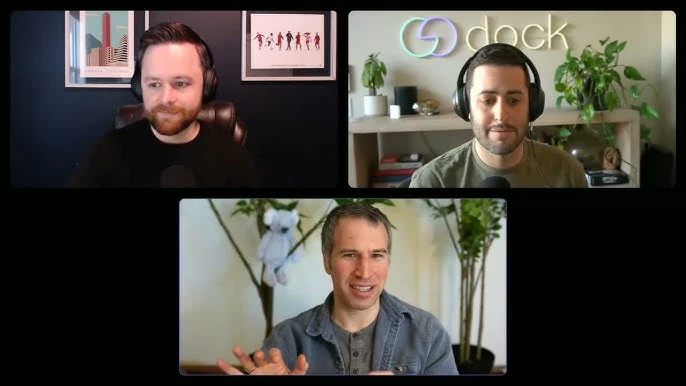

Platform demo
Gong


Alex Harper
Account Executive
Main Point of Contact
Find all our meetings in one place, with the flexibility to book time whenever it suits you.

Schedule time
Agent


I found a new call recording related to this customer. Would you like me to add it to the Meetings section?

Platform demo
Skip
Add recording
Ask the agent what to do next…


Acme ↔ VIV/AI
acme.dock.us/acme-deal-room


Acme ↔ VIV/AI


 Threads
Summary
Product Overview
Business Case
Case Studies
Pricing Proposal
Customer Success
Threads
Summary
Product Overview
Business Case
Case Studies
Pricing Proposal
Customer Success

Acme is excited to partner with VIV/AI to drive significant business results across your portfolio of products.
This workspace includes everything you need to know about Acme as you evaluate our enterprise system and onboard to the platform.
Table of Contents
→ Product Overview
→ Business Case
→ Case Studies
→ Pricing Proposal
→ Customer Success
Platform demo
Intro call
Schedule time
Proof of Concept (2 weeks)

Procurement (Terms, Legal, & Security)
Kickoff Implementation
Acme ↔ VIV/AI
Threads
Share
Summary
Product Overview
Business Case
Case Studies
Pricing Proposal
Customer Success

Partnership Proposal for VIV/AI
Acme is excited to partner with VIV/AI to drive significant business results across your portfolio of products.
This workspace includes everything you need to know about Acme as you evaluate our enterprise system and onboard to the platform.
Table of Contents
→ Product Overview
→ Business Case
→ Case Studies
→ Pricing Proposal
→ Customer Success
Next steps
1/5
Platform demo
Intro call
Schedule time
To-do
Proof of Concept (2 weeks)
To-do

Procurement (Terms, Legal, & Security)
To-do
Kickoff Implementation
To-do
Your Acme team
Alex Harper
Account Executive
Main Point of Contact
Vanessa Blake
Customer Success Manager
Post-Sale POC
Maddy Reynolds
CEO
Senior Relationship Contact
Working with the Acme team has been seamless. They truly understand our needs and always make us feel supported.
Luc Chaissac
CEO, Bag-Ett Corp.
Meetings
Platform demo
Gong
Alex Harper
Account Executive
Main Point of Contact
Find all our meetings in one place, with the flexibility to book time whenever it suits you.
Schedule time
 Dock — Content Library
dock.us/acme/library
Dock — Content Library
dock.us/acme/library
 Search
 AI Mode
Ask Acme Library anything
Ask anything about your library… Add view
 AcmeAcme
 248
248 36AcmePlatform demo
 41258AcmeCustomer9621AcmeROI calculator8712AcmeCompetitive13217AcmeImplementation649AcmeExecutive7815AcmeWelcome20131
 Dock AI
Searching library assets ›
Acme Overview Deck 2026 is the newest sales deck — updated 3 days ago.
AcmeAcmeAsk a follow-up…
Pick Agent
 Dock — Sales Training
dock.us/acme/training
Dock — Sales Training
dock.us/acme/training
Card Issuance
When should a customer use a virtual card?
AcmeVirtual card•••• •••• •••• 4242
One card. Online payments made simple.
Dock — Roleplay

 dock.us/acme/roleplay


 Dock — Presentations
dock.us/acme/slides/presentations
Dock — Agents
dock.us/acme/dock-ai
Dock — Presentations
dock.us/acme/slides/presentations
Dock — Agents
dock.us/acme/dock-ai
 New chat
 Search chats
Agents
Sales Question Find Asset
Recents
Build a business case for Acme.

 Pick agent
 Browse agents
  Edit a workspace
Acme ↔ VIV/AI
Threads
Share
Summary
Product Overview
Business Case
Case Studies
Pricing Proposal
Customer Success
Partnership Proposal for VIV/AI
Acme is excited to partner with VIV/AI to drive significant business results across your portfolio of products.
This workspace includes everything you need to know about Acme as you evaluate our enterprise system and onboard to the platform.
Table of Contents
→ Product Overview
→ Business Case
→ Case Studies
→ Pricing Proposal
→ Customer Success
Next steps
1/5
Platform demo
Intro call
Schedule time
To-do
Proof of Concept (2 weeks)
To-do
Procurement (Terms, Legal, & Security)
To-do
Kickoff Implementation
To-do
Your Acme team
Alex Harper
Account Executive
Main Point of Contact
Vanessa Blake
Customer Success Manager
Post-Sale POC
Maddy Reynolds
CEO
Senior Relationship Contact
Working with the Acme team has been seamless. They truly understand our needs and always make us feel supported.
Luc Chaissac
CEO, Bag-Ett Corp.
Meetings
Platform demo
Gong
Alex Harper
Account Executive
Main Point of Contact
Find all our meetings in one place, with the flexibility to book time whenever it suits you.
Schedule time
Run every deal like your best rep
Create workspaces with templates and AI, so reps spend less time crafting follow-up and more time working with the buyer—from first call to renewal.
Win deals when you’re not in the room
Arm your champion to sell internally, with the business case, pricing, and action plan they need—all in one link.
Skip the hours of deal prep
Dock AI builds and edits the deal room from your calls, files, content, CRM, and any source you connect—so no two buyers get the same generic follow-up.
Never miss the next step
Dock suggests content, action items, and stakeholders to add to the workspace after each call.
Catch deals before they stall
Dock summarizes stakeholder activity, recommends the next step, and flags when a deal’s going quiet.
Content Management Library
Calm the content chaos,
for good
Organize your customer-facing content in an AI-powered library, so reps can always easily find the latest version of every file.
AI-Managed Library
Stop hearing
“Where’s that deck again?”
Dock AI automatically tags your library assets—so reps find what they need faster. Retag, organize, and archive old files just by asking—in Dock or your AI assistant.
Content Lifecycle
Assign an approval status to every asset, then set rules to automatically retire stale assets—so reps and Dock AI only use approved content.
Content Reporting
Track how reps and buyers engage with every asset to uncover what content drives revenue.
Slides
Get control of what slides go out to customers
Give reps a fast way to create personalized client presentations—with guardrails built in so Marketing and Enablement define what reps can edit.
Build agents around your process and connect them to your data, so your whole team uses AI the same way—in Dock, Claude, ChatGPT, and more.
Explore Dock AI ↗Dock MCP
Bring Dock into Claude, ChatGPT, and any AI tool your team uses. Ask an agent, build deal rooms, find the right asset, or connect Dock to your AI workflows.
Slack
Use AI agents, pull up workspaces, and find content without leaving Slack. Plus, get notified when buyers engage with your rooms and content.







Connect your CRM
Trigger workflows, sync customer records, sign order forms, connect to Dock AI, and more.
Embed anything
Embed PDFs, videos, links, iframes, and more. If it can be embedded, it can be embedded in Dock.
Import calls
Pull in call recordings, embed them in workspaces, and use them as a source for AI content.
Secure Sharing
Restrict workspace access by email, domain, magic links, or Google Sign In.
 Library

 Content lifecycle


 2. Understanding Corporate Cards

 For online subscriptions or one-off payments
 For ATM withdrawals
 Internal
 Sarah Okafor


 # acme-partnership
 Figma
Figma








 Alex
Alex You
You