
.webp)
Three new ways to collaborate with customers in Dock workspaces.
Hey folks. This update brings three new features that give you more flexibility in how you share content and work with customers in Dock:
- Synced pages: Update page templates once and automatically refresh them across all workspaces
- Export workspaces to PDF: Generate fully functional PDFs with clickable links, embedded videos, and downloadable attachments when customers need offline access
- Editable Google Sheets: Let customers collaborate on spreadsheets directly in workspaces with real-time updates and auto-save
Let’s get right to it.
Synced pages
You can now sync entire pages across workspaces. Any updates you make to a page template automatically apply to every workspace using it.
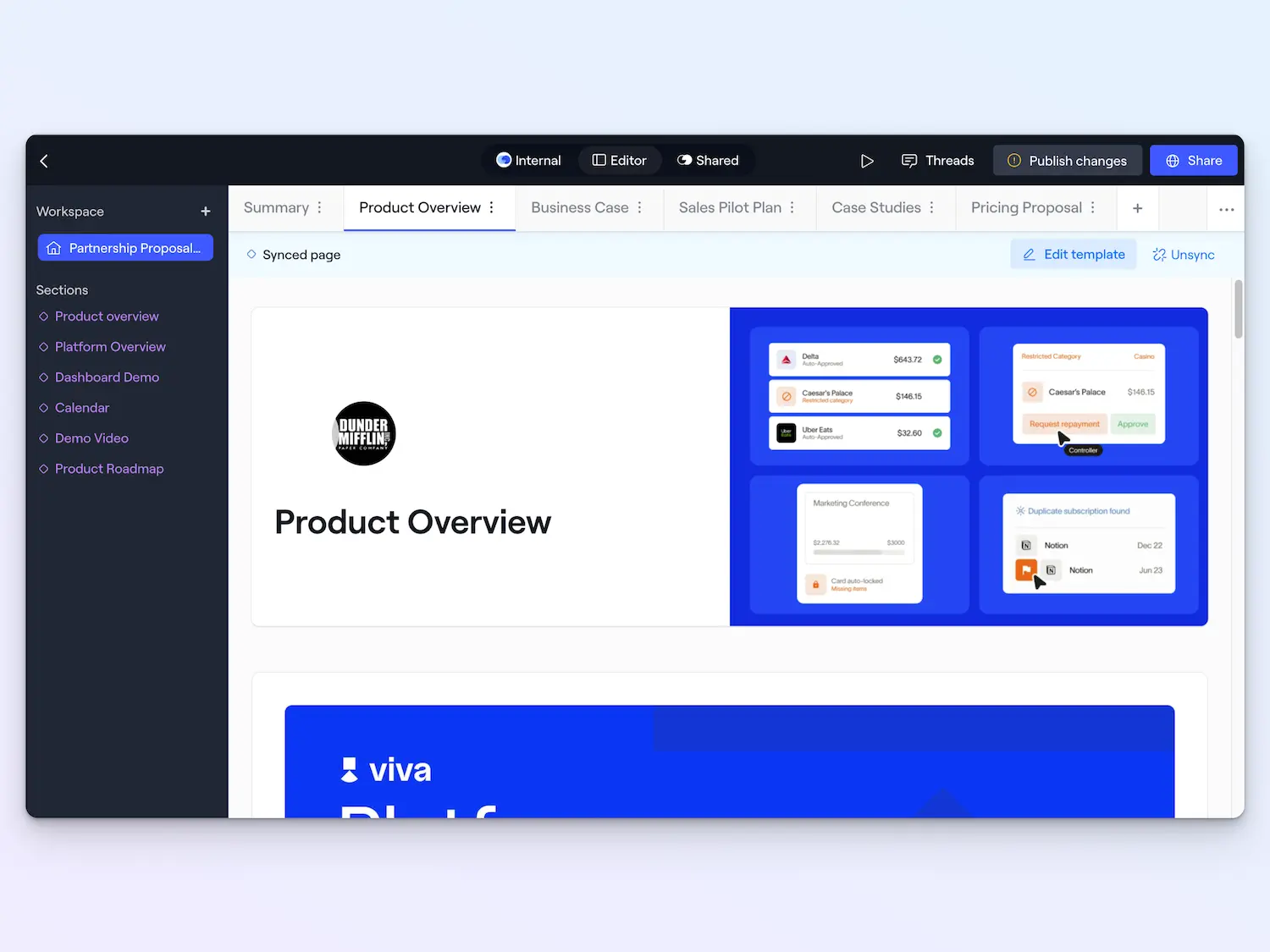
This is perfect for content that doesn't need customization per customer—like product information, case studies, or recent feature launches.
When adding a page template to a workspace, just select the Synced Page option.
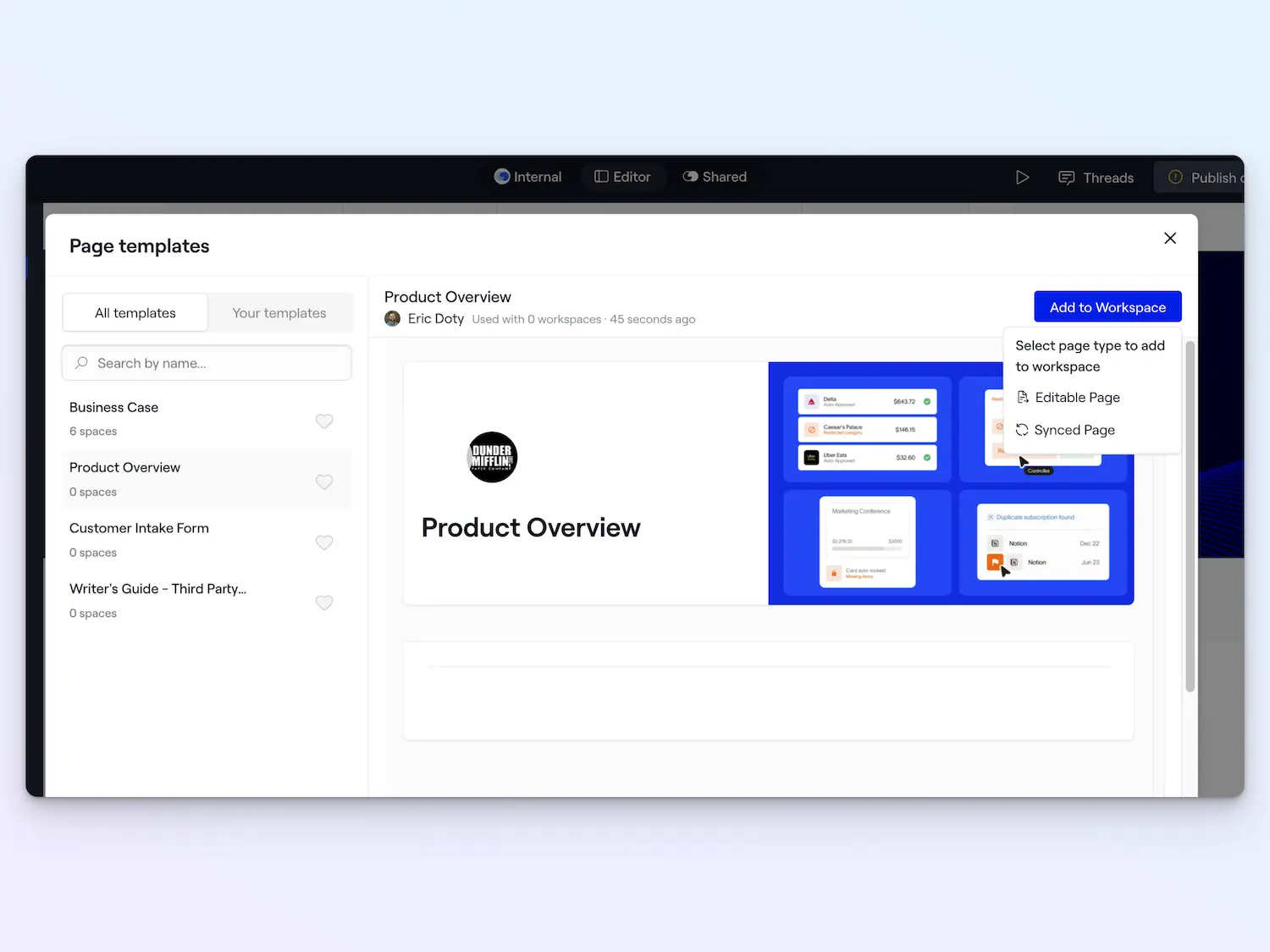
This helps you maintain consistency across workspaces while still letting reps customize other parts of their content.
Check out our Help Center for more info about Synced Pages.
Export workspaces to PDF
This was a long-time request: you can now download any Dock workspace as a PDF to send to a customer.
The whole point of Dock is not to send untrackable PDFs to your buyers, but in those rare cases when your customer absolutely needs a PDF—for procurement, offline access, or internal approvals—you can now generate one in seconds from your Dock workspace.
You can export a single workspace page or an entire workspace.
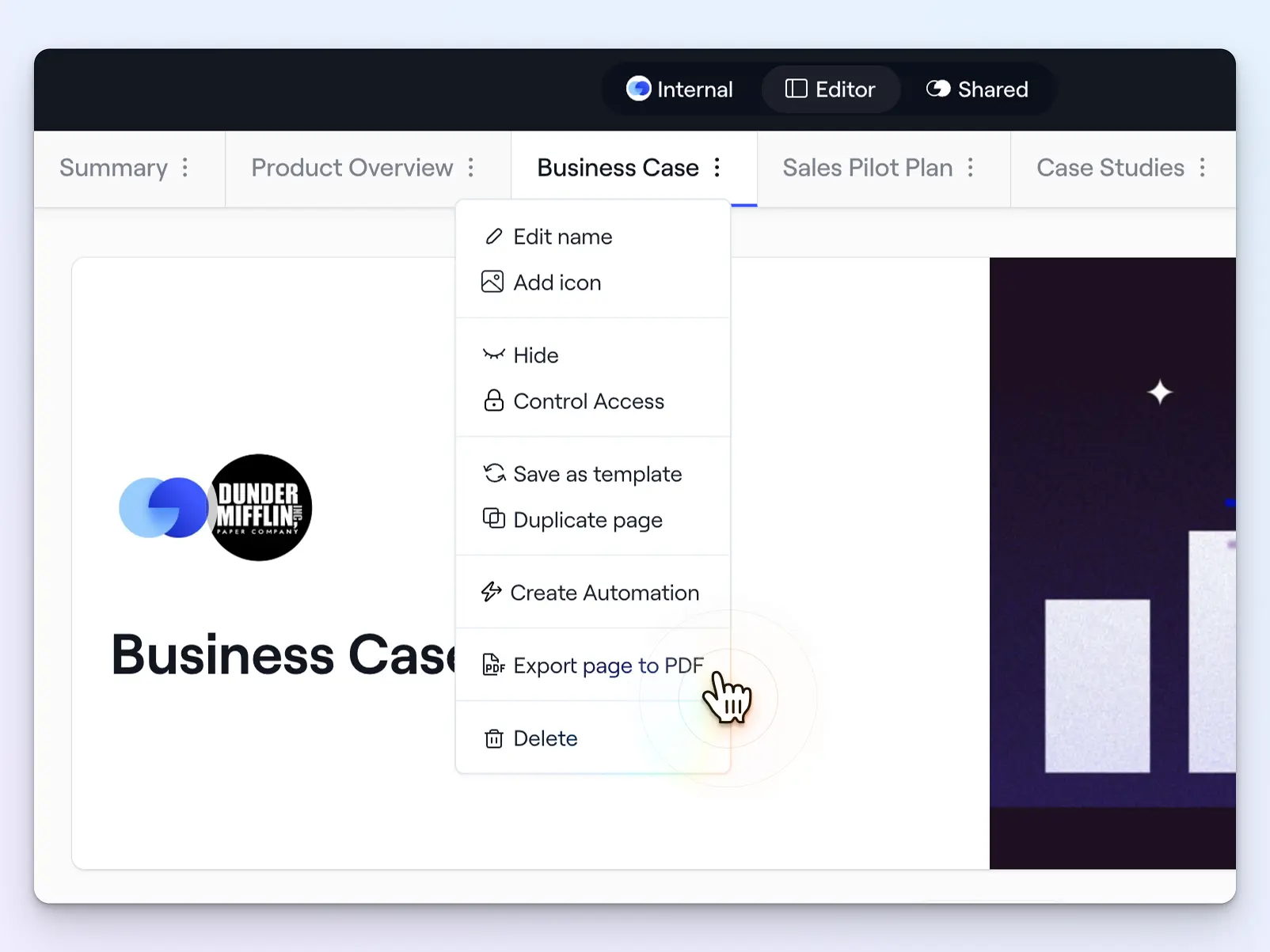
And here’s the best part: the PDFs still include clickable links, embedded videos, and downloadable attachments.
Editable Google Sheets
Google Sheets embedded in workspaces are now fully editable. Changes are saved automatically back to Google Drive.
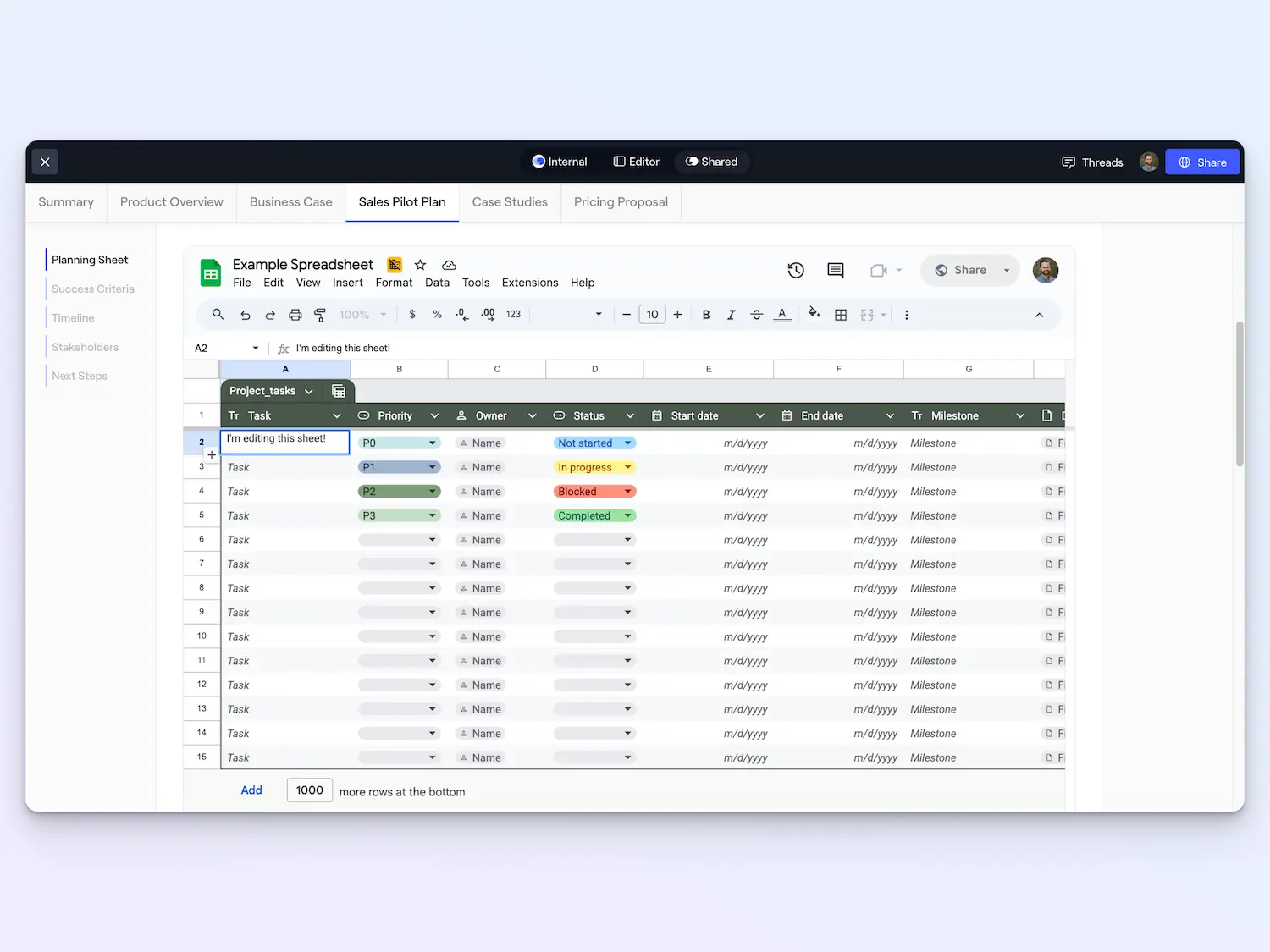
This is great for complex project management that requires more than a checklist or table—like onboarding intake sheets with multiple tabs, sheets with custom formulas, or capacity planning tools.
But unlike sharing a Google Sheet link directly, you’ll get notifications and tracking when customers access the workspace to engage with your Google Sheet.
With lots more on the way
These features are available now across all Dock plans. They're all direct responses to your requests, so keep the feedback coming.
I'll be back next week with a new update on Learning Playbooks (which you might have already noticed in the main Dock nav 👀).
Have questions or ideas for what we should build next? Contact your CSM or email us at support@dock.us.
- Alex


Related Revenue Lab Articles



Templates for Sales, Onboarding,
Projects and Portals
Customize and share with clients


