


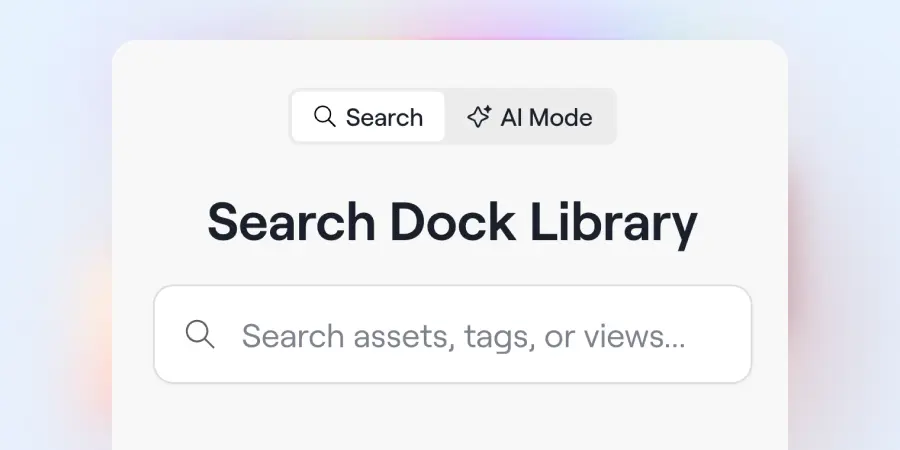
Views, faster search, a quick-view panel, and a new workspace widget for library assets—four ways the Library just got easier to work in.
Dock's Content Library started as a place to keep your content organized. Now it's a core part of the platform—the main source your deal rooms pull from, and much of the data behind Dock AI.
Over the past few years, we’ve learned a lot from our customers about what it takes to build a great CMS. With this release, we’re incorporating your feedback in four ways:
- Boards are now Views. They’re more powerful and simpler to manage.
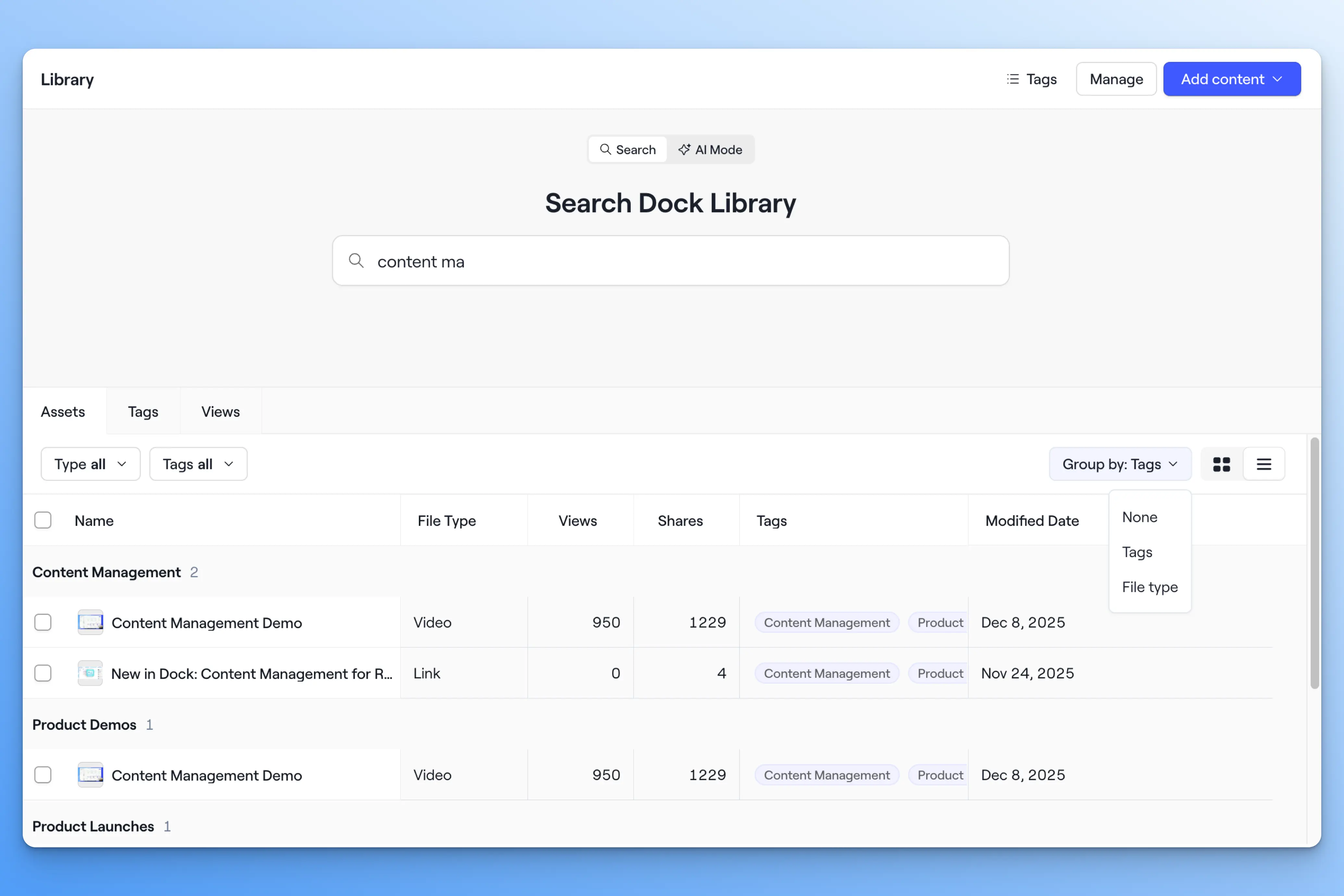
- Search is faster and deeper. You can toggle to search with AI.
- Assets open in a quick-view side panel. You can navigate the content library with fewer clicks.
- A new Library list widget shows filtered assets in a workspace. keeps a filtered group of assets in sync inside any workspace or playbook
Here’s more detail on what’s new in the Library.
Organize content with Views
A few months ago, we introduced Views to the Library. Views are how you organize content for your team.
You can create Views filtered by tag, owner, file type, status, modified date, and more. Views can be private to you or shared with your team.
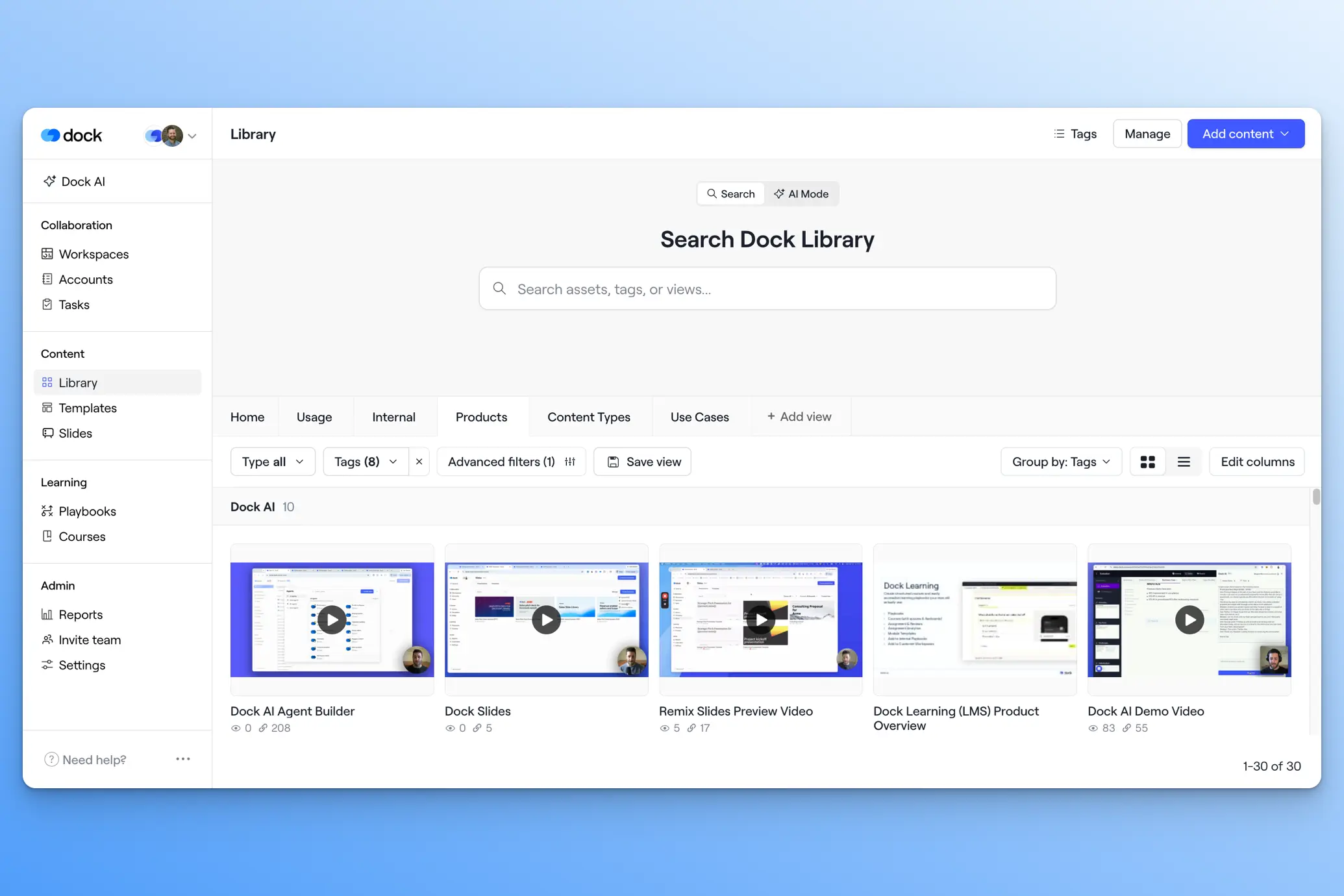
Because Views are a more powerful version of Boards, we've gotten rid of the Boards sidebar and migrated all your Boards to Views—so nothing you've built will disappear.
You should think about Views in two ways:
Create Views for reps
Views make it easy for your reps to find the right content. Build a View for an industry, a product line, your best-performing assets, or a file type.
The assets within a View can be grouped by Tags or File type.
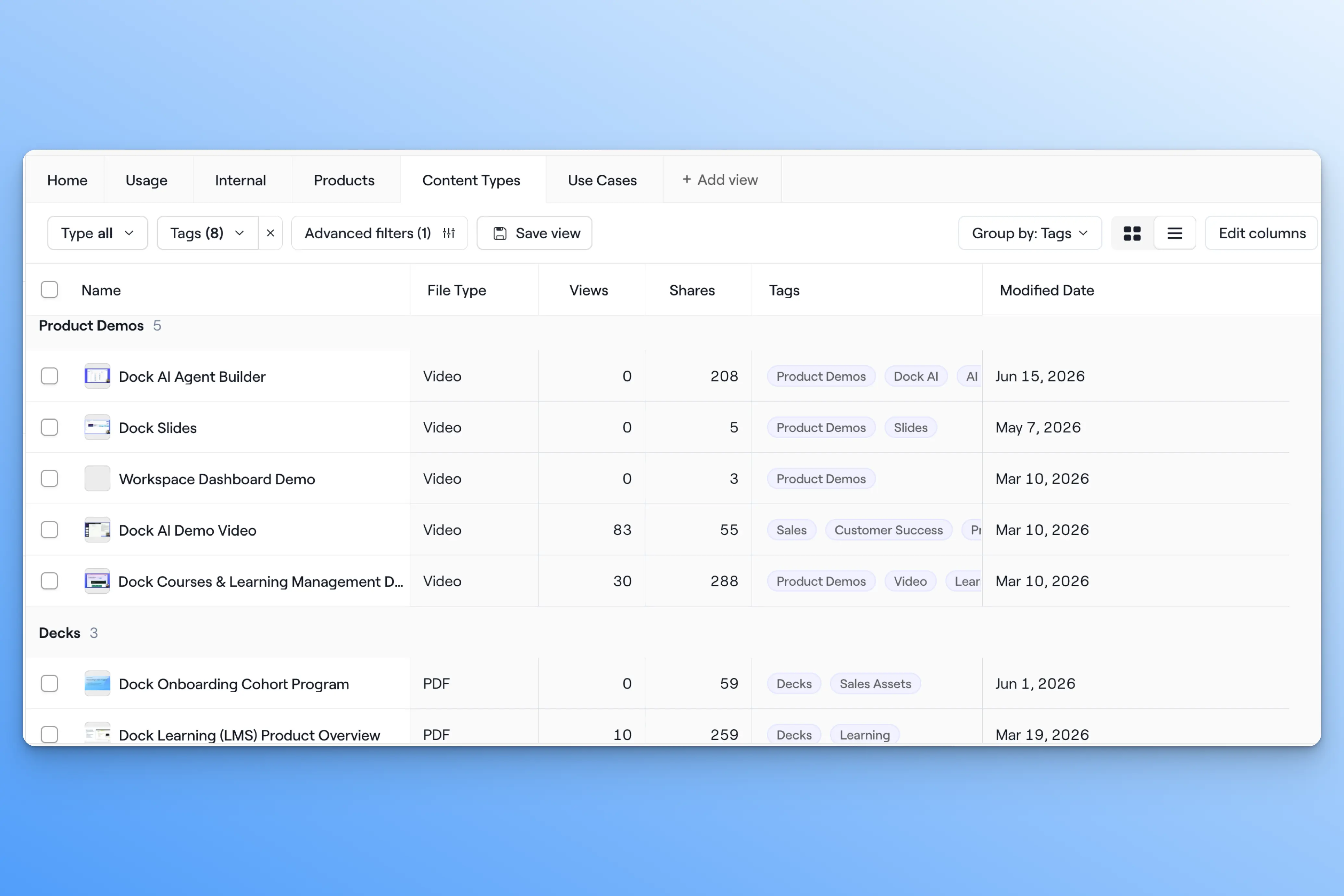
You can also set default Views for a team, so reps land on what's relevant to them.
Create Views for admins
Views also make the Library easier to manage. Build a private View of every asset that hasn't been viewed or shared in the last 30 days, and you've got an instant list of stale content to refresh or retire—without cluttering what reps see.
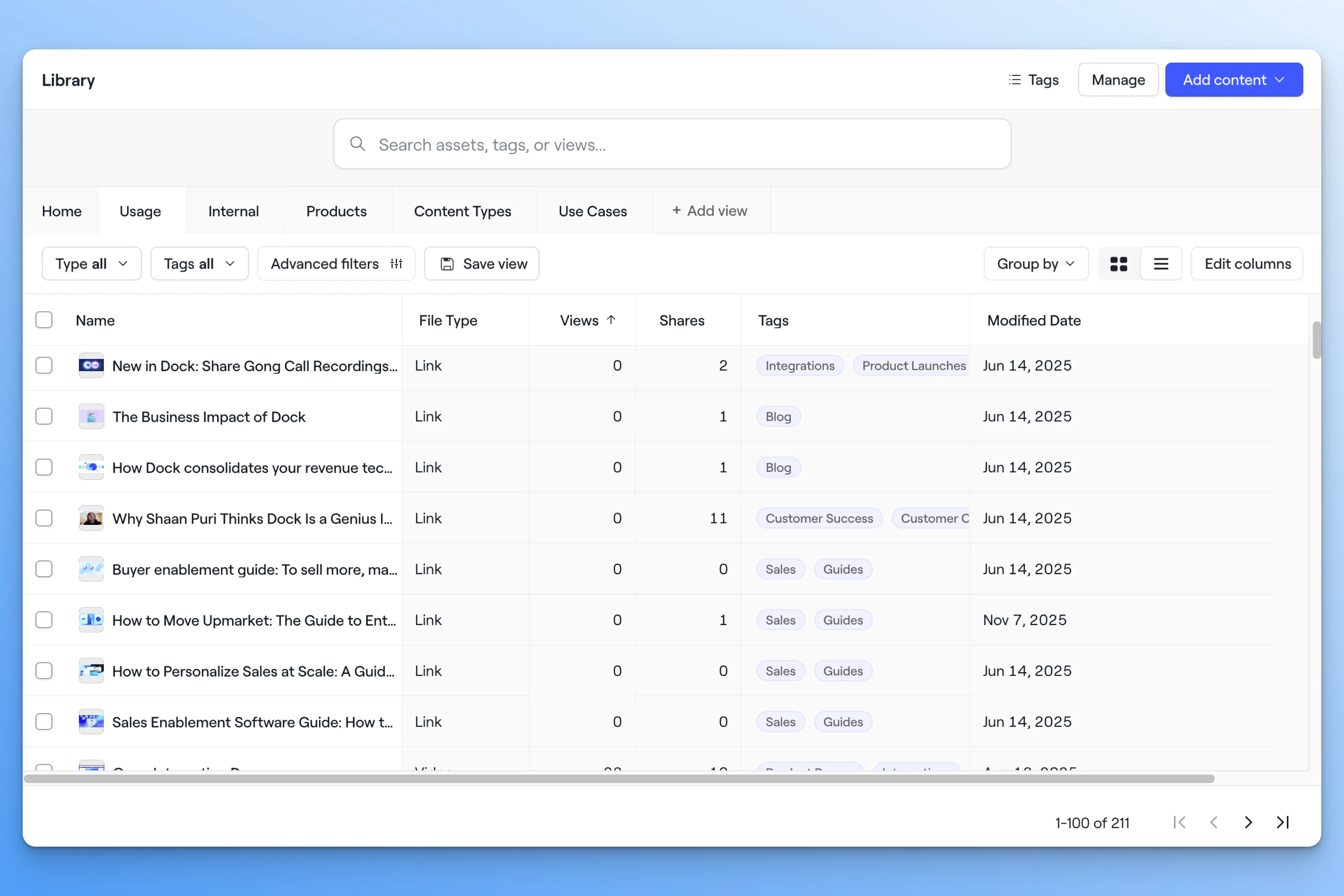
To learn how to manage Views, check out our Help Center.
Search, front and center
We’ve moved the standard search bar back to the top of the Library, with a toggle to switch to AI search whenever you want.
When you run a search, you’ll get an instantly updated view of every matching asset, with filters available to further refine your search—so it’s more of a dynamically updating list than a one-off search.
Preview assets more easily
Opening an asset, backing out, opening the next, and backing out again used to take too many clicks. Library assets now open in a quick-view side panel, so you can move through a stack of them quickly without leaving the main Library.
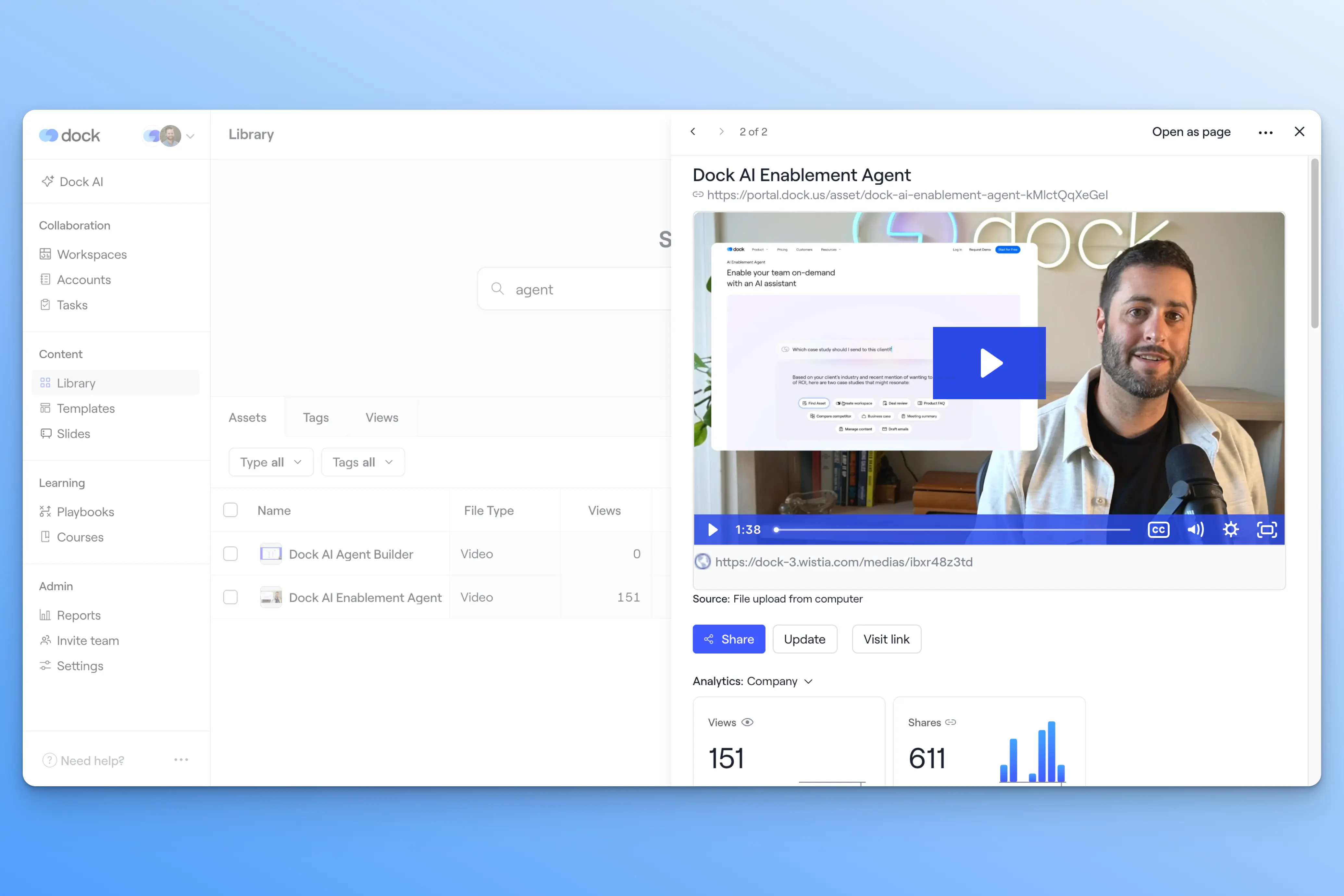
The full asset page is still there when you want it—whether you're sharing a direct link to a single asset or you just prefer the full-page view.
Dynamically add Library assets to workspaces
Adding library content to a Dock workspace used to mean selecting assets one by one.
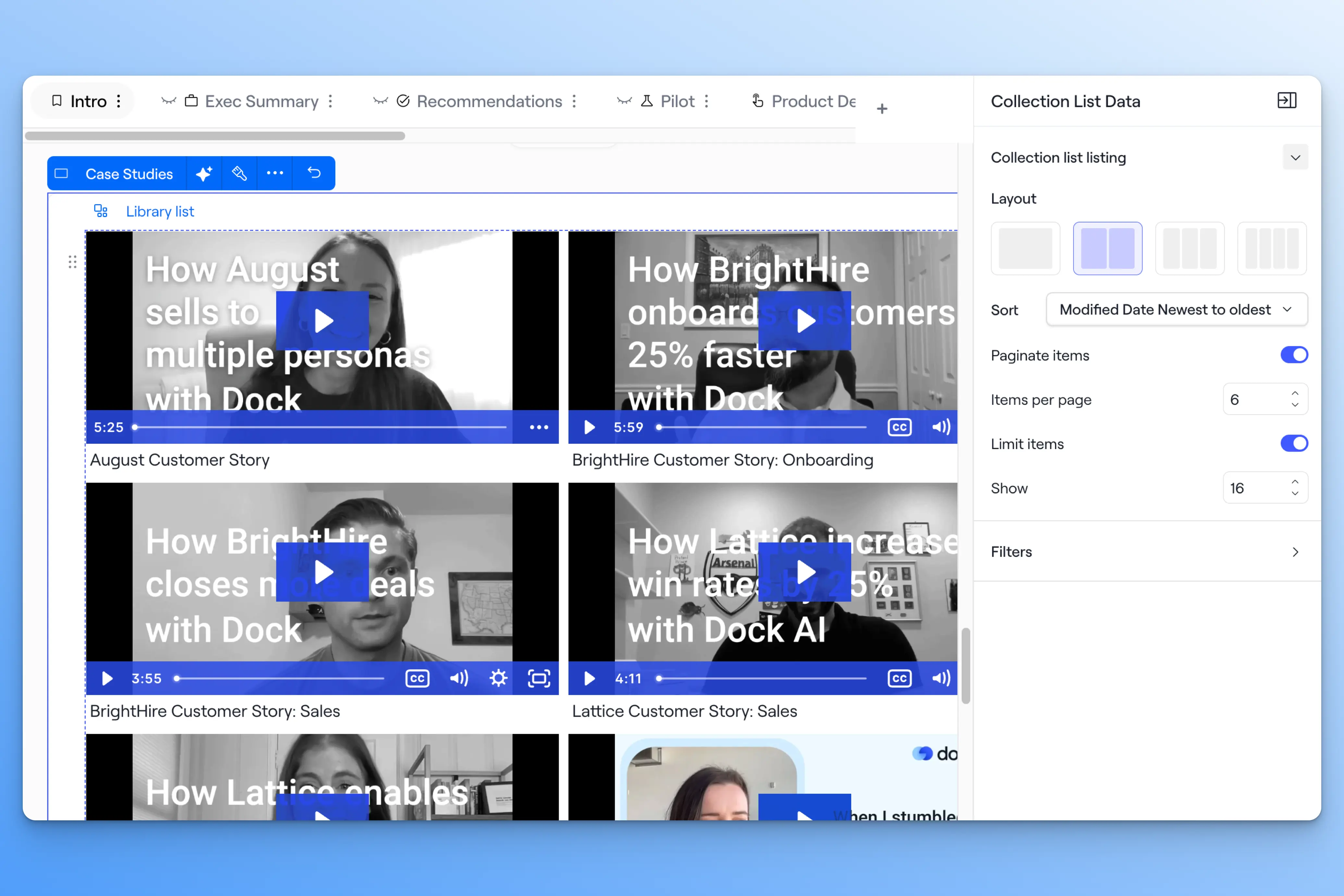
The new Library list widget lets you create a dynamically updating collection of Library assets within a workspace section.
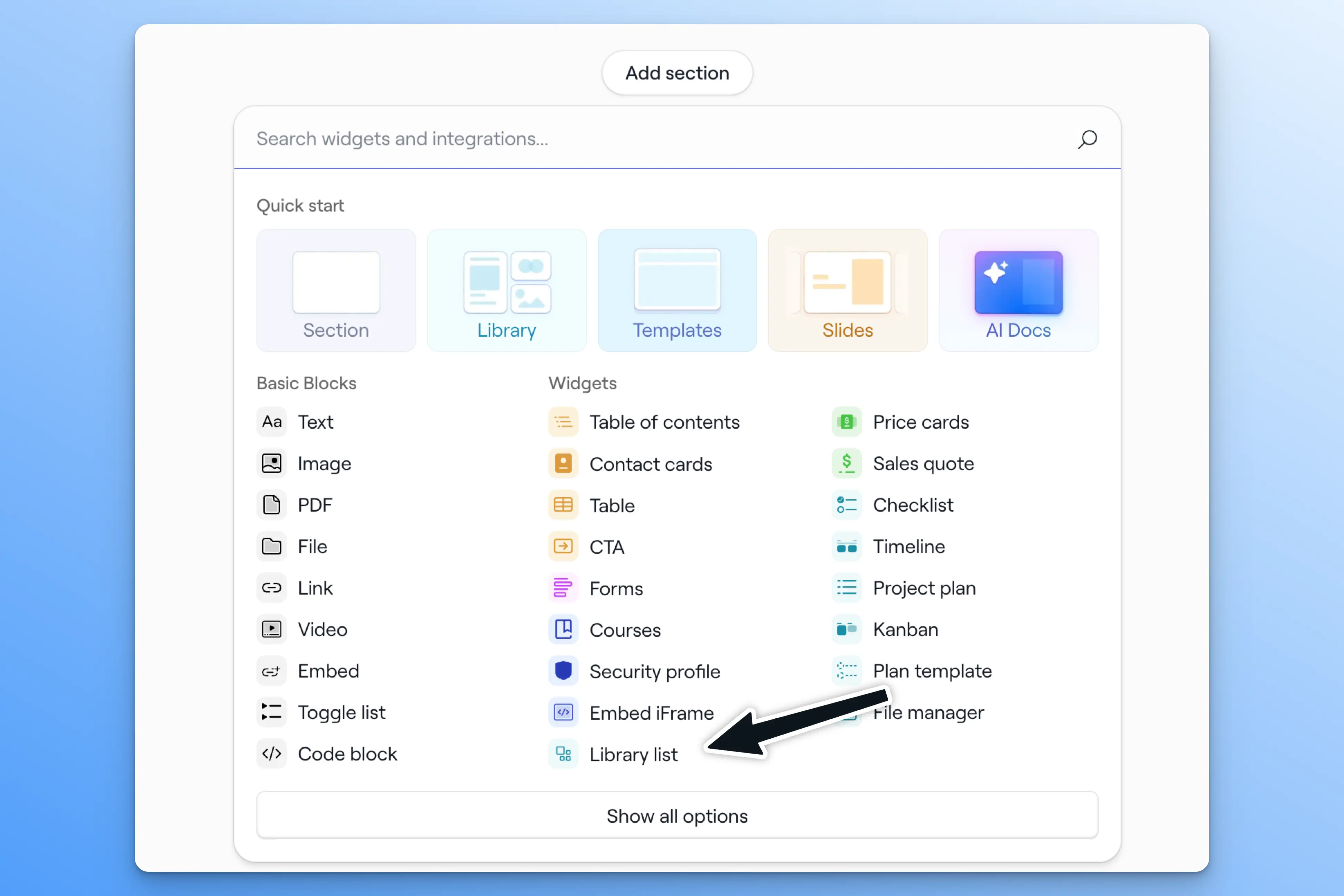
Set your filters—tags, views, shares, internal, or file type—and the widget shows every asset that matches. It stays connected to your Library, so as you tag, update, or retire content, the list updates automatically.
⚡️ Example: Drop a Library list into a deal room, filtered to case studies tagged for the buyer's industry. The relevant ones show up now, and any new case study your team tags for that industry appears automatically, with no edits to the room.
What's next
We’re really excited about these changes and hope you will be too. We’re committed to making the Library even better, so we have tons of exciting CMS updates planned throughout the year.
👉 Want Library setup help? Check out our Help Center.
👉 Have a question or product feedback? Reach out to your CSM or email support@dock.us.
👉 Want to demo Dock? Book a demo with our team.
- Alex


Related Revenue Lab Articles





.webp)
Templates for Sales, Onboarding,
Projects and Portals
Customize and share with clients


