
Build structured training courses for your revenue team and customers—without the complexity of a traditional LMS.
We're extremely excited to announce Courses, a new way to build guided training in Dock. Courses help you systematize how you onboard new hires, roll out product training, or develop key skills like discovery and objection handling.
Build lesson-by-lesson courses with quizzes and flashcards, assign them to your team, track progress, and give coaching feedback directly inside the course.
You can even embed them in client workspaces—so customers and partners can complete onboarding and product training without leaving Dock.
This is the first version of Dock's Learning Management System: Courses for structured training, Playbooks as an always-on reference.
Combined, they complete Dock's vision of a true revenue enablement platform: collaboration, content, and learning in one place.
Keep reading for the full tour of courses.
Quickly build and launch courses
With Courses, you can create engaging learning experiences for your GTM teams where they're already working with their customers.
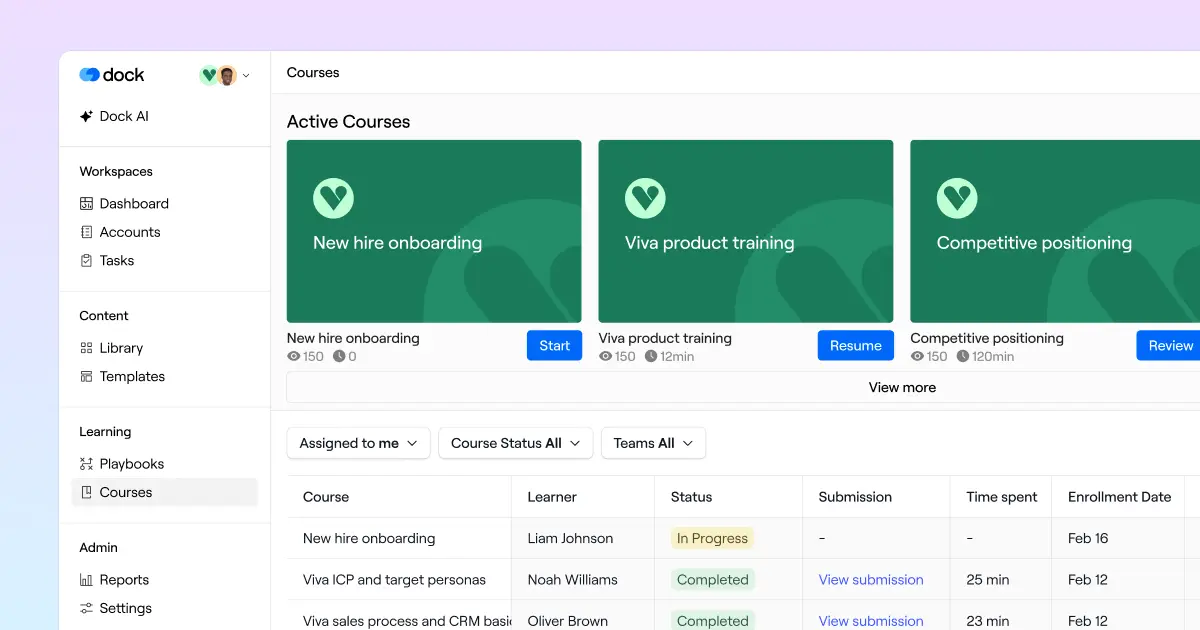
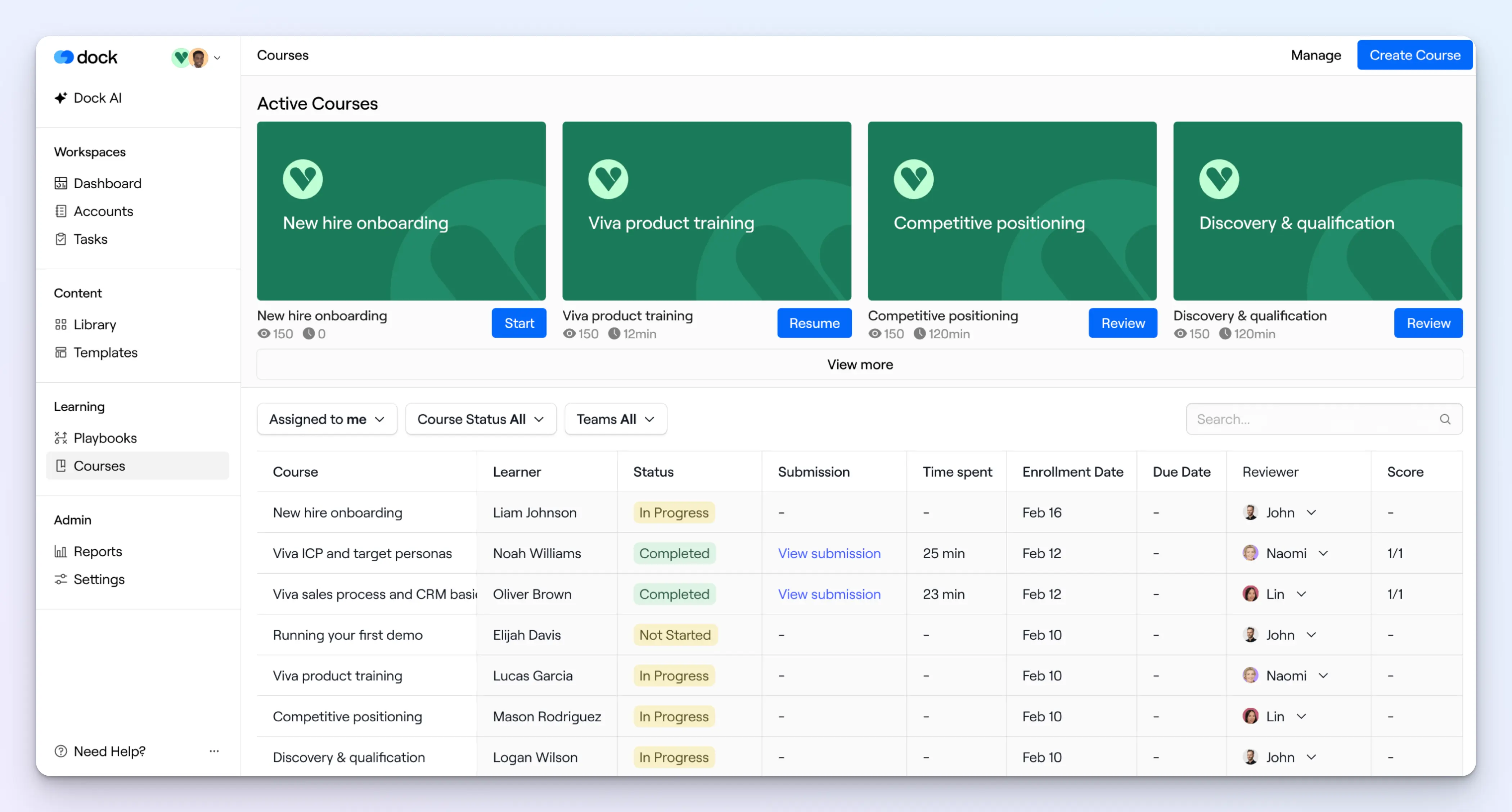
When a rep logs into Dock, their Courses dashboard shows active courses at the top and all assigned courses below, so there's no hunting for what to learn next.
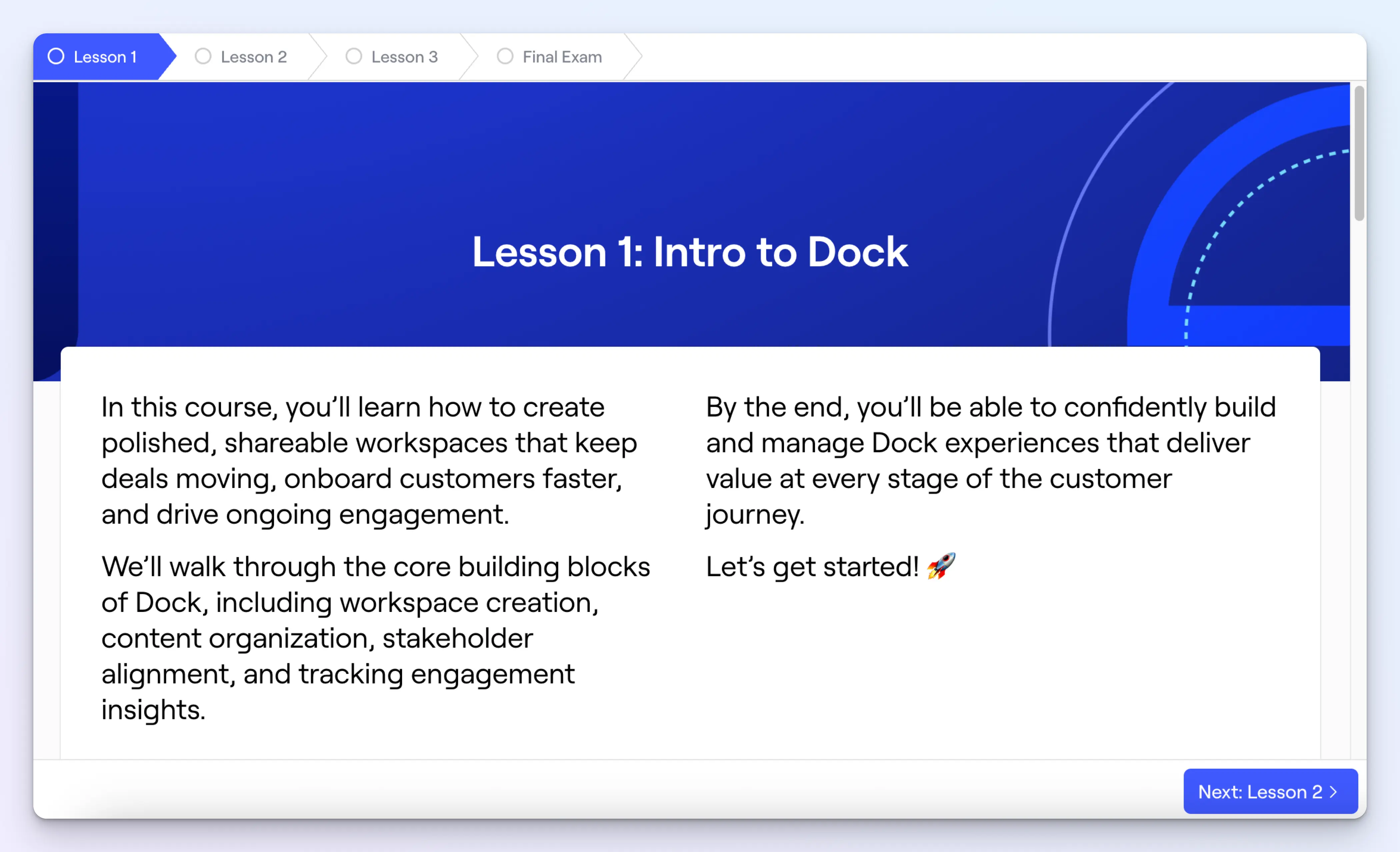
When it comes to making courses, the course builder uses the same drag-and-drop editor you already know from Dock workspaces and playbooks. Embed videos, slides, library assets, and more to build rich, interactive lessons.

The Modules (i.e., lessons) within a course are structured and sequential. Reps have to complete each module before moving on to the next—so you can control the exact learning sequence.
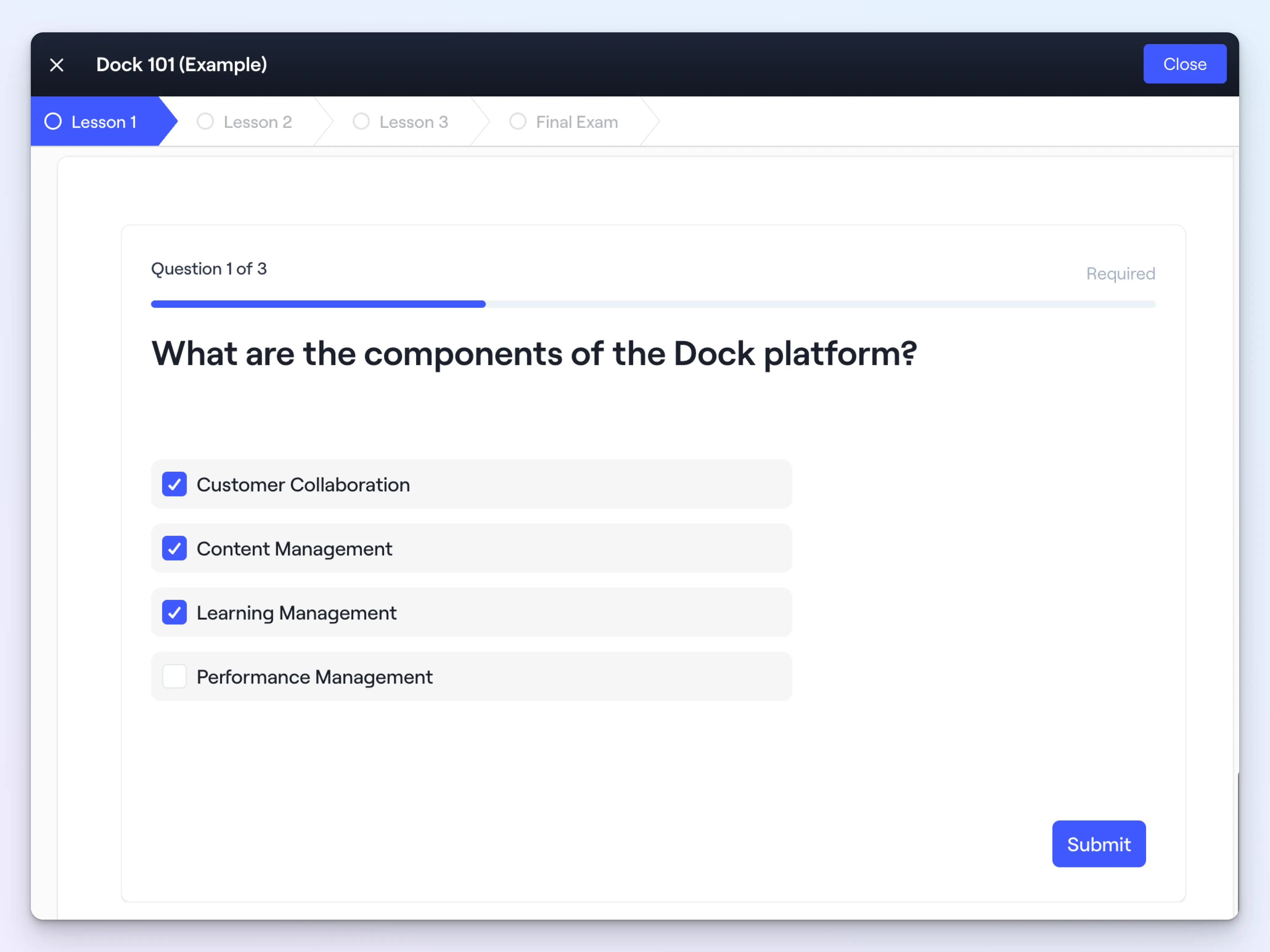
Quizzes can be added to any lesson. Questions can be multiple-choice, multiple-select, or free-response, with the option of manager review.
Flashcards can be added to lessons for quick knowledge reinforcement—reps can quickly assess their own knowledge of product differentiators, competitive positioning, discovery questions, or pricing details.
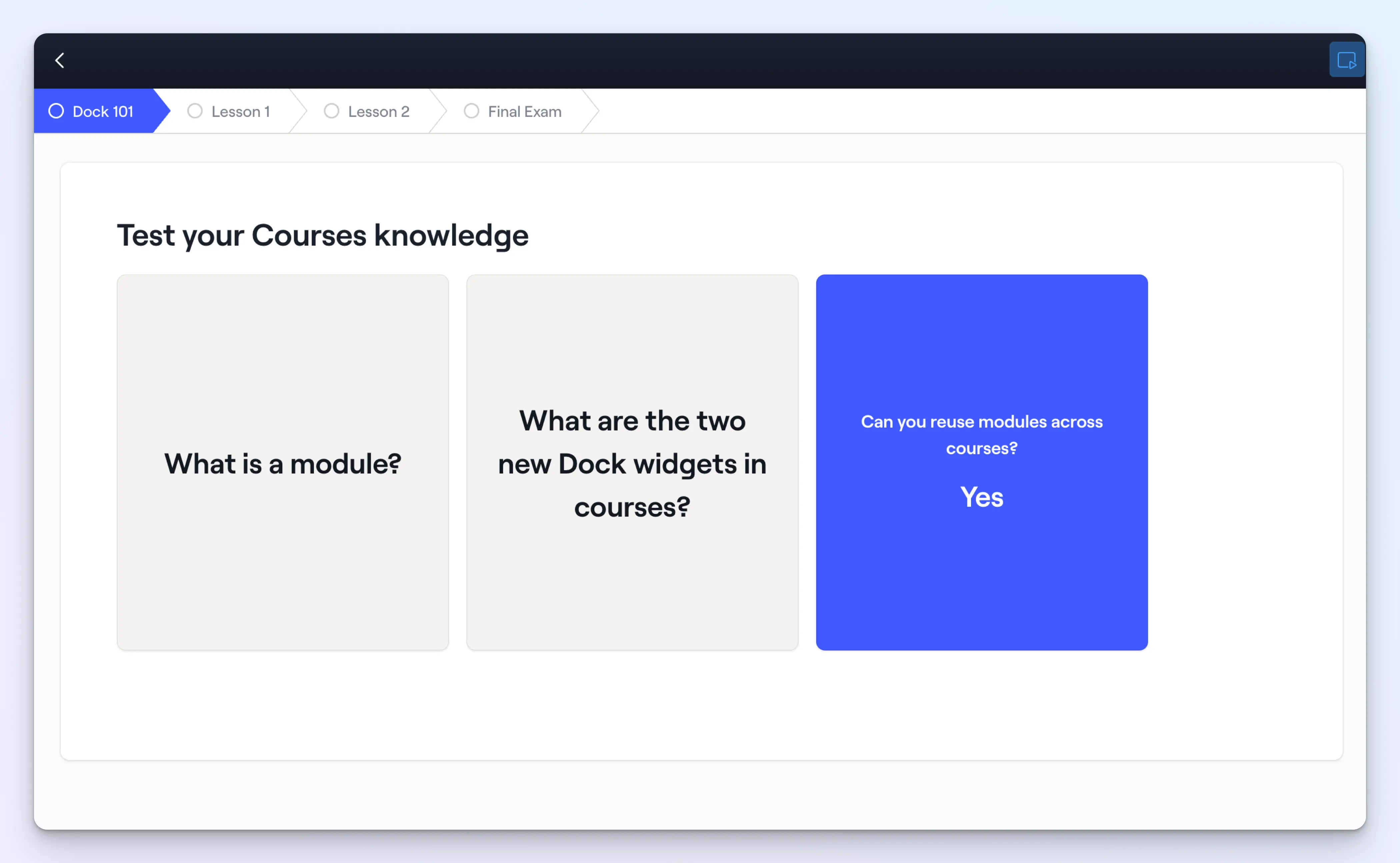
You can reuse lessons, quizzes, and flashcards across multiple courses, so you're not rebuilding the same content from scratch every time.
Give coaching feedback
For training that requires human feedback—a role-play, video submission, or written exercise—you can assign them for manager review directly inside the course.
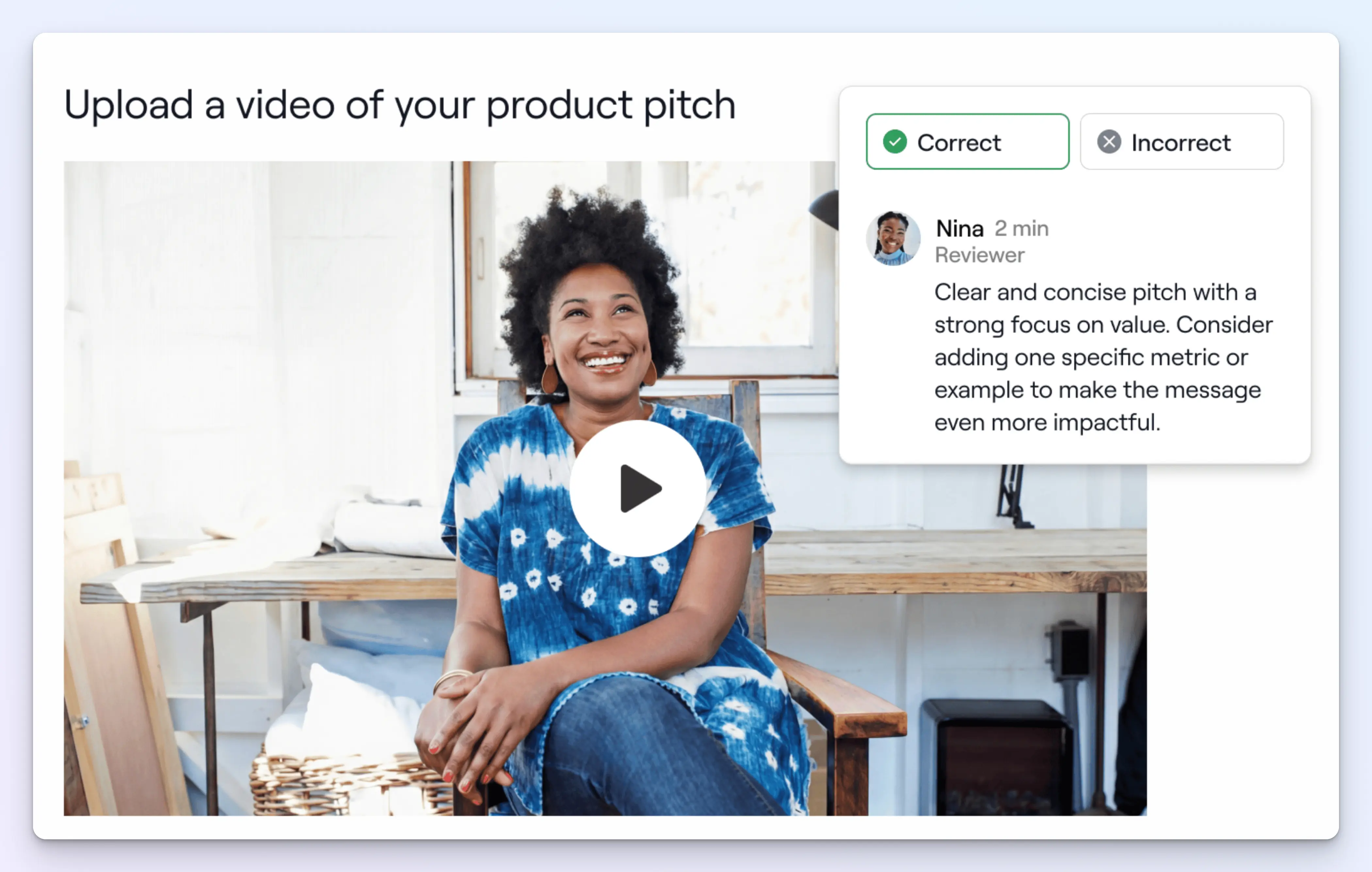
Managers can review answers and leave comments from a single dashboard—no back-and-forth via email required.
Assign courses and automate reminders
Courses are built to automate as much of the admin side of learning as possible.
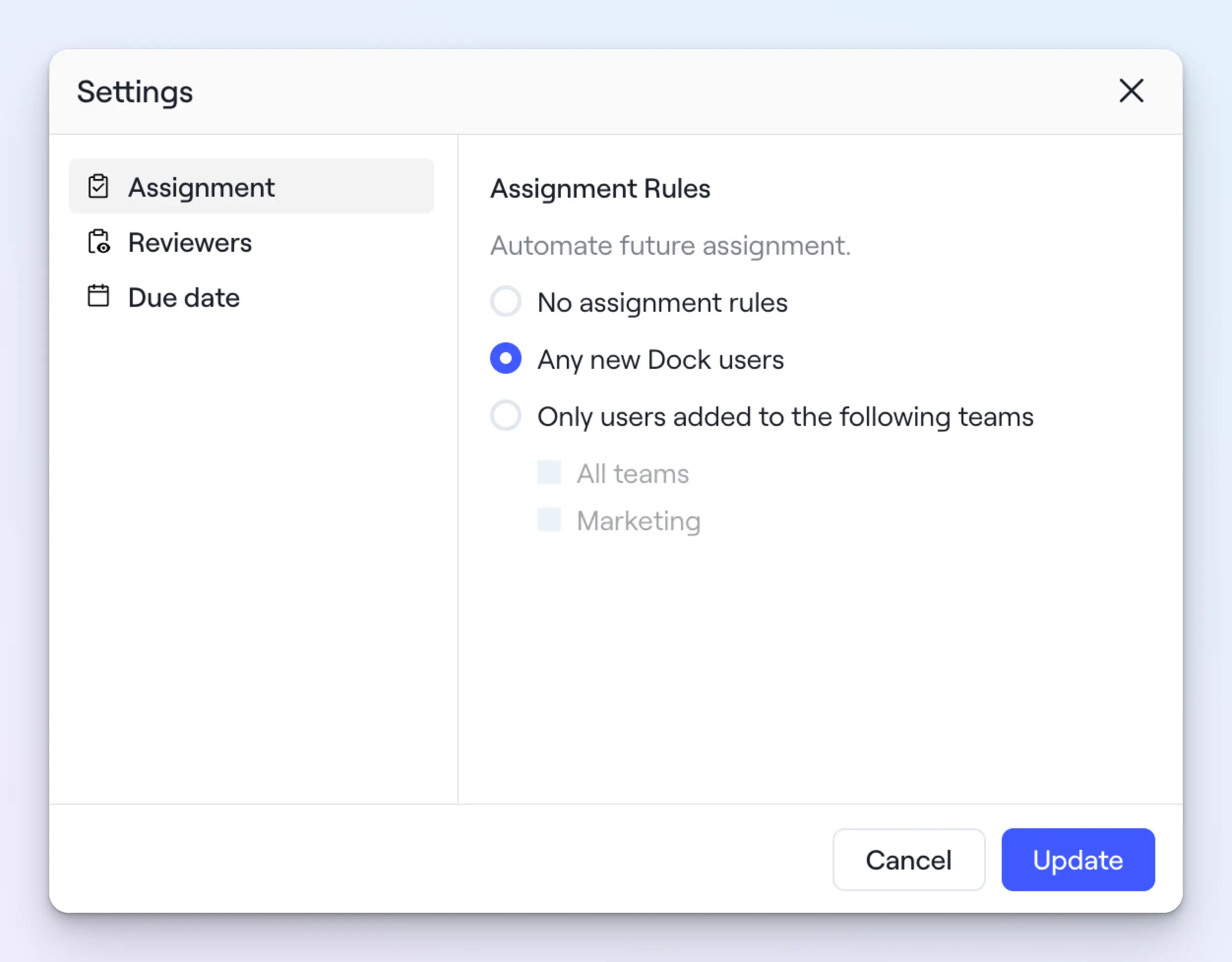
Assignment rules let you manually or auto-assign courses to individuals, teams, or your entire organization—so the right training reaches the right people when they need it.
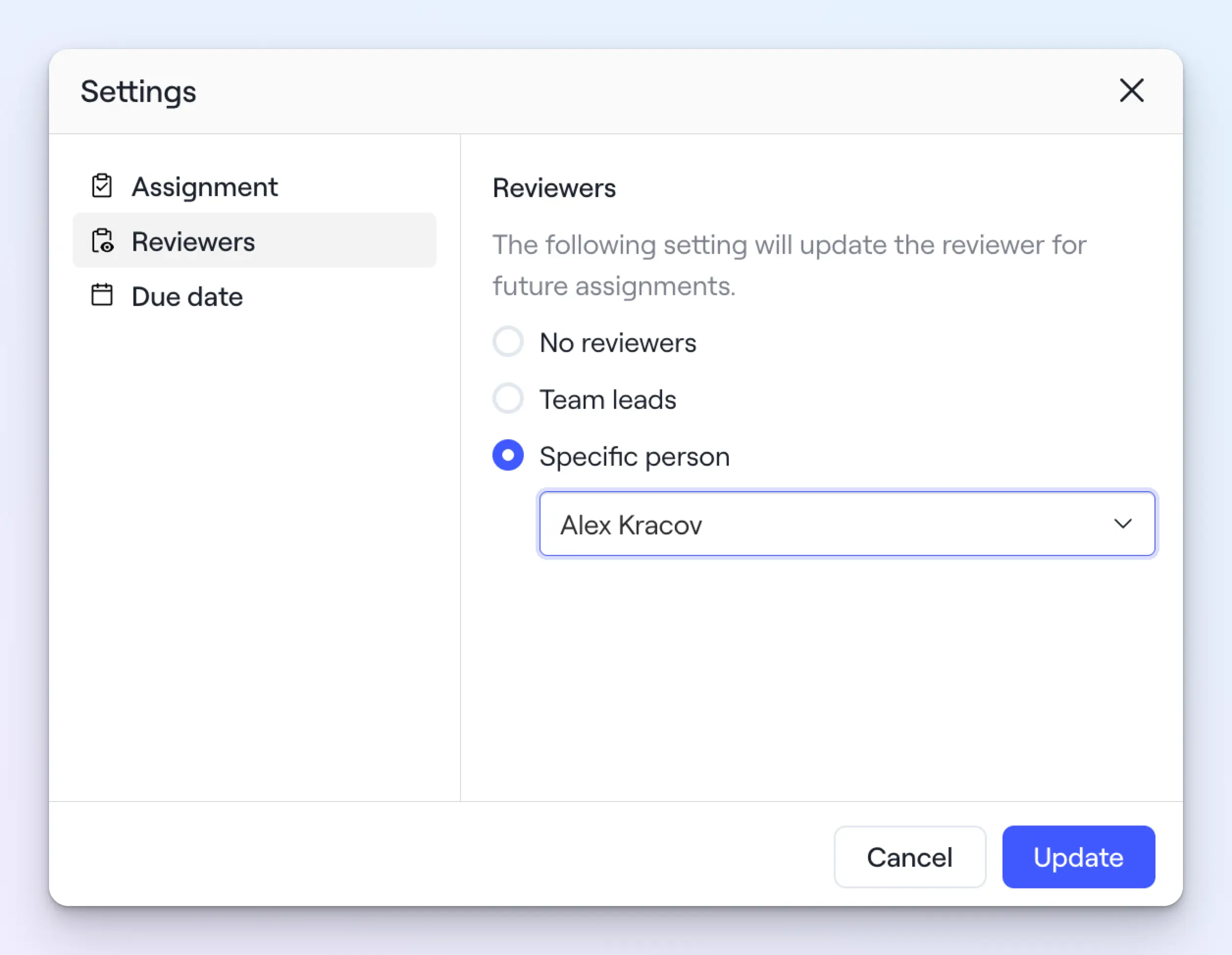
Reviewer settings let you choose who should review each course: whether that’s their team lead or a specific person.
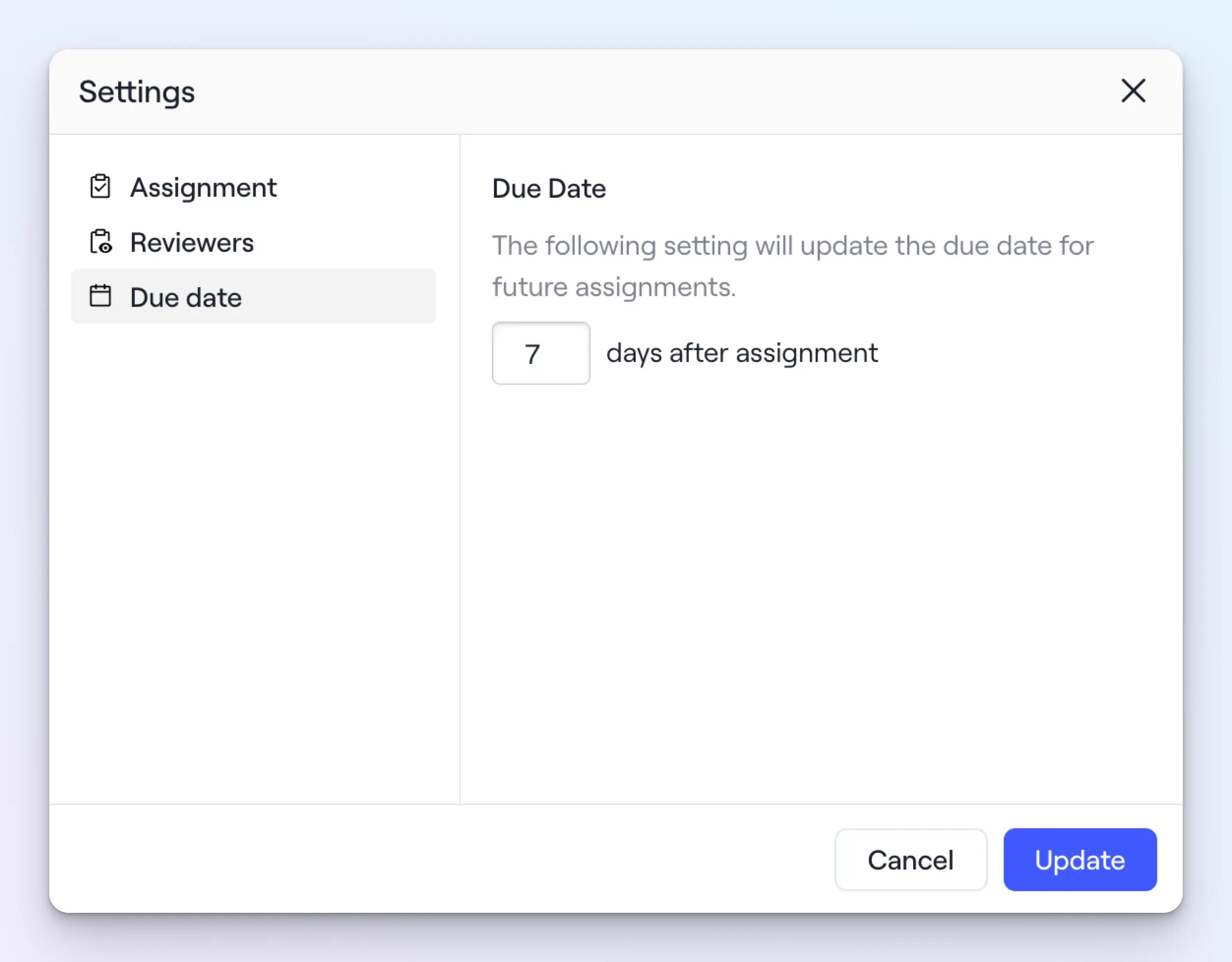
Due dates send automatic reminders to keep learners on track—no manager follow-up required.
Track learning progress
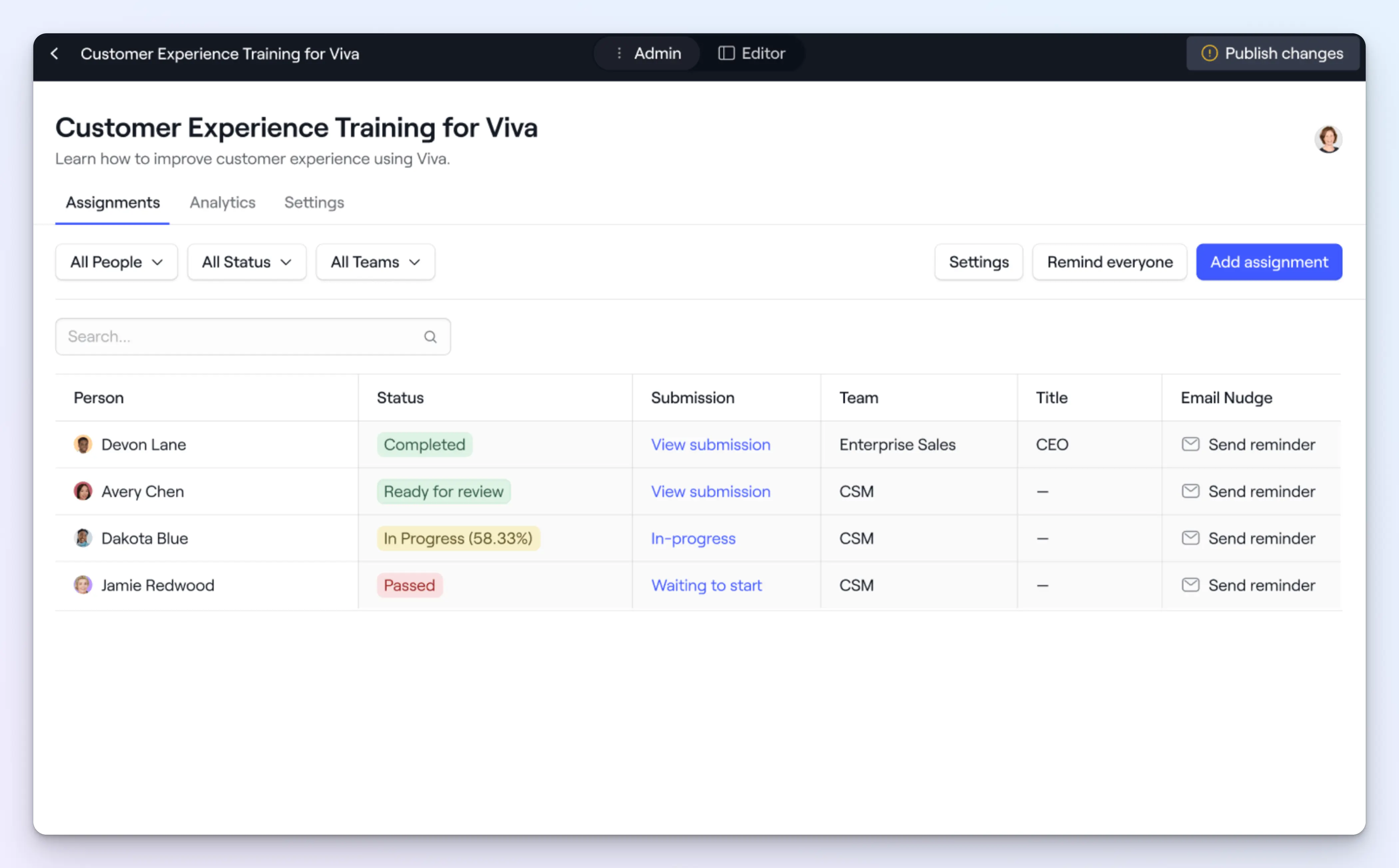
Each course has an Admin view that gives admins and leaders two layers of tracking visibility.
Assignments let you view each rep's course completion, viewing time, and quiz scores, so it's easy to spot who's on track and who needs additional support or coaching.
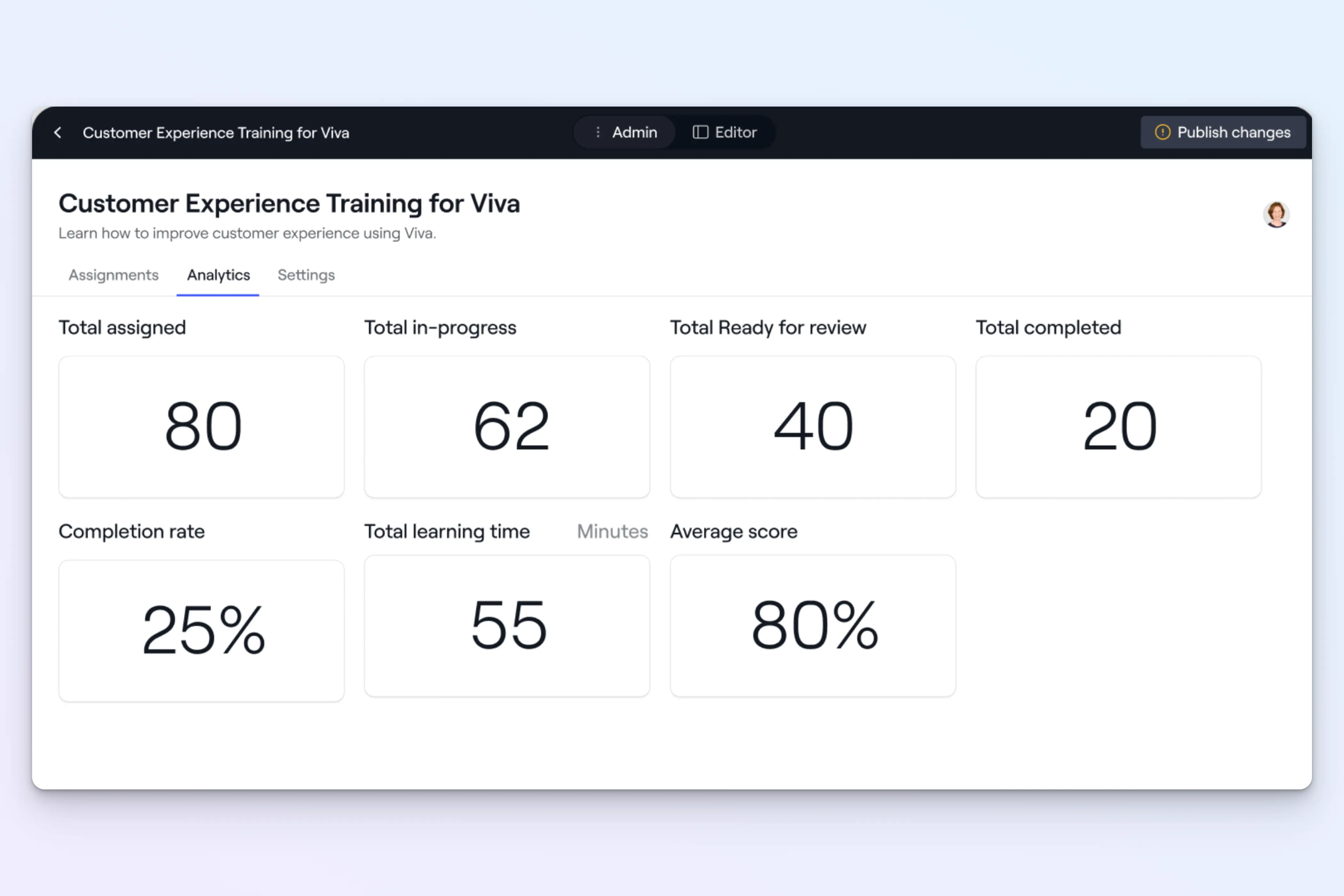
The Analytics show course-level metrics, such as enrollment numbers, completion rates, average viewing time, and quiz scores, so you can assess a course's overall success.
Train customers and partners
Everything we build into Dock is meant to benefit your team and your customers. So courses aren't just for internal training. You can embed courses directly into client workspaces, too.
Customers and partners can complete training in their existing Dock workspace without needing a separate login or platform.
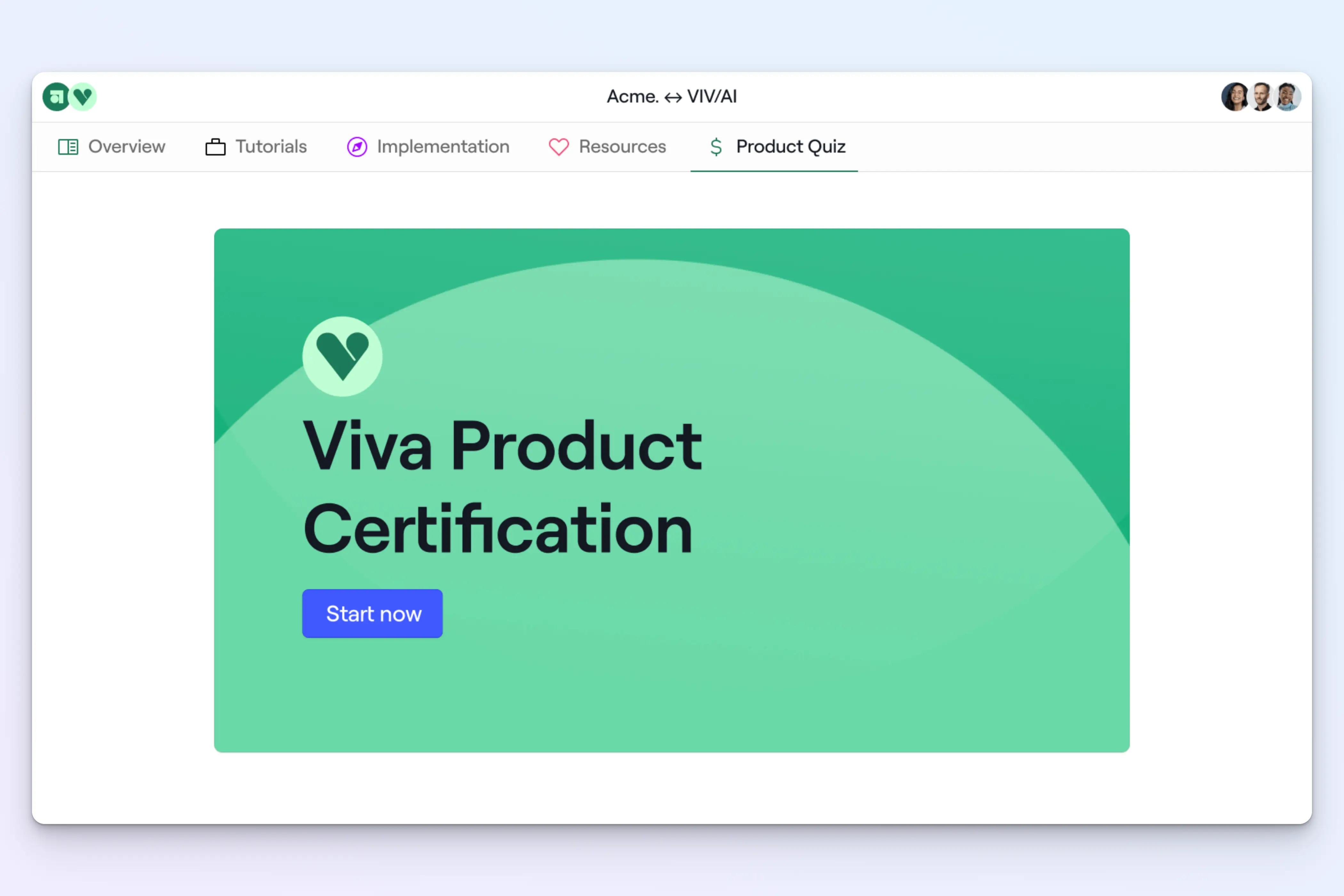
This is great for customer onboarding, new product training, or partner education.
The LMS built for revenue teams
Courses and Playbooks work hand in hand as the first version of Dock's learning management system.
Playbooks are where reps go for evergreen training content—processes, product information, objection-handling guides, etc. Think of it like a wiki.
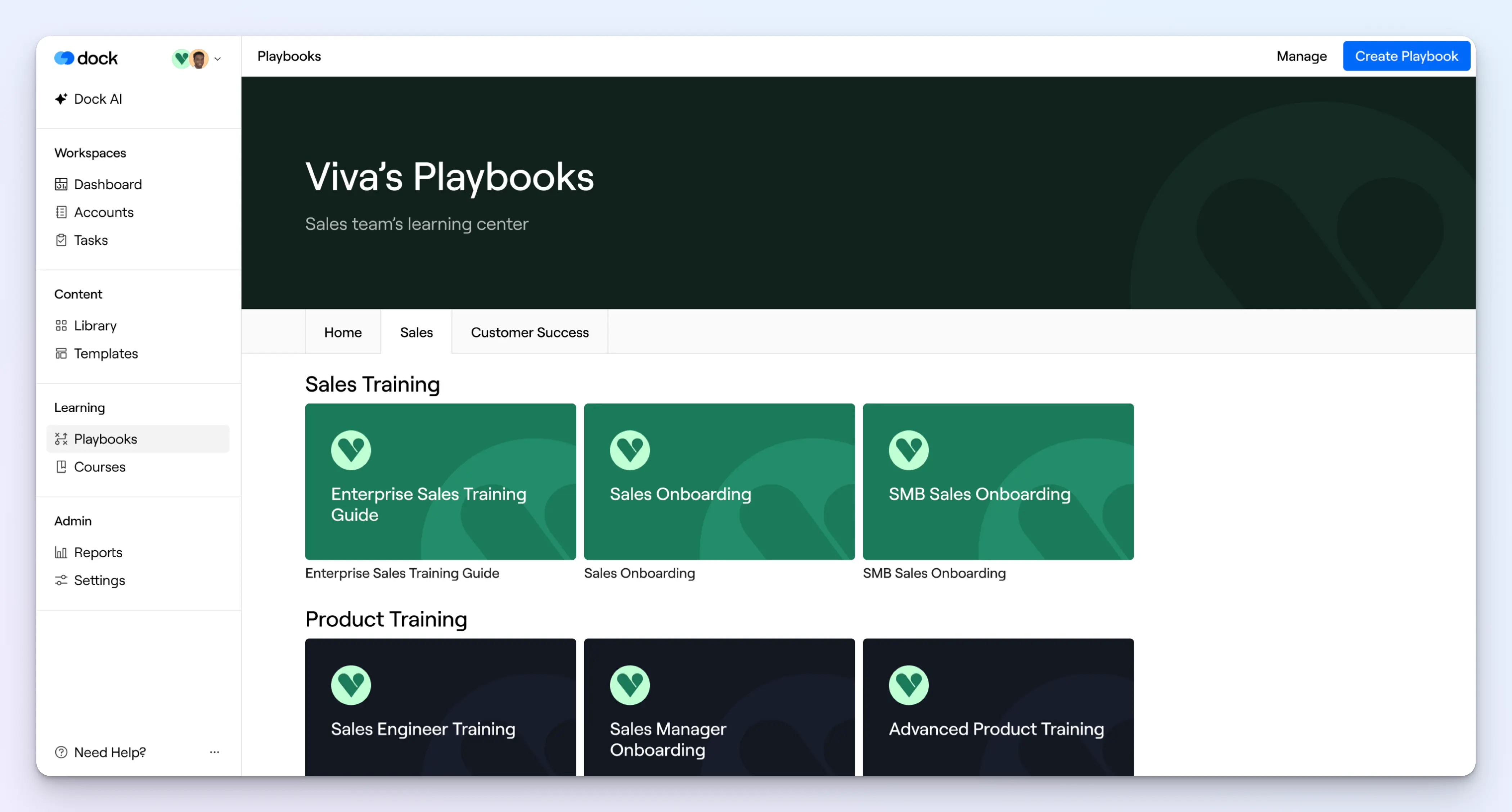
Courses are for structured training and testing of that knowledge.
And they interplay together: you can link to a playbook from a course, or embed a course within a playbook, so reps can move between the two without switching tools.
With the full launch of our LMS, Dock now covers collaboration, content, and learning in one place.
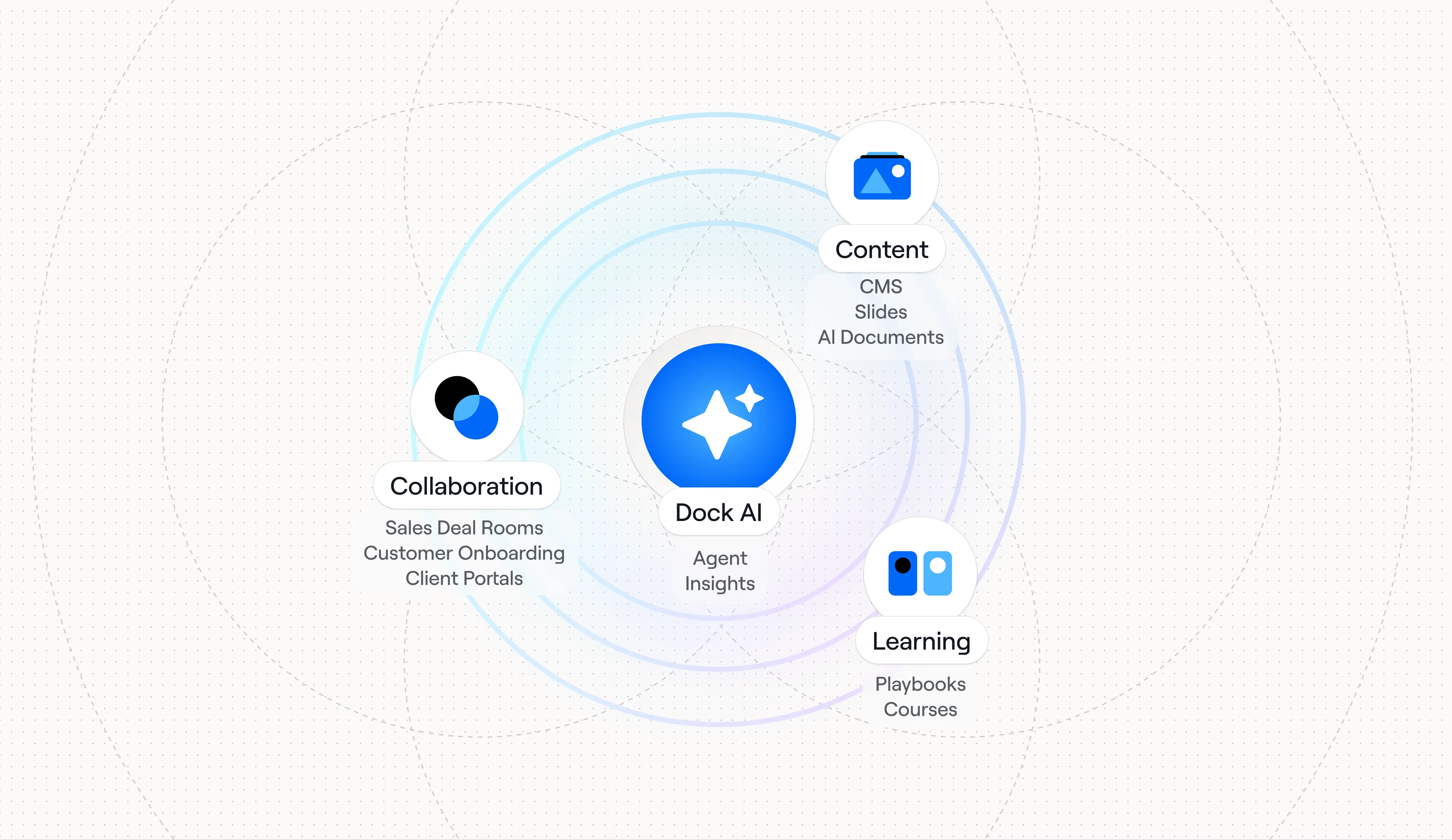
For teams looking for a modern alternative to legacy platforms like Seismic and Highspot, Dock offers something different: it's faster to implement, easier for reps to use, AI-native, and built around working directly with customers.
Courses are available now to Enterprise customers. Consider this an early version—we'll be shipping improvements quickly. But really excited to hear what you think!


Related Revenue Lab Articles




.webp)
Templates for Sales, Onboarding,
Projects and Portals
Customize and share with clients


