

Create and edit workspaces, playbooks, courses, and order forms with AI.
Tailoring a deal room to a buyer or building the perfect sales training takes time that reps and enablement teams don’t always have.
Now, Dock AI does the work for you.
You can now create and edit nearly anything in Dock with AI. Personalize a deal room for a customer based on their discovery call, turn a slide deck into a polished playbook, or build a course from a recent training session.
.png)
Here's what's new with Dock AI
- Create workspaces, playbooks, courses, and order forms from your files, Library assets, links, and call transcripts
- Edit workspaces and playbooks just by asking. Add pages, sections, and widgets, rewrite copy, or change styling.
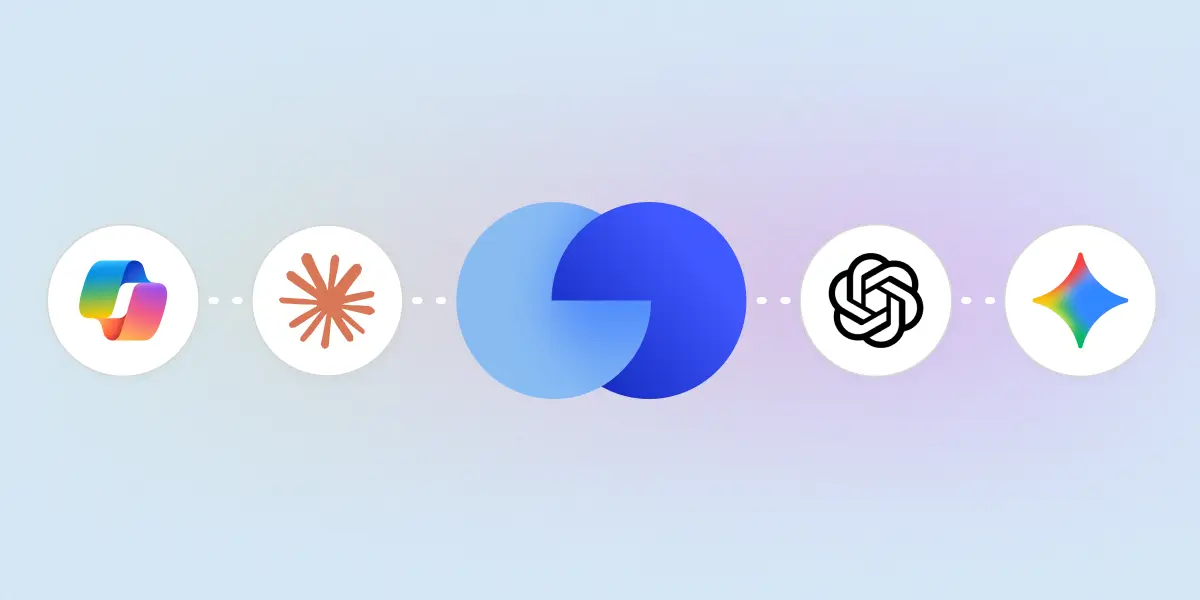
- Work from your own AI tools. Create and edit from Claude, ChatGPT, and Gemini with the Dock MCP server.
- New editor. Updated the editor experience to put AI chat front-and-center
Create with AI
Here’s everything you can create with AI in Dock.
Workspaces
Save yourself the setup by generating a full sales deal room, onboarding hub, or client portal in minutes with Dock AI.
Give Dock sources like your company website, your customer’s website, call transcripts with the client, and any sales materials you typically share (e.g., decks and demo videos), and Dock will draft the entire workspace following best practices.
The AI makes full use of Dock’s built-in widgets—like action plans, contact cards, relevant Library assets, and other embeds—creating a much better client experience than a static document.
Build a workspace with AI from scratch (great if you’re new to Dock) or ask AI to start from one of your existing templates (great for personalizing to a client).
Then just edit, publish, and share with the client.
Playbooks
Dock AI can also create playbooks—internal learning guides—so you can more easily keep your revenue team up to date on product knowledge, sales processes, competitors, and more.
Give Dock AI a training deck, a process document, or a recorded training session, and it spins up a fully formatted playbook, ready to share with your team.
That makes it much easier to build those battlecards, methodology docs, and new-rep onboarding guides that live in people’s heads or Drive folders instead of somewhere your team can easily access.
Courses
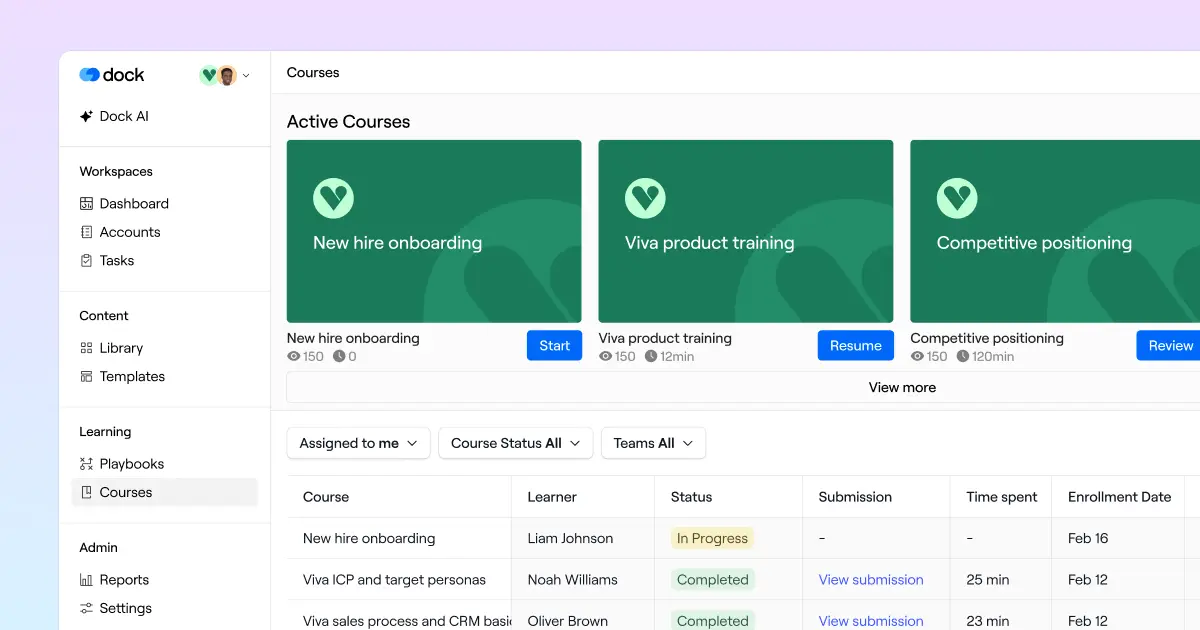
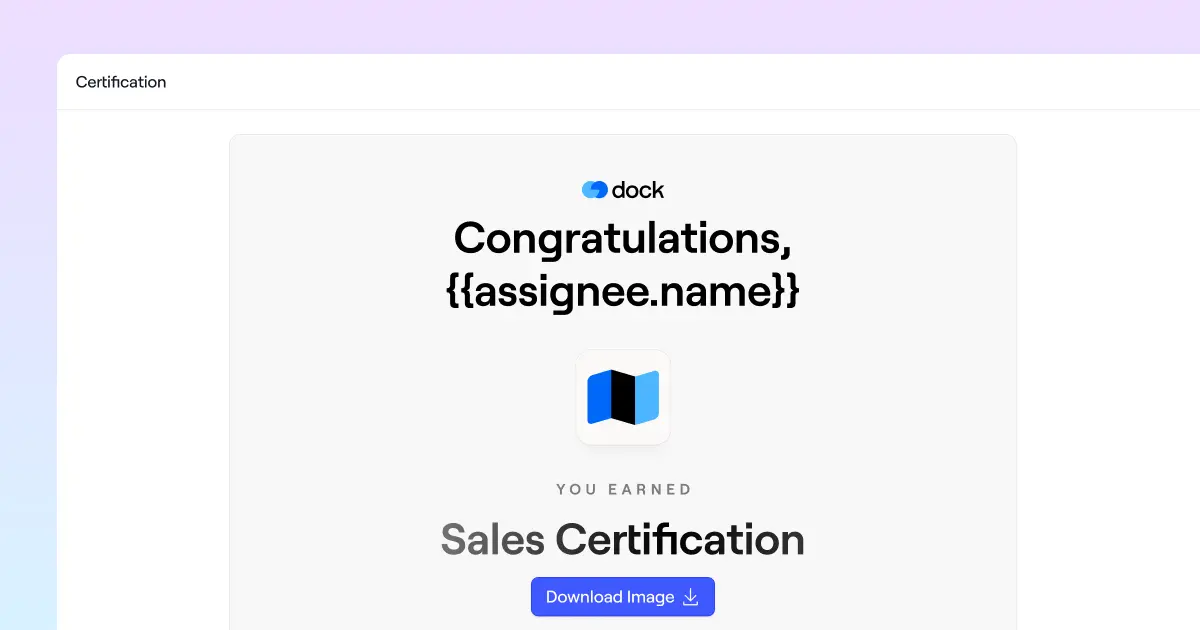
Dock can also build a course from a transcript, deck, or existing training material—complete with sequential lessons, quizzes, and flashcards.
Sales training or new-rep onboarding certifications that used to take weeks to produce can now be spun up for review in minutes.
Order forms
Reps can now ask Dock AI to build a price quote or order form from your product library.
Instead of building a sales quote click-by-click, reps can prompt Dock for a “two-year quote with 100 seats in the first year and 200 in the second year, with a 20% discount on the first year,” and AI will build the order form in seconds from your product library.
Edit with AI
You can now easily edit workspaces and playbooks with Dock AI, too.
Ask Dock AI to add a page, rewrite a section, build a table, insert an embed, inject your brand colors, or show and hide pages without even touching the workspace editor.
Make edits from the chat inside the workspace or playbook, or from Dock AI chat, where you can review each change before opening the editor to fine-tune.
This is especially helpful for making changes as a deal progresses—like adding a business case after a pricing conversation, or unhiding the security review section once the buyer’s security team gets involved. Just ask Dock AI instead of clicking through the editor each time.
It’s also useful for admins to make bulk edits—like adding a page to several client workspaces at once, or restyling every element in a workspace—in a single request.
Create and edit via MCP
All of this works from the AI tools your team already uses, too.
Through the Dock MCP, you can create and edit workspaces, playbooks, courses, and order forms from Claude, ChatGPT, Gemini, and any MCP-compatible assistant.
Ask Claude to spin up a deal room from your sales template, or to add a pricing section to a workspace, and it happens in Dock.
The MCP can integrate Dock into your larger AI tech stack or workflow.
For example, you could use Claude to enrich the buying committee with Clay, pull the latest account news online, and then check your CRM data before it builds the deal room in Dock. Then package it as a Claude Project or custom GPT so every rep runs the same workflow.
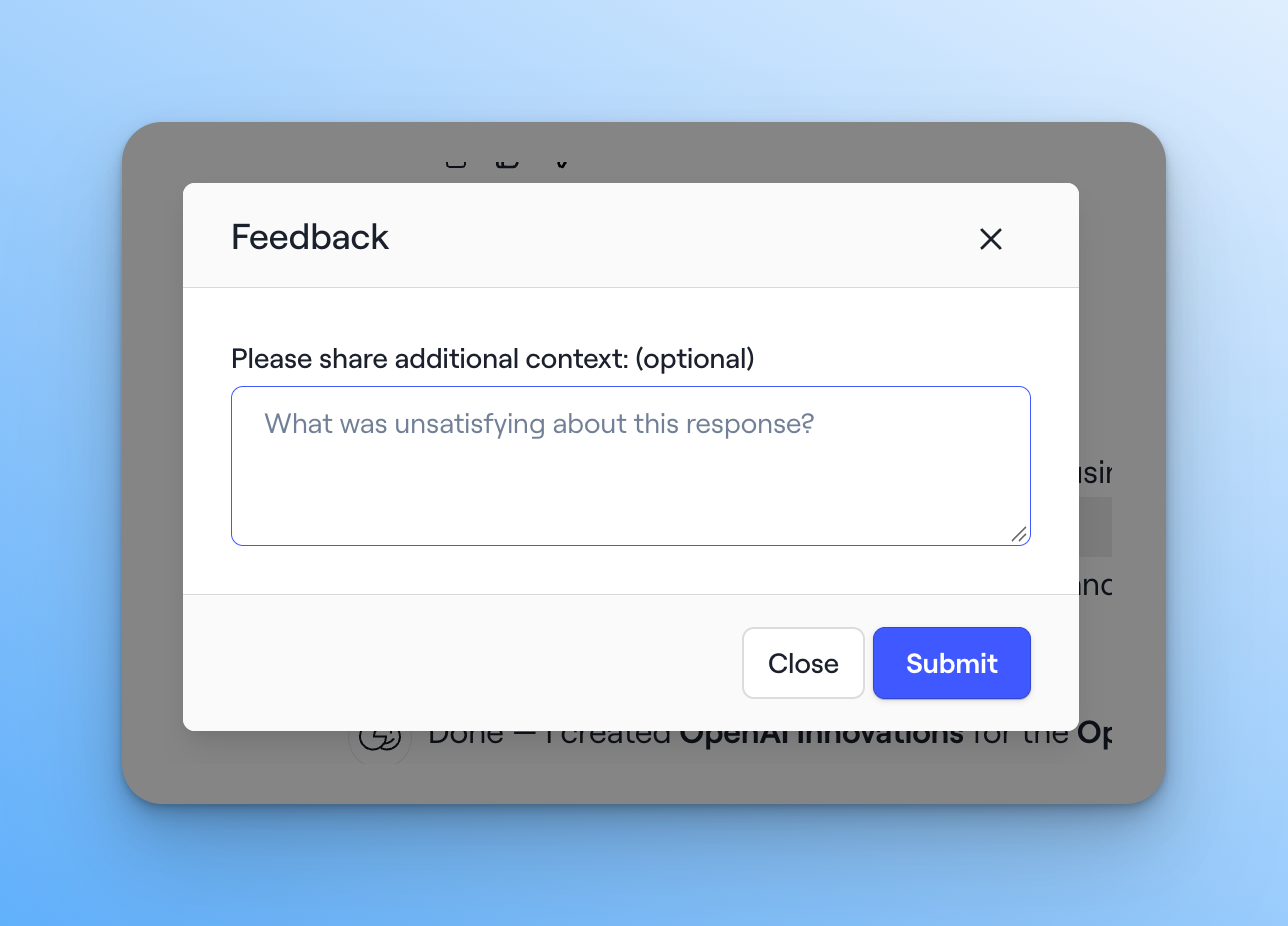
Share feedback with us
Dock is building out our AI features as fast as we can. We currently have around ~80% coverage on the long tail of features available in Dock. We’re also constantly adding new features which makes this a never ending process.
To help us know what to prioritize, please leave feedback directly in the AI chat or reach out to support@dock.us.
Get started with Dock AI
Dock AI is included on every Dock plan. You can build your first workspace, playbook, or course with AI for free.
👉 Want help with Dock AI? Check out our Help Center.
👉 Want a demo? Book time with our sales team.
👉 Still have questions? Reach out to your CSM or email us at support@dock.us.


Related Revenue Lab Articles
.webp)


Templates for Sales, Onboarding,
Projects and Portals
Customize and share with clients


