
Onboard, train, and certify your revenue team in one learning platform.
Today we're launching Dock Learning: Pathways, AI Tutors, AI Roleplay, and a new Assignment hub. They join the Playbooks and Courses we shipped earlier this year.
Most revenue teams piece their training together from separate tools: an LMS for courses, a wiki for sales knowledge, a roleplay tool for call practice, and a spreadsheet to track who finished what. Reps juggle logins, and enablement never gets a single view of whether someone is actually ready to sell.
Dock Learning puts all of it in one place, inside the same Revenue Enablement platform that runs your customer Workspaces and Content library.


TL;DR: What's in Dock Learning
For reps
- Pathways: guided learning journeys that combine everything below (new)
- Playbooks: your revenue team's knowledge hub; think of it like a wiki for sales
- Courses: on-demand training with quizzes and flashcards
- AI Tutors: a personal tutor on a specific topic, built on your content (new)
- AI Roleplay: practice real sales conversations with AI buyers (new)
For enablement
- Assignment hub: launch and manage every learning assignment from one place (new)
- Create with AI: turn existing collateral and call transcripts into playbooks, courses, and roleplays
- Certifications: recognize reps when they hit learning milestones
Keep reading for the full tour.
Build guided learning pathways
Pathways bring courses, playbooks, library content, AI tutors, AI roleplays, and individual tasks together into one guided journey for each learner.
Instead of sending a new hire a dozen links and a checklist, you send one pathway. Learners see what's next, and you see how far along they are.
Pathways work well for onboarding programs, demo certifications, and product launch readiness.
🧭 Example: A 30-day AE onboarding pathway might start with your sales playbook, move into a product course, check understanding with an AI tutor, and finish with a discovery-call roleplay the rep has to pass before taking live meetings.
Practice sales calls with AI Roleplay
AI Roleplay lets reps run simulated sales calls with an AI buyer before they get on the phone with a real one.
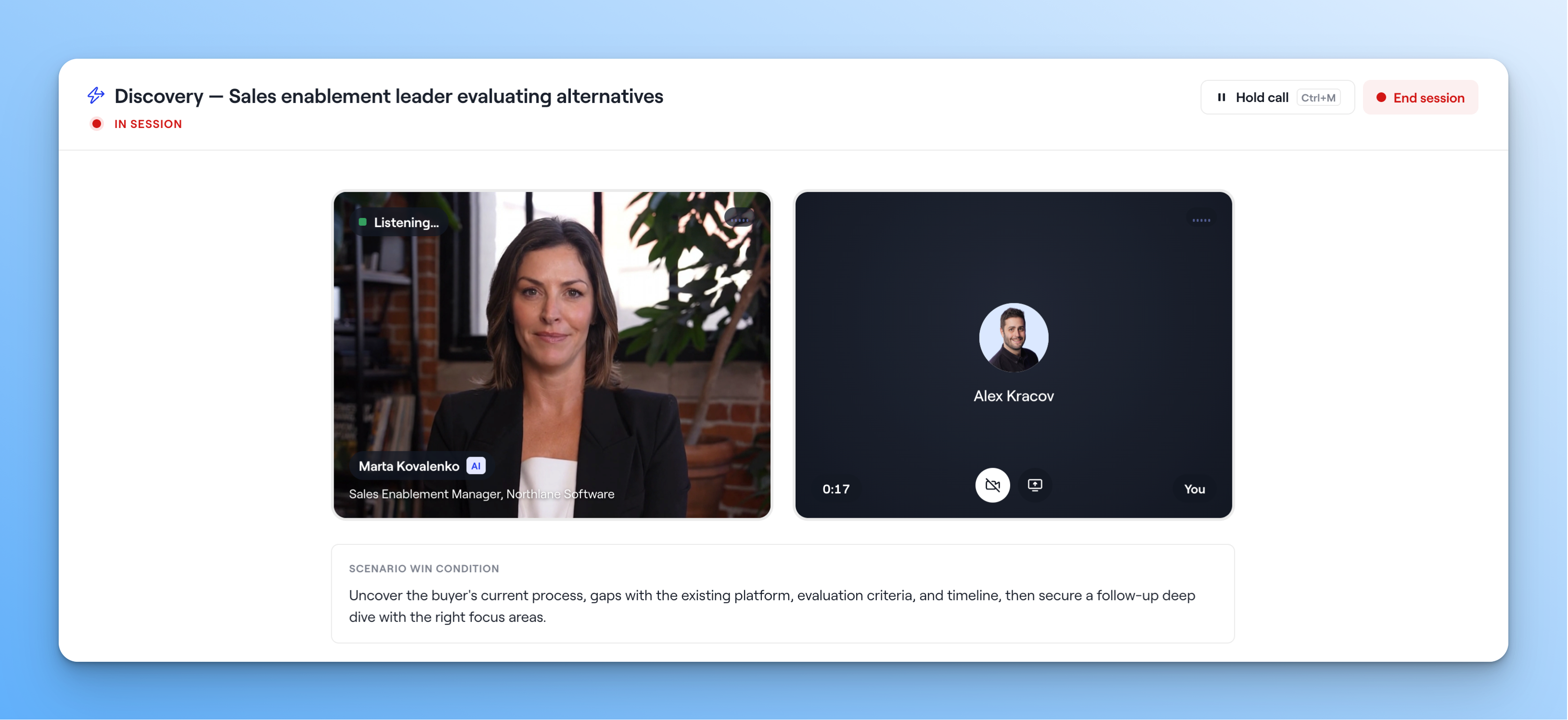
Admins build each roleplay from a few building blocks:
- Scenarios: the situation, the stakes, and a goal for the call
- Buyers: reusable personas with their own voice, priorities, and objections
- Scorecards: grading criteria based on your methodology. Dock includes scorecards for MEDDIC, MEDDPICC, SPIN, Challenger, Gap Selling, and Command of the Message. Edit them or write your own.
When a call ends, reps get coaching notes tied to specific moments in the conversation, a score against the scorecard, and delivery stats like pace, filler words, and talk-to-listen ratio.
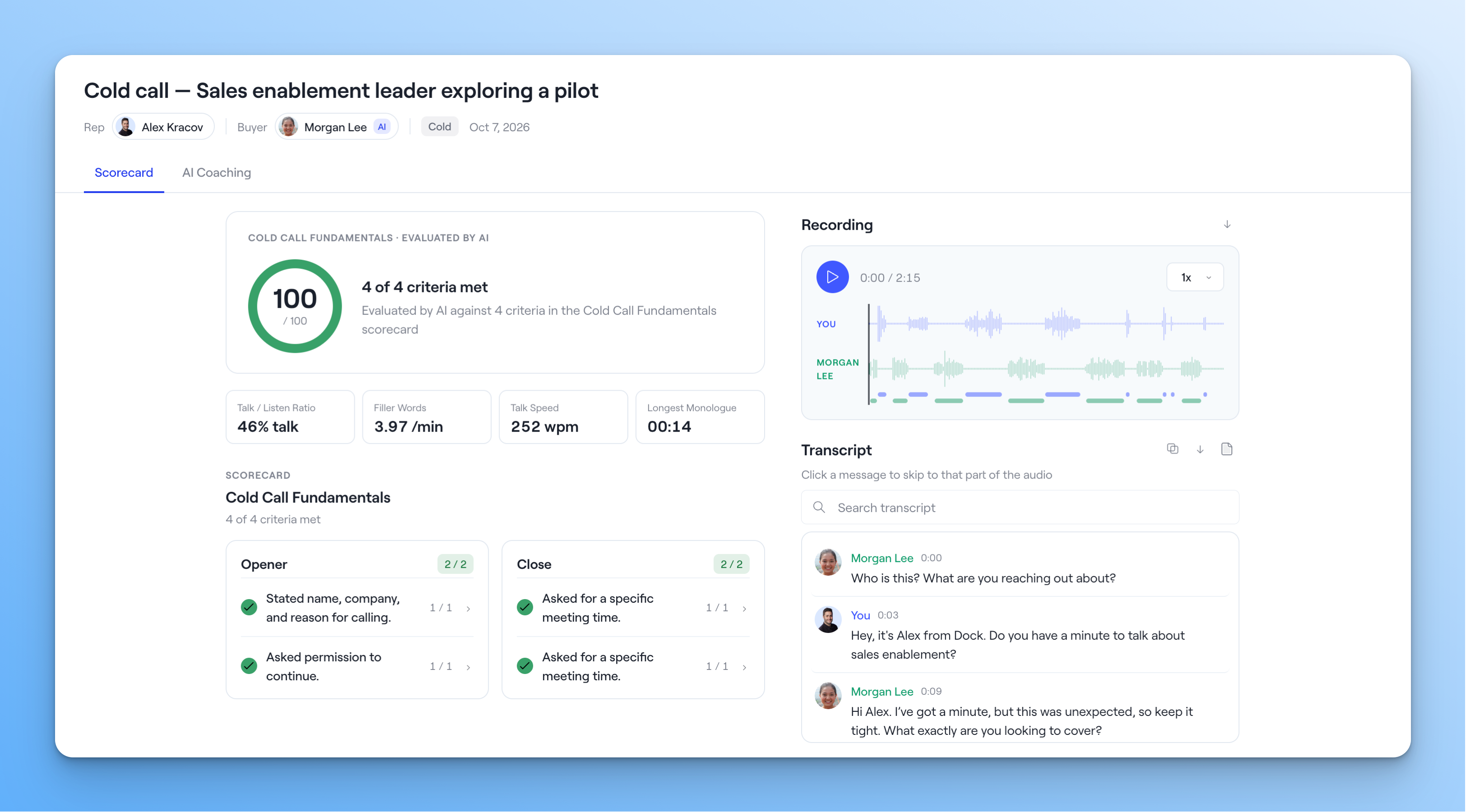
Managers can review every session, with recordings and transcripts, filtered by rep, scenario, or call type.
🎯 Example: Before a pricing change goes live, build a roleplay where the buyer pushes back on the new price. Have every AE pass it before they quote it to a customer.
→ Learn more about AI Roleplays
Learn through conversation with AI Tutors
AI Tutors teach reps through a conversation. A tutor explains a concept, asks one focused question at a time, and has the rep explain and apply what they've learned.
Admins pick the source materials (say, a product overview deck or a launch guide), set learning objectives, and shape how the tutor teaches.
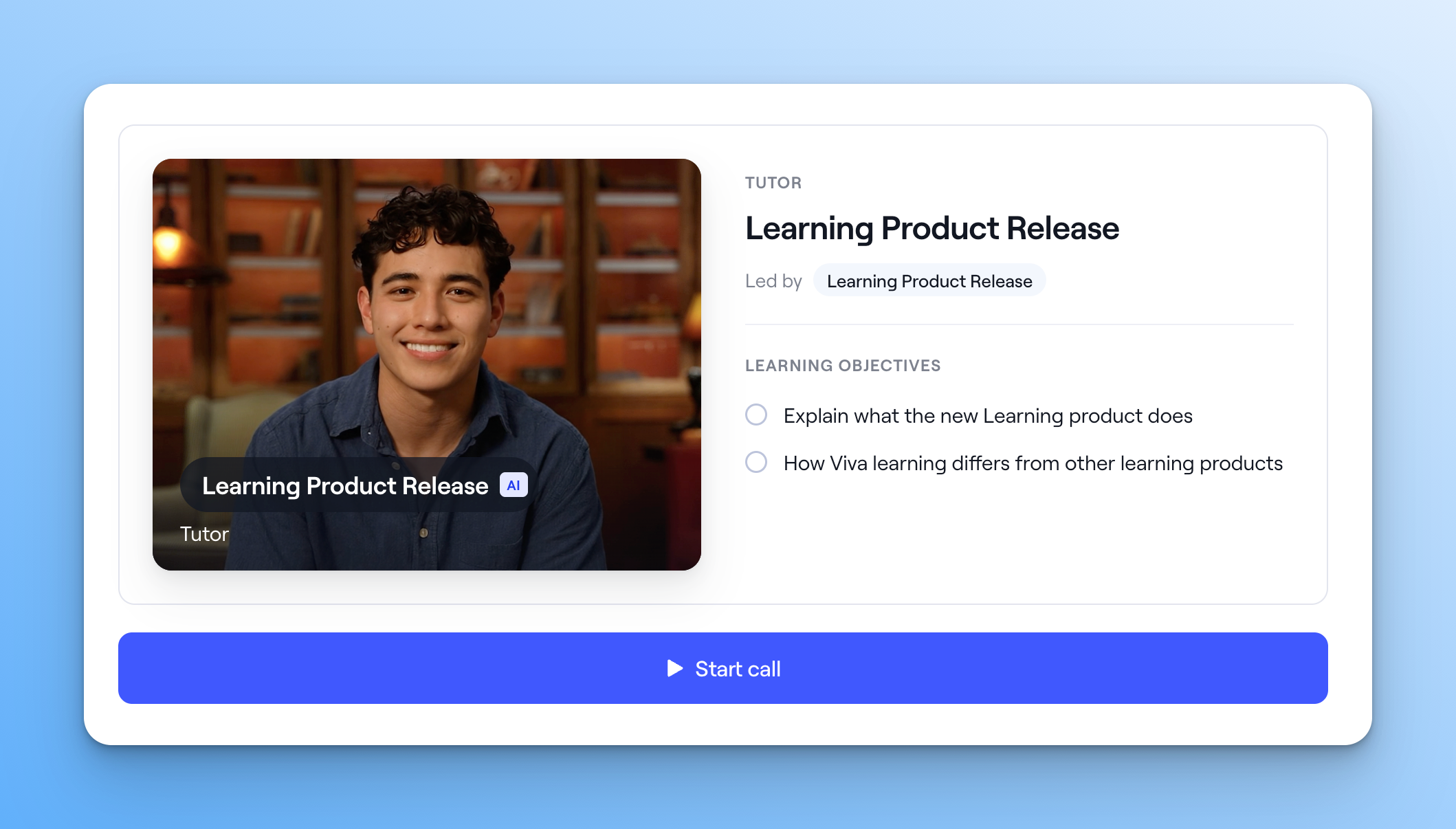
You can add tutors directly to playbooks and courses, so reps can talk through the material right where they're learning it.
Manage every assignment from one place
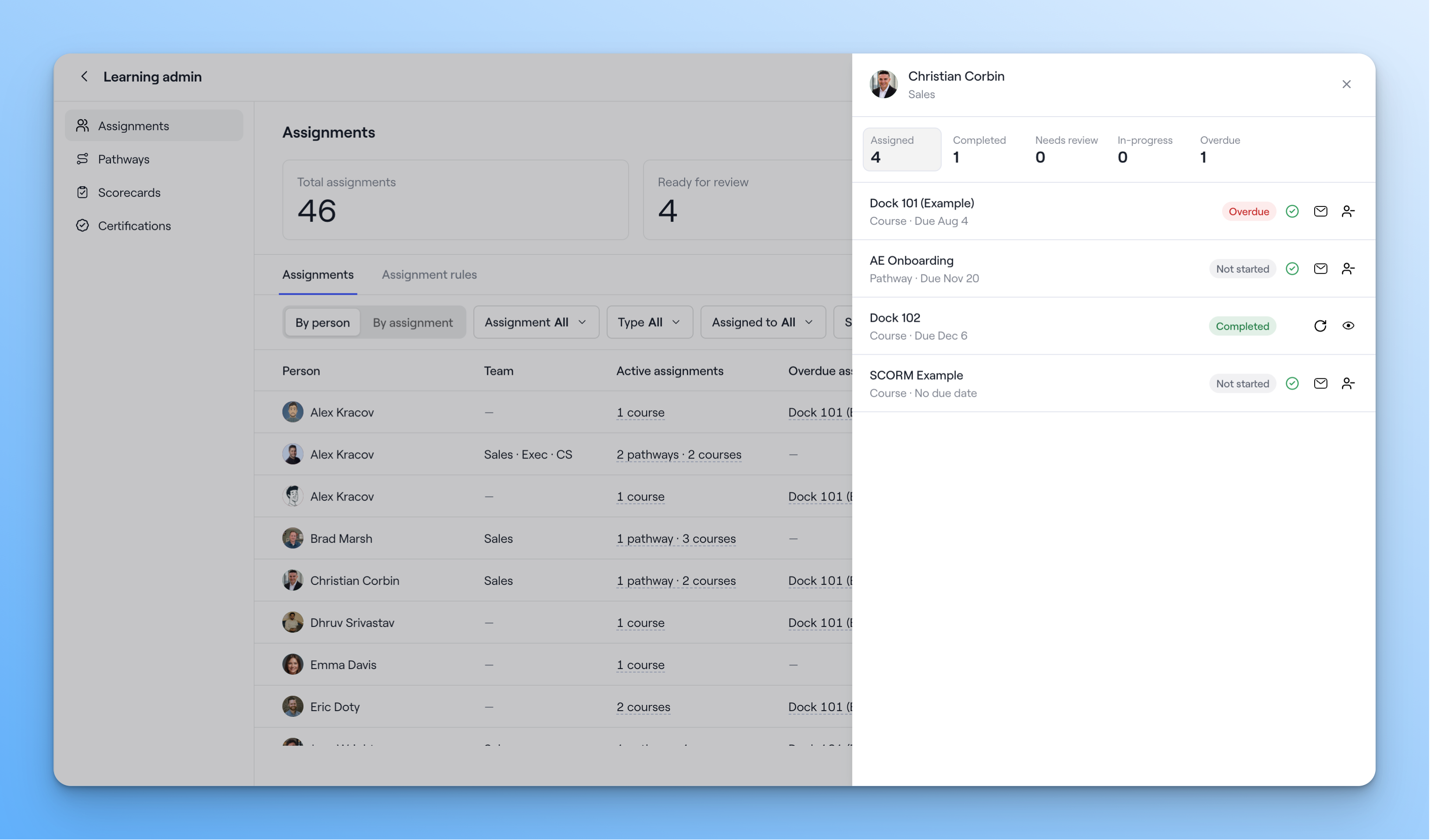
The new assignment hub is where admins launch and manage all of their learning assignments.
Assign pathways and courses
Assign learners to a pathway or course, and create rules so future learners get assigned automatically. For example, every new AE gets the onboarding pathway on day one.
Track progress across every program
Manage existing assignments from one view. See who's on track and who's falling behind, review quiz scores and responses, and step in where a rep needs support.
Create learning programs with AI
You don't have to start from a blank page. Upload the collateral or call transcripts you already have, and Dock AI drafts a playbook, course, or roleplay for you to refine.
- Courses: Dock AI builds a course from a transcript, deck, or existing training material—complete with sequential lessons, quizzes, and flashcards.
- Playbooks: Give Dock AI a training deck, a process doc, or a recorded training session, and it creates a fully formatted playbook covering product knowledge, sales processes, competitors, and more.
- Roleplays: Dock AI drafts the scenario and buyer persona from call transcripts.
Everything Dock AI creates is editable. Treat it as a solid first draft, then customize it before you assign it.
Certify reps on what they've learned
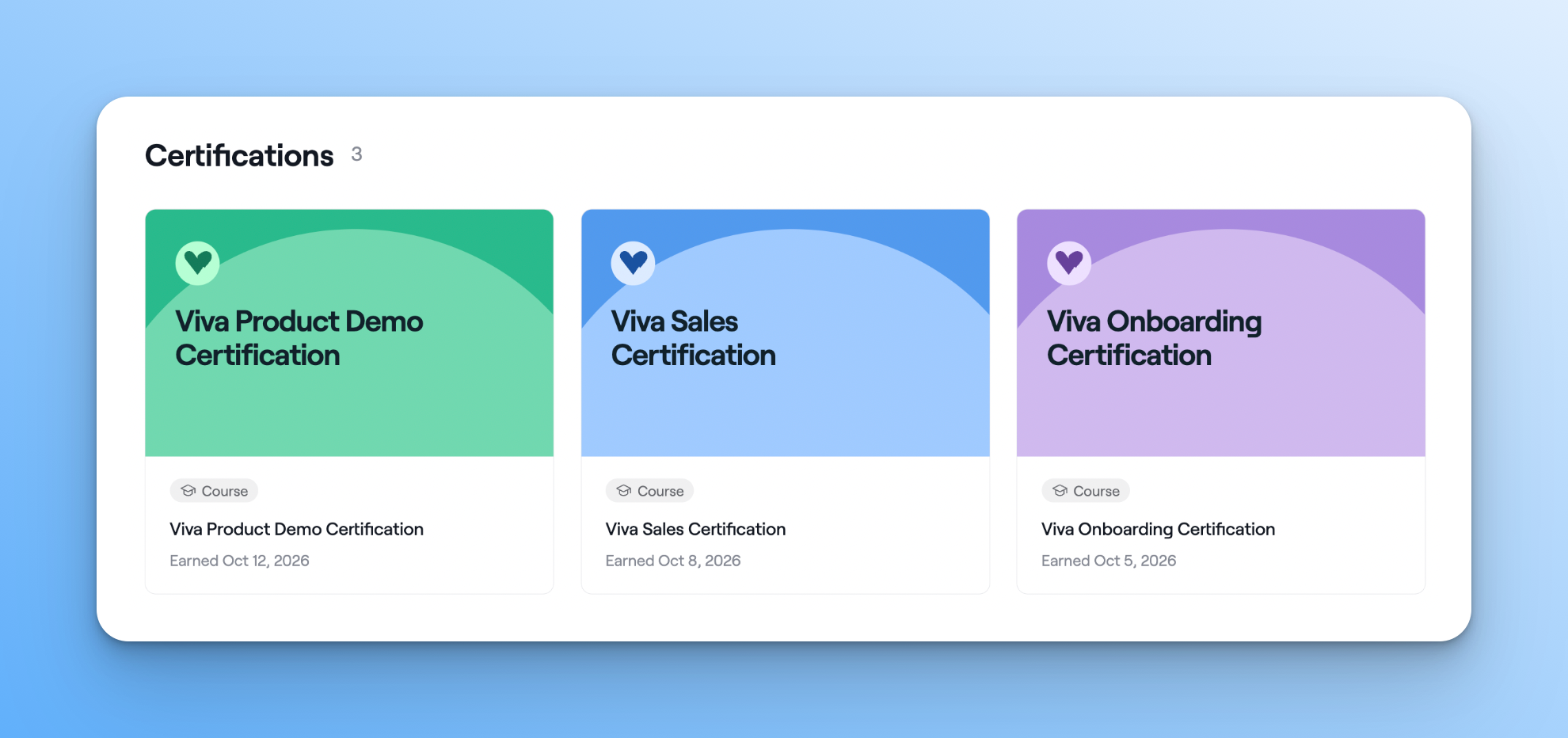
Admins can build certification programs so learners are recognized when they hit key milestones. For example, certifying reps on a product line before they sell it, or signing off on new hires at the end of onboarding.
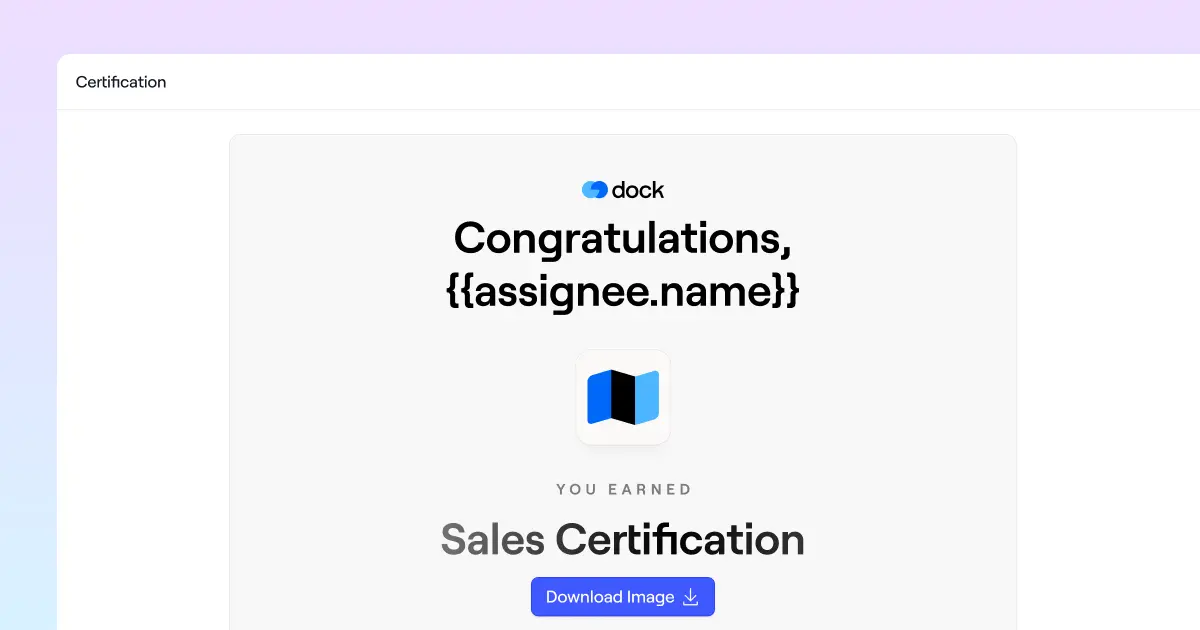
Certificates are awarded automatically when a learner completes the requirements. Design your own in Dock's certification builder, or upload an existing branded template.
Get started with Dock Learning
👉 Want setup instructions? Check out our Help Center.
👉 Want a demo? Book time with our sales team.
👉 Questions? Reach out to your CSM or email us at support@dock.us.


Related Revenue Lab Articles



Templates for Sales, Onboarding,
Projects and Portals
Customize and share with clients


